Operation20
Source Selection
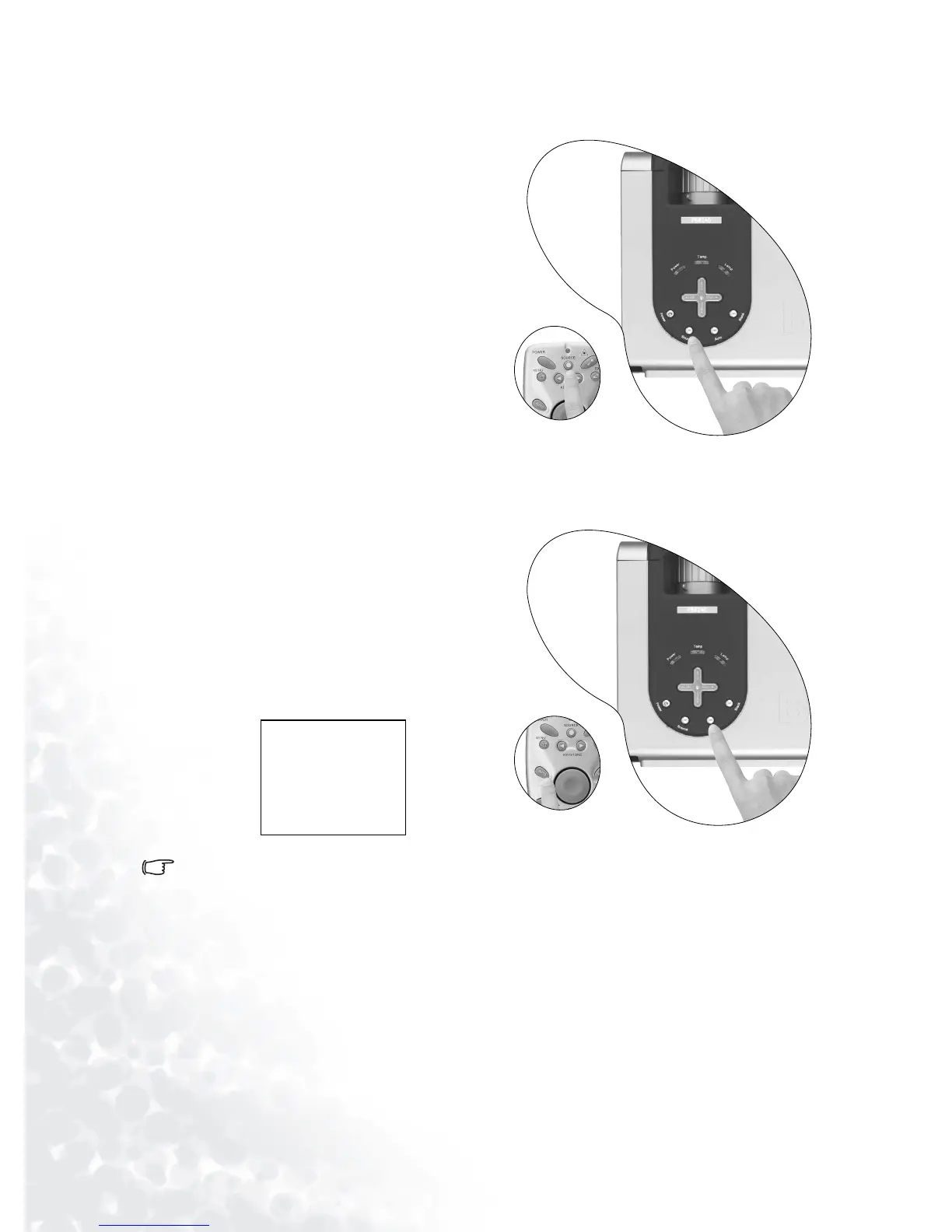
To sequentially select input sources, press
Source on the projector control panel or the
remote control. It may take you a few sec-
onds when the projector is searching for
input signals. The selected source will be
displayed at the bottom right of the screen
for 3 seconds.
Auto Adjustment
In some cases, you may need to optimize the
picture quality. To do this, press Auto on the
control panel of the projector or on the
remote control. Within 3 seconds, the built-
in Intelligent Auto Adjustment function will
re-adjust the values of Frequency and Clock
to provide the best picture quality.
The current source information will be dis-
played at the bottom right of the screen for
3 seconds, as below.
The screen will be blank while Auto is functioning.
Analog RGB
1280 x 854 / 60Hz
Presentation Mode



 To Next Page