Operation 17
Operation
Start Up
1. Switch all of the connected equipment on.
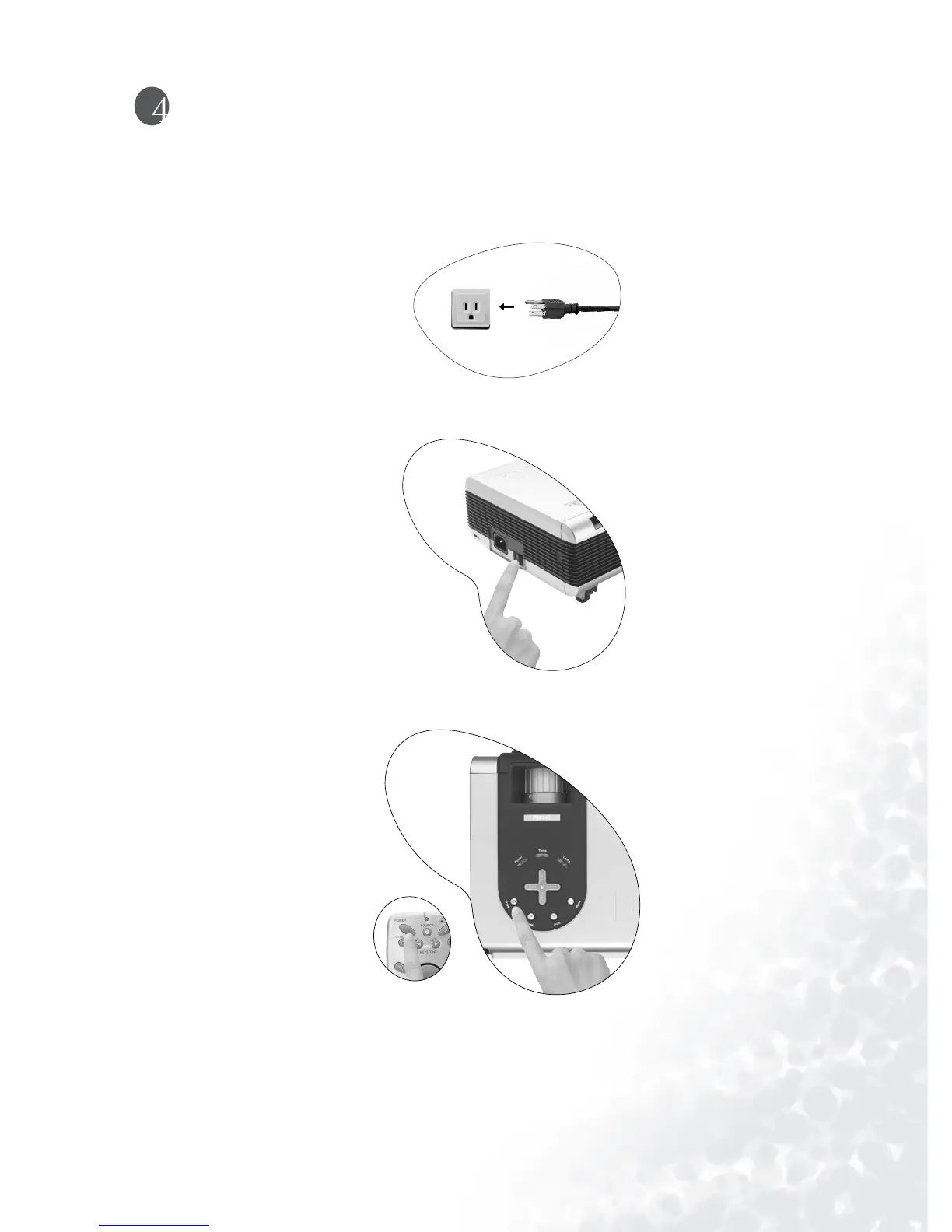
2. Plug the power cord into the projector and into a wall socket.
3. Turn on the wall socket switch (where fitted).
4. Turn the main power switch on. The Power indicator lights orange.
5. Press and hold Power on the remote control or projector to start the unit. The Power
indicator light flashes green when the power is turned on.
6. The start up procedure takes about 30 seconds after pressing Power. In the later stage
of start up, a default BenQ logo appears.
7. Next, the projector starts to search input signals. Irrespective of selected input source,
the screen shows “Acquiring Signal” at the bottom right corner of the screen. If
there is no input source detected, one of six messages will be displayed on the screen



 To Next Page