Operation 27
2. Image Menu
Analog RGB/ DVI signal input
*About color temperatures:
There are many different shades that are considered to be “white” for various purposes. One
of the common methods of representing white color is known as the “color temperature”. A
white color with a low color temperature appears to be reddish white. A white color with a
high color temperature appears to have more blue in it.
YPbPr (480p, 576p, 720p, 1080i) signal input
FUNCTION DESCRIPTION
Auto Resize
Makes the best fit of the image to the screen,
1. On 2. Off 3. 16:9
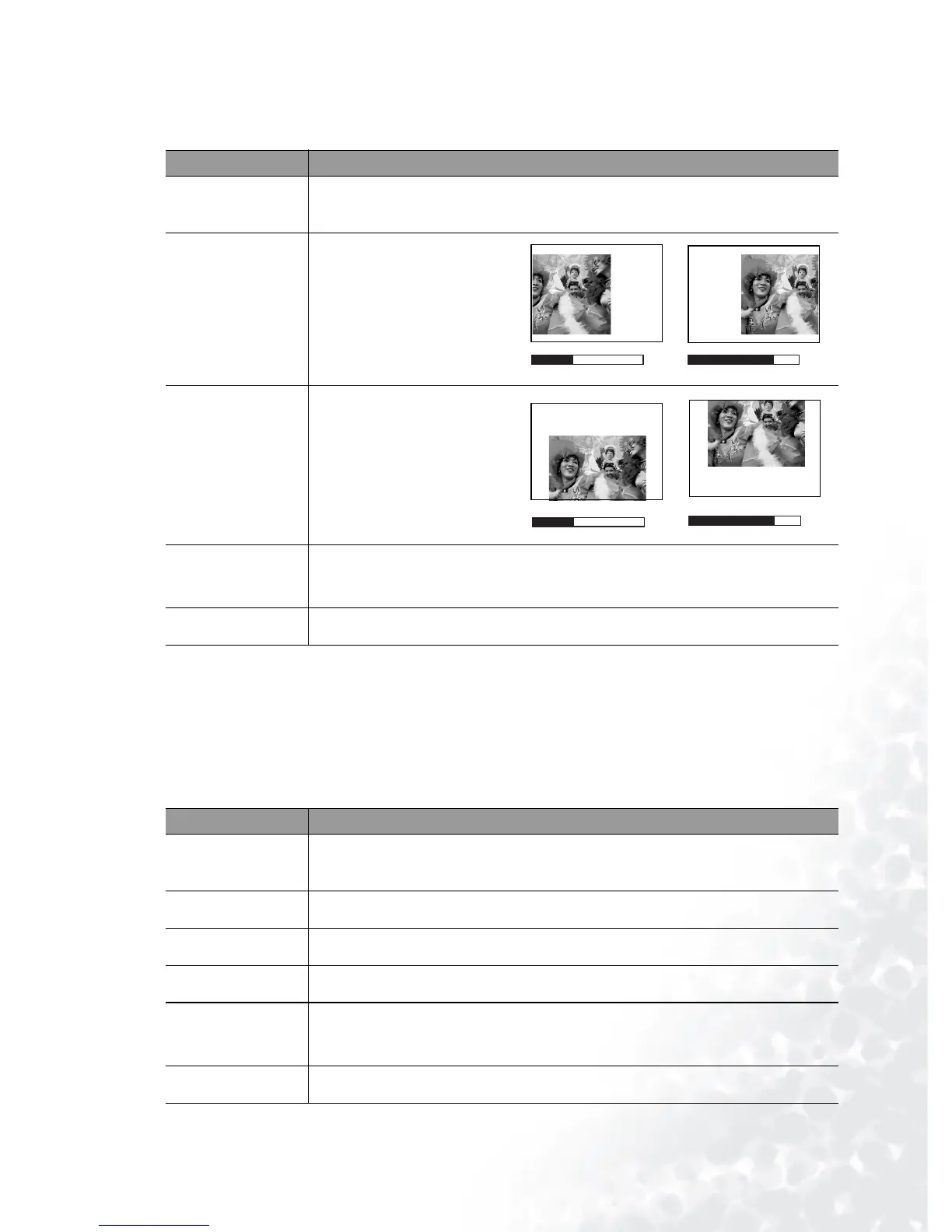
H Position
Adjusts the horizontal posi-
tion of the projected image.
V Position
Adjusts the vertical position
of the projected image.
Color Temp
Adjusts the white color. The higher the value, the more reddish white the
image becomes. The lower the value, the more bluish white the image
becomes.*
Information
Shows the current image resolution.
FUNCTION DESCRIPTION
Ratio
Users have 2 options for the image ratio.
1. 4 : 3 2. 16 : 9
H Position
As above.
V Position
As above.
Color
Increases or decreases the color intensity of the image.
Tint
Adjusts the color tones of the image. The higher the value, the more red-
dish the image becomes. The lower the value, the more greenish the image
becomes.
Color Temp
As above.
-30 +30
-30
+30



 To Next Page