52
English
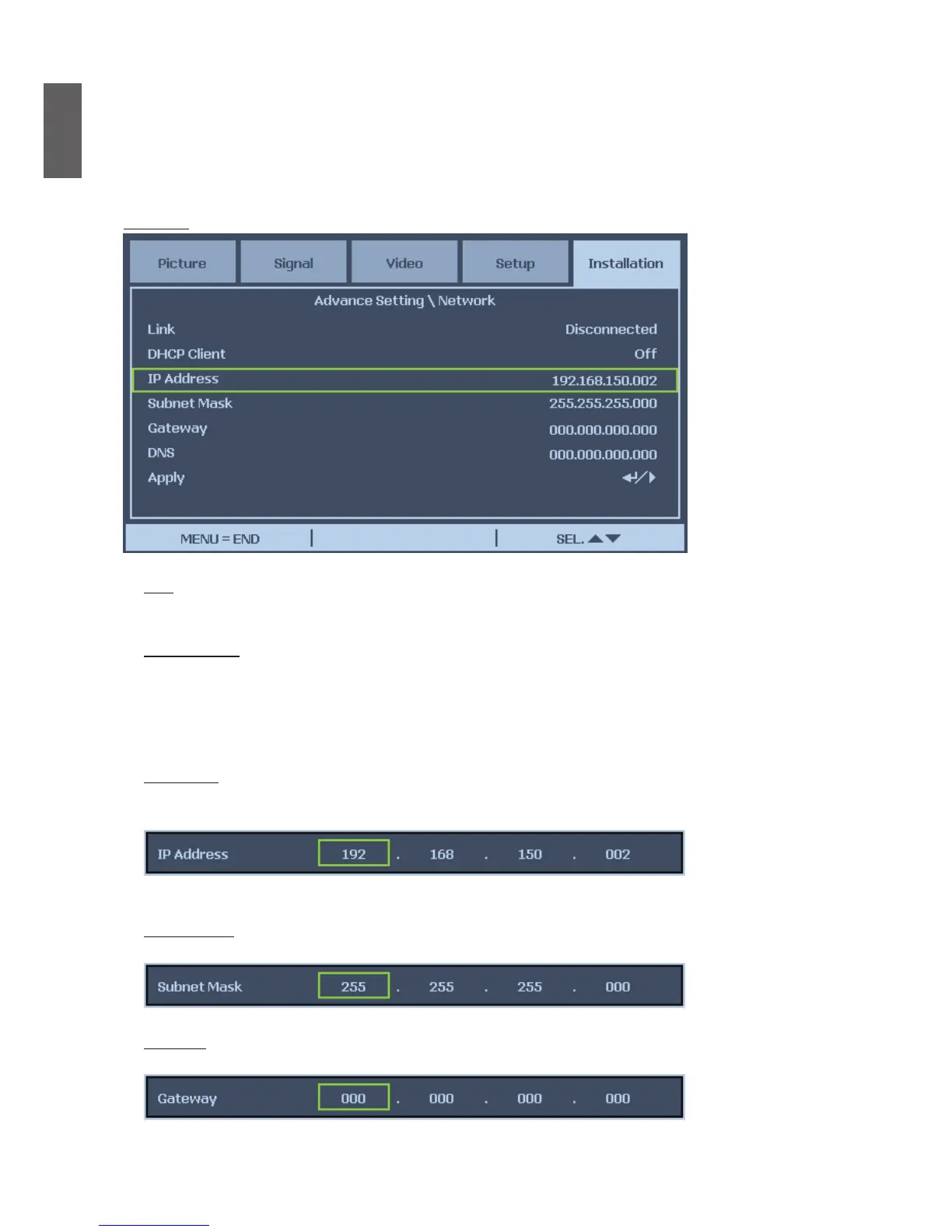
Network
Link
Display the network connection status.
DHCP Client
Select either a static IP (Off) or DHCP IP (On) setting by using
◄
or
►
,
On: Enable conguration parameters for IP Address, Subnet Mask, Gateway and DNS
automatically.
Off: Set IP Address, Subnet Mask, Gateway and DNS manually.
IP Address
Press
◄
or
►
to display IP address input window as below, use
▲
or
▼
to change the IP
address.
Default setting: 192.168.150.002
Subnet Mask
Set Subnet Mask by Using
◄
or
►
to select the digit and
▲
or
▼
to change.
Gateway
Set Gateway by Using
◄
or
►
to select the digit and
▲
or
▼
to change.


 To Next Page
 Loading...





