53
English
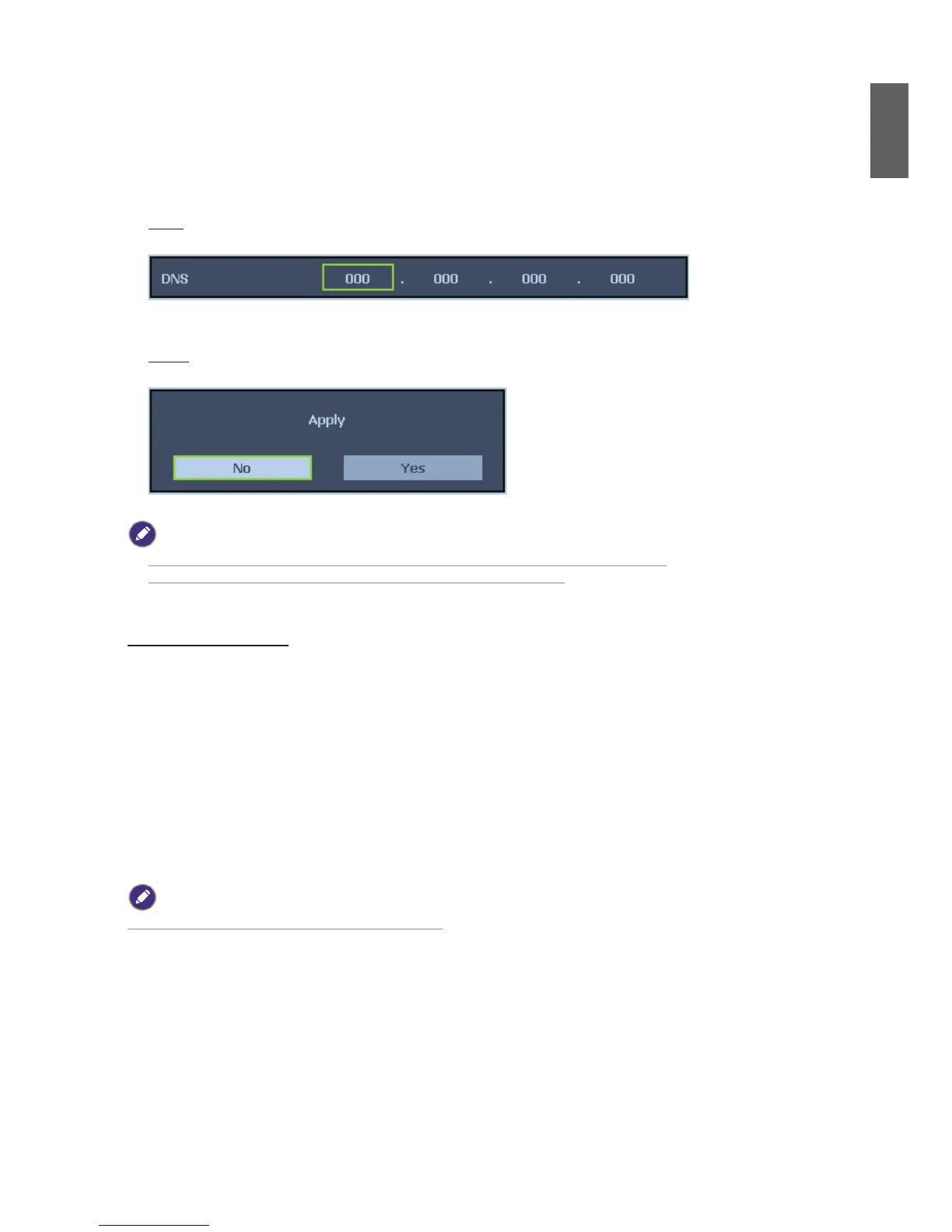
DNS
Set DNS by Using
◄
or
►
to select the digit and
▲
or
▼
to change.
Default setting: 000.000.000.000
Apply
Apply and save settings, please select Yes to apply the settings.
• Avoid setting an IP address that duplicates the IP Address of other network equipment.
• For details about network setting, consult your network administrator.
Communication Speed
Select communication speed to set the baud rate of the connection.
Select from the following options:
- 2400bps
- 4800bps
- 9600bps
- 14400bps
- 19200bps
- 38400bps
- 57600bps
- 115200bps
Longer cable connections may require lower settings.


 To Next Page
 Loading...





