61
English
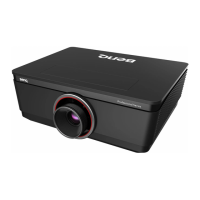
9. Tighten the screws on the lamp cover.
10. Reapply power and turn the projector
back on.
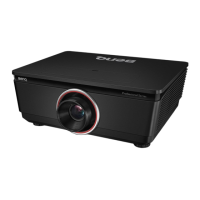
6. Tighten the screw securing the lamp box.
Reconnect the lamp connector.
Please be careful to not over-tighten the screws.
Loose screws may cause a bad connection, which could
result in malfunction.
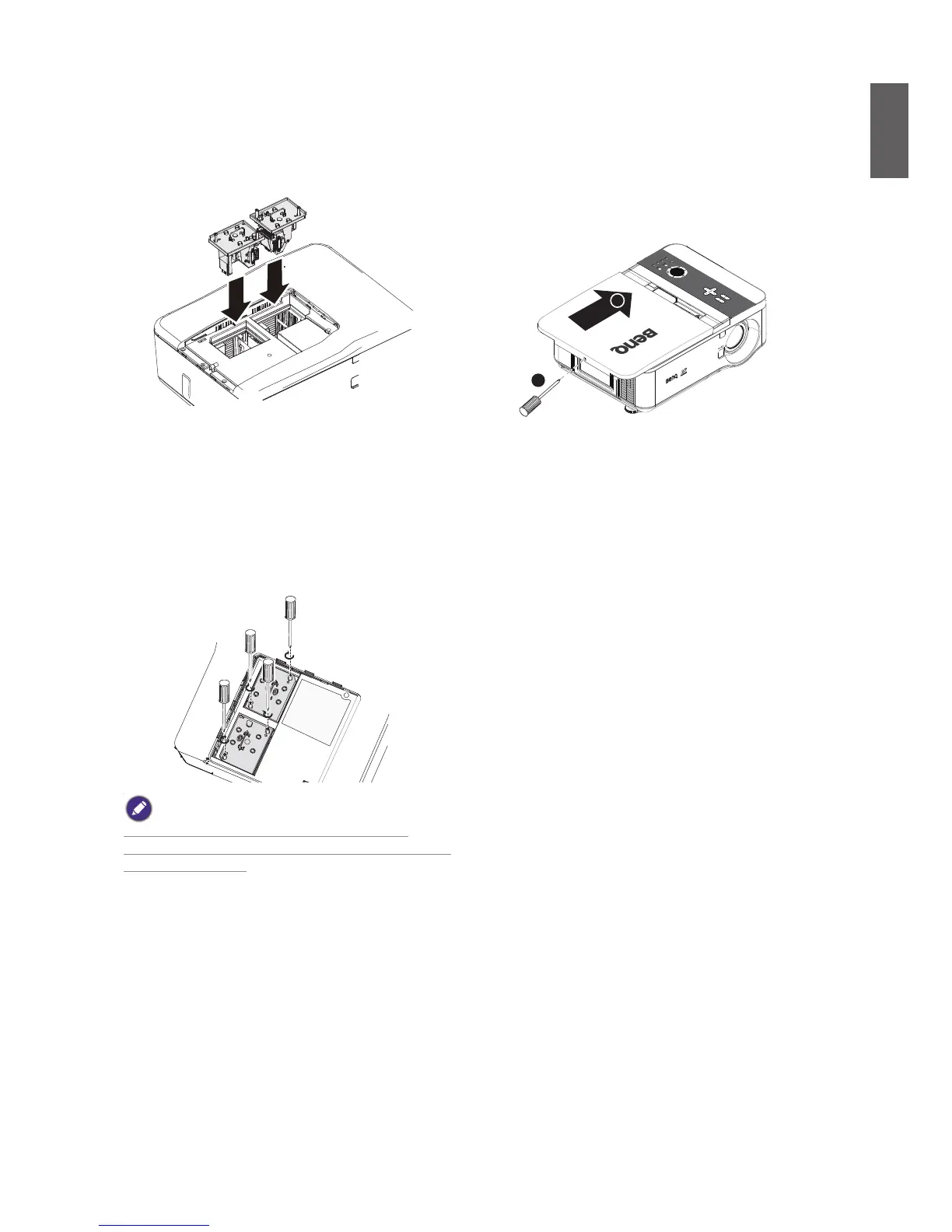
5. Reverse steps 1 to 3 to install the new
lamp module(s).
new Lamp
7. Ensure the handle is fully locked in place.
8. Replace the lamp cover.
close the lamp cover (A) and lock attached
screws (B).
B
A



 To Next Page