Basic operations 29
Network setting
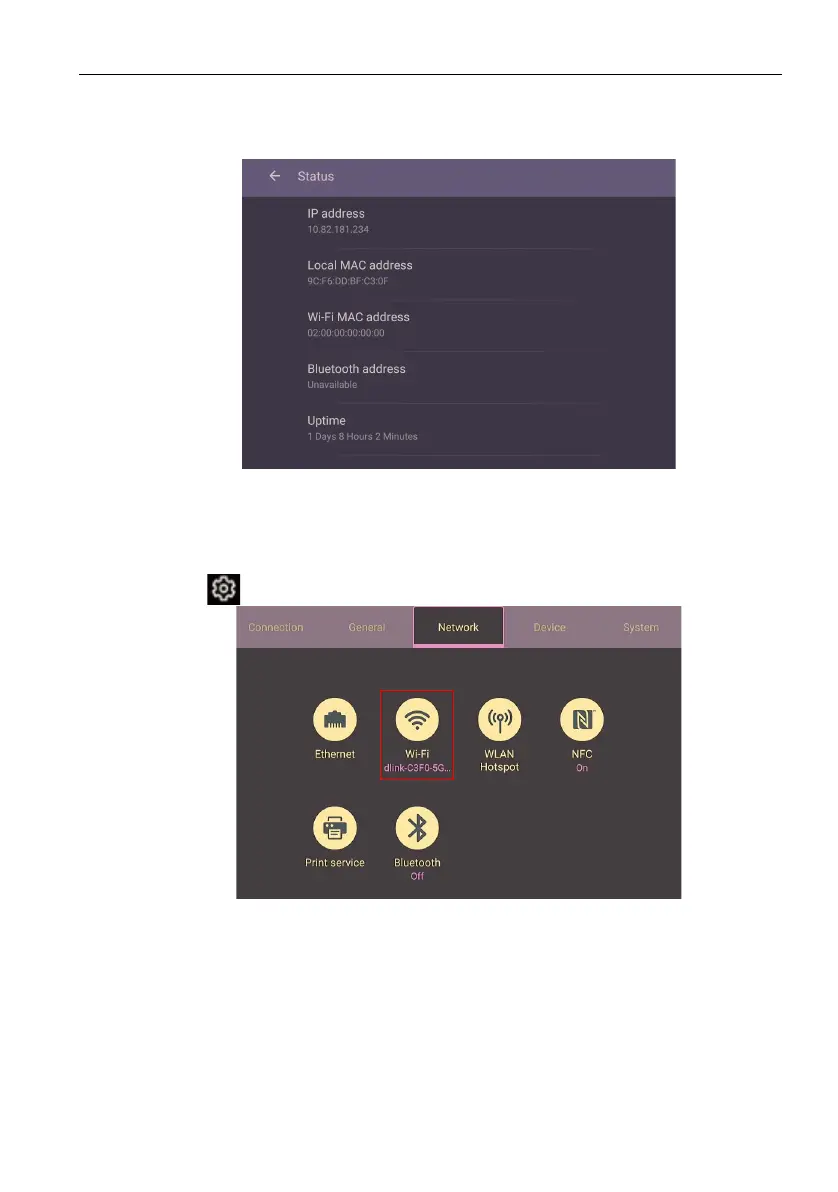
On the home screen, go to Setting > System > About > Status. If there is no IP
address shown, please connect the display to the ethernet cable.
Wireless connection
You must use a wireless adapter in order to connect the display to the Internet
wirelessly. Please contact your local dealer for more information on configuring the
wireless connection.
1. Press on the remote control, or go to Network > Wi-Fi.



 To Next Page