Apps68
Saffi
How to start using Saffi – BenQ Voice Assistant
The BenQ Interactive Flat Panel offers an extra level of flexibility for device control
through Voice Assistant. Voice Assistant lets users control the flow of meetings by
allowing them to start timers or search the Internet from anywhere in the room.
Already enable AMS service but did not bind your Amazon
account to it
If you already enable Multi Account Mode and AMS service and you have not yet bind
your Amazon account to it, please follow the below steps:
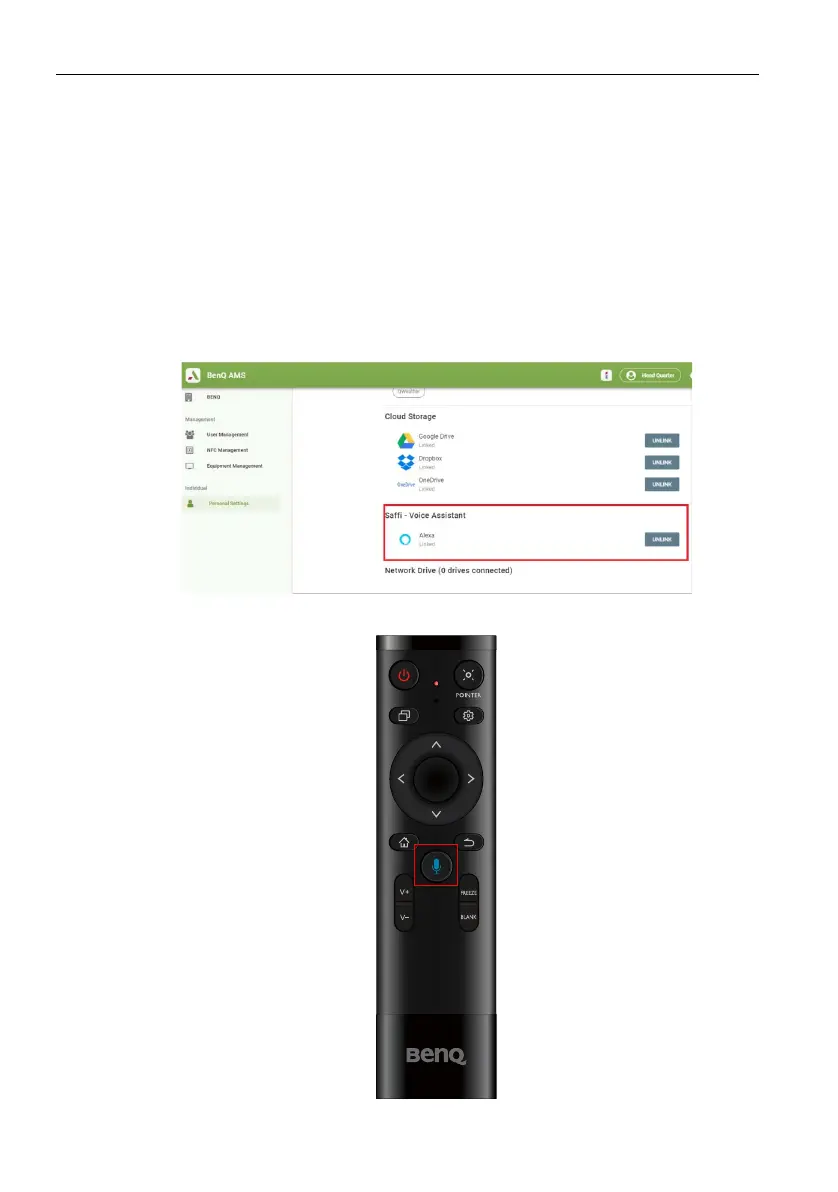
1. Access AMS website to link the account with Amazon. For more detail on how to
link the account under AMS, please refer to AMS user manual.
2. Press the Voice command key to activate Saffi.



 To Next Page