18
Basic operations
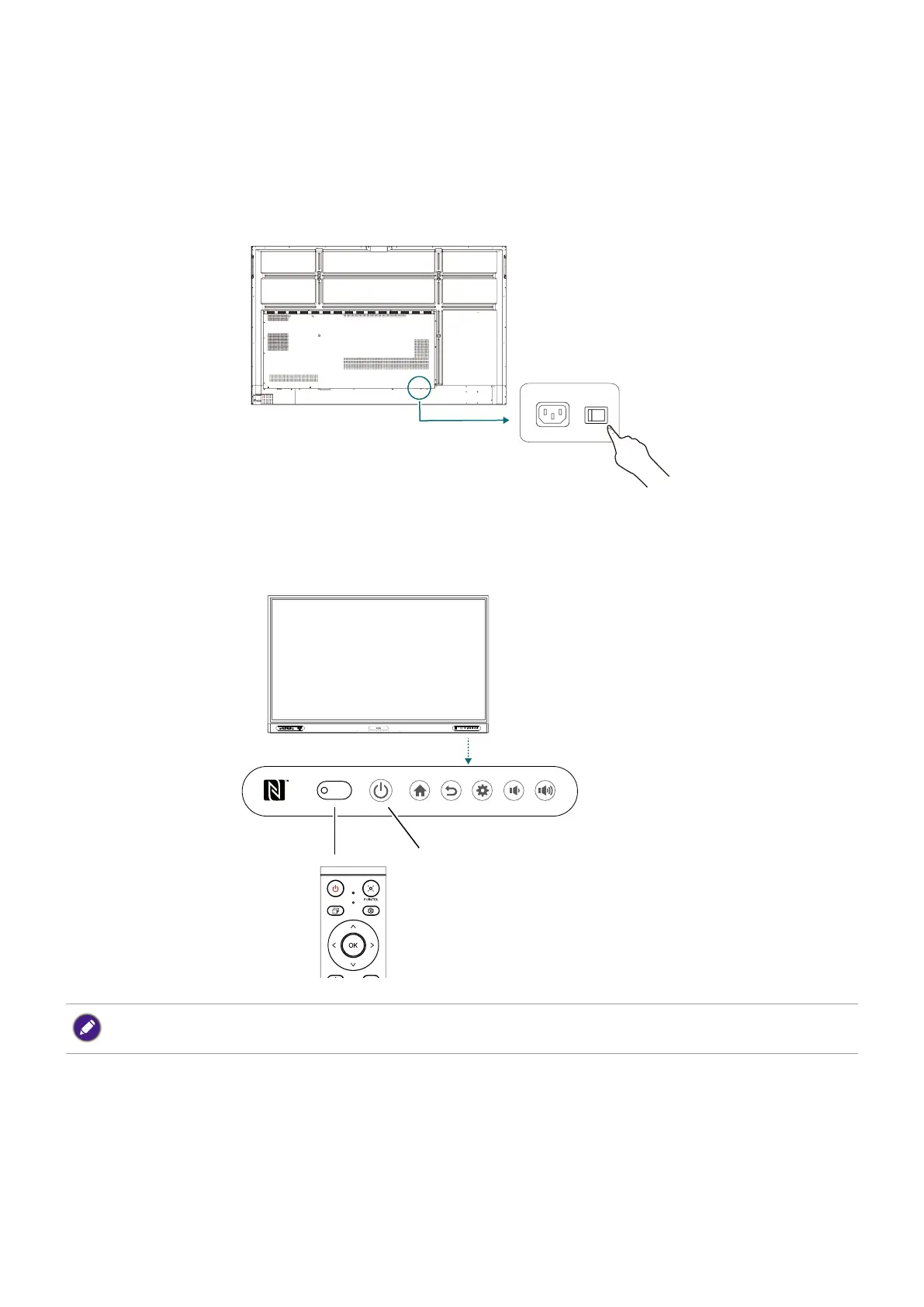
Turning the display on or off
1. Be sure to follow the instruction of Connecting power on page 14.
2. At the back of the display, flip on the power switch located on the lower left side to On. The
system will enter standby mode.
• To turn on the display, press the power button on the control panel or on the remote control.
• To turn off the display, press the power button on the control panel. The system will
automatically enter standby mode.
Signal receiver
Power button
The display’s standby mode still consumes power. To completely cut off power supply, set the power switch
to OFF (O) and then disconnect the power cord from the power outlet.



 To Next Page