Basic operations28
Updating software
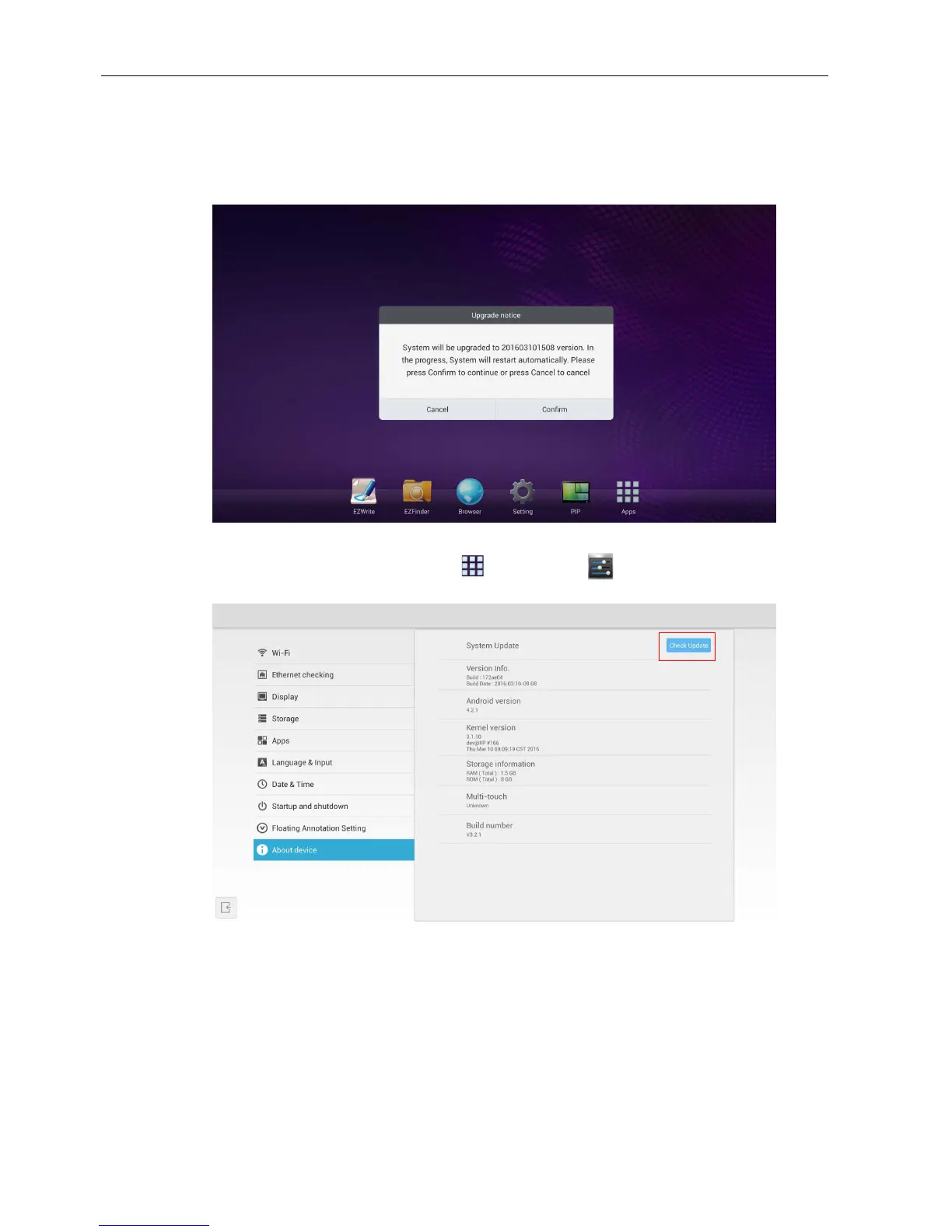
Whenever a new version of software is available, the system will automatically detect the
update and will prompt you to download it every time you turn on the display. If you
want to update the software, choose “Confirm” to continue the update. Or your can
skip this step and update the software later.
To manually update the software:
1. On the home screen, select Apps ()>Settings ().
2. Go to About device, and press Check Update.



 To Next Page