47
Maintenance
English
Extending lamp life
The projection lamp is a consumable item. To keep the lamp life as long as possible, you can do the following
settings via the OSD menus.
• Setting Lamp Mode as Dual-Reliable
Compared to Dual-Brightest mode, using Dual-Reliable mode reduces system noise and power consumption. If
the Dual-Reliable mode is selected, the light output for the individual lamp will be reduced.
Setting the projector in Dual-Reliable mode also extends the individual lamp operation life. See "Setting the lamp
mode" on page 39 for how Dual-Reliable mode is set.
• Setting Auto Power Off
This function allows the projector to turn off automatically if no input signal is detected after a set period of time
to prevent unnecessary waste of lamp life.
To s e t Auto Power Off, go into the SYSTEM SETUP: Basic > Auto Power Off menu and press / . The time
period can be set from 5 to 30 minutes in 5-minute increments. If the preset time lengths are not suitable for your
presentation, select Disable. The projector will not automatically shut down in a certain time period.
Timing of replacing the lamp
When the LAMP indicator light is red or a message appears suggesting it is time to replace the lamp, please install
a new lamp or consult your dealer. An old lamp may cause a malfunction in the projector and in some instances
the lamp may explode.
The LAMP indicator light and TEMPerature indicator light will light up if the lamp becomes too hot. Turn
the power off and let the projector cool for 45 minutes. If the LAMP or TEMPerature indicator light still
lights up after turning the power back on, please contact your dealer. See "Indicators" on page 50 for
details.
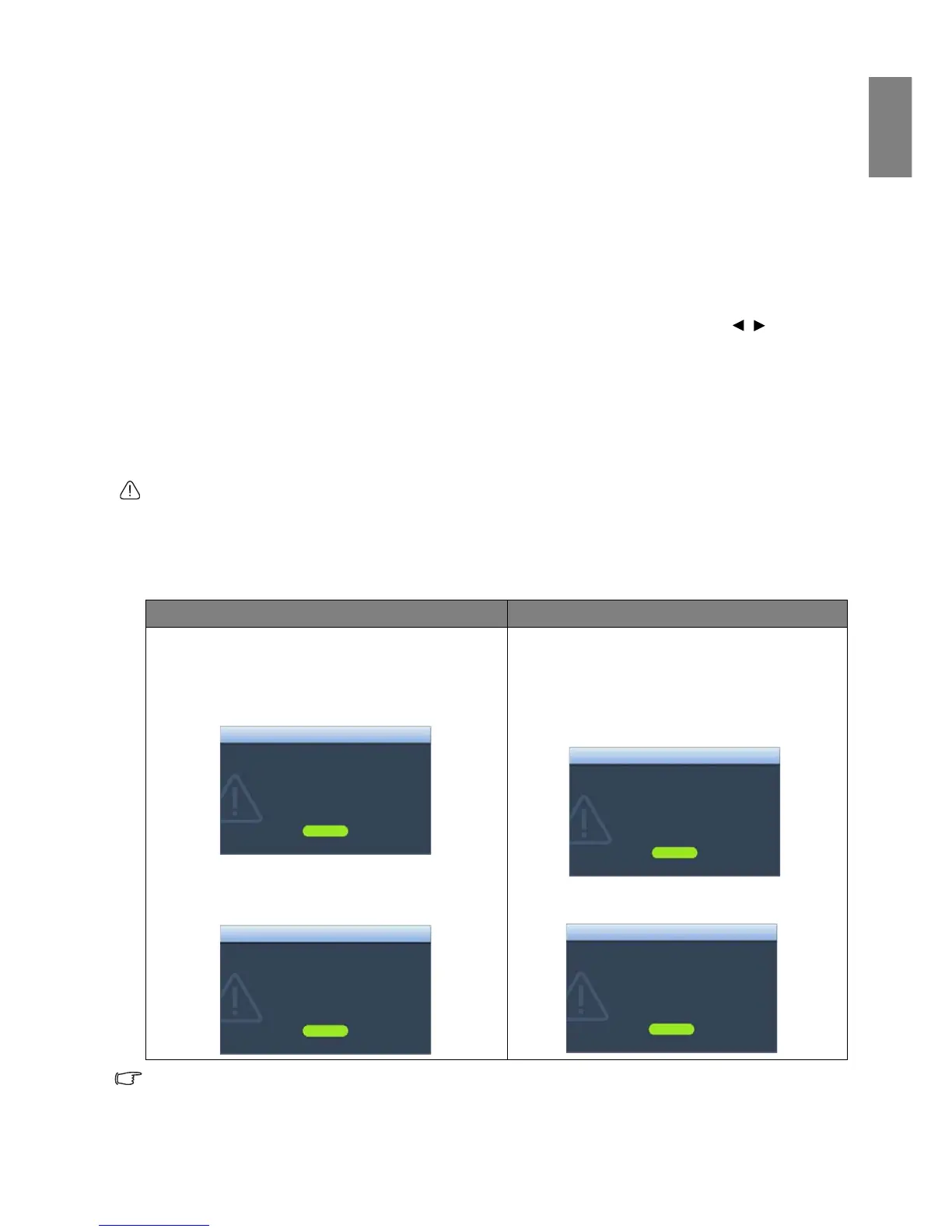
The following Lamp warning displays will remind you to change lamp 1 or lamp 2. Warning messages for lamp 1
are illustrated below.
"XXXX" shown in the above messages are numbers that vary depending on different models.
Status & Message Status & Message
• Install a new lamp for optimal performance. If the
projector is normally run with Dual-Reliable Mode
selected (See "Lamp Mode" on page 45), you may
continue to operate the projector until the next
hour lamp warning appears.
• A new lamp should be fitted to avoid the
inconvenience when the projector runs out of lamp
time.
It is strongly recommended that you replace the lamp
at this age. The lamp is a consumable item. The lamp
brightness diminishes with use. This is normal lamp
behavior. You can replace the lamp whenever you
notice that the brightness level has significantly
diminished.
The lamp MUST be replaced before the projector will
operate normally.



 To Next Page