Connection 19
Connecting the multimedia inputs
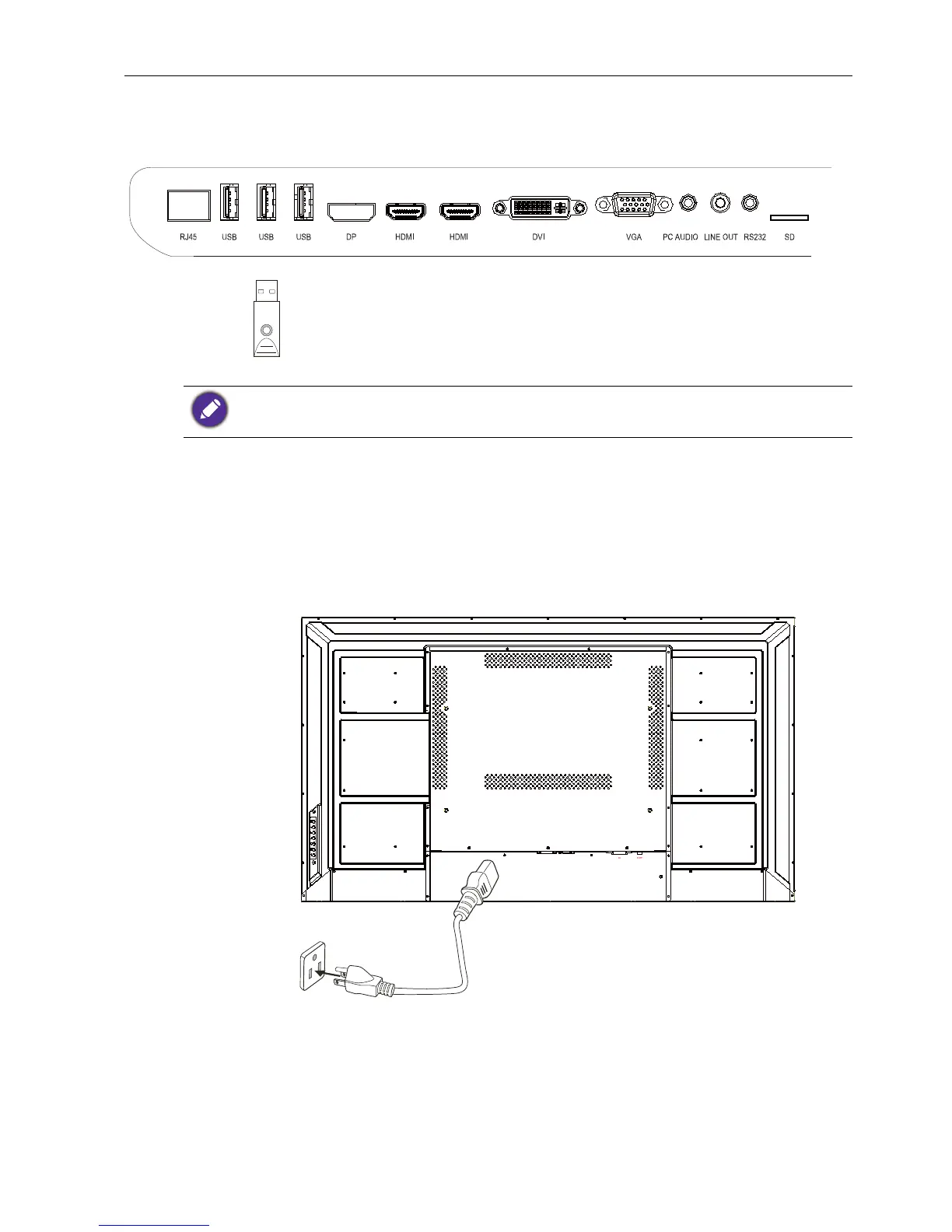
To view multimedia files on the USB flash drive, plug the USB flash drive in the USB port.
Connecting power
Plug one end of the power cord into the Power jack on the display and the other end
into an appropriate power outlet (if the outlet is switched, turn on the switch).
The USB ports can not be connected with the devices over 0.5A.



 To Next Page