APPS50
APPS
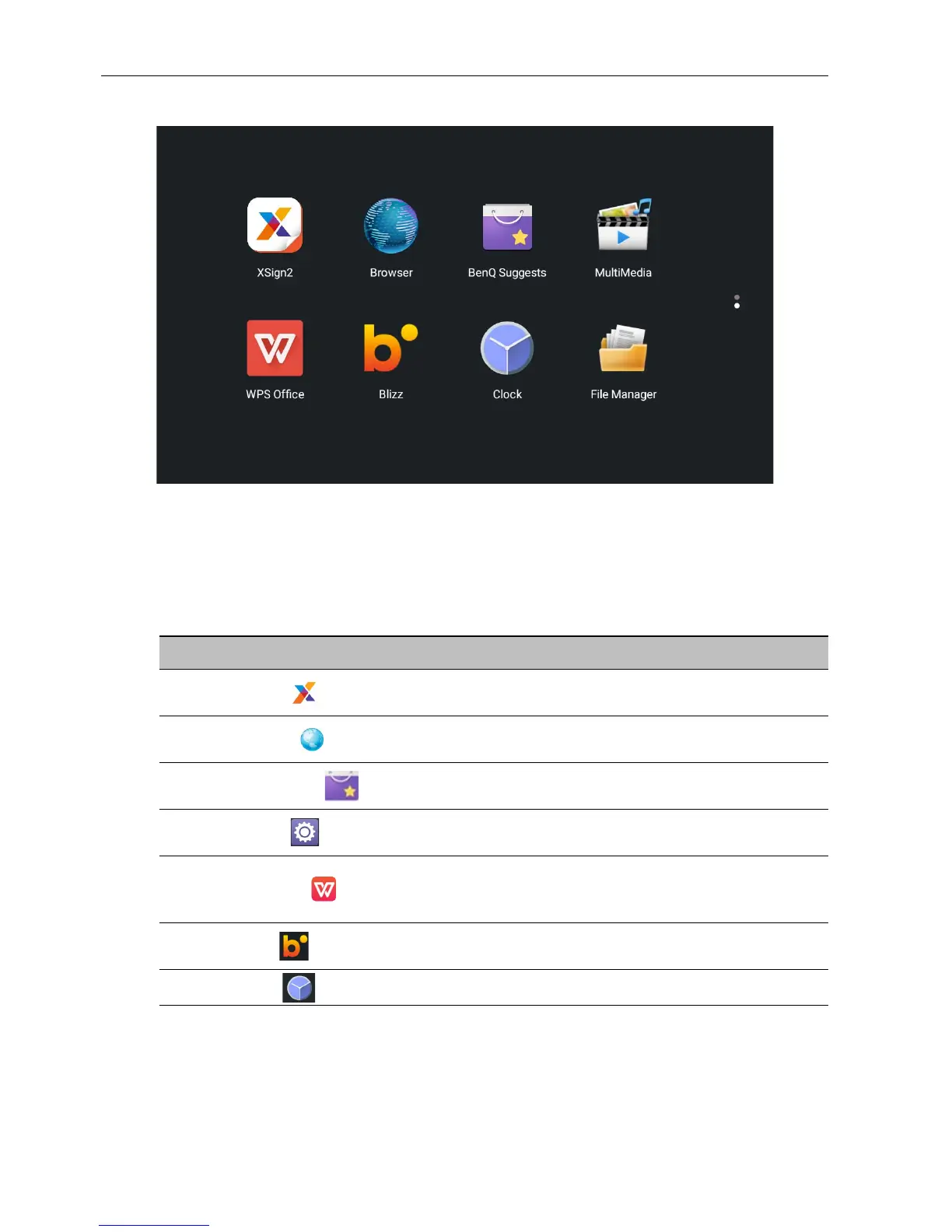
Select the application that you want to access. Using the remote control: Press the /
// button to select your desired application and press the OK button to launch
the application.
About All Apps
To operate the Android OS, use the buttons on the remote control.
Application Name/Icon Description
X-Sign ()
Edit contents with X-Sign Designer. Refer to X-Sign on
page 52 for more information.
Browser ()
Access the web pages. Refer to Browser on page 51 for
more information.
BenQ Suggests ()
Show the Android apps suggested by BenQ. Refer to
BenQ Suggests on page 53 for more information.
Setting ()
Configure the network and device settings. Refer to Menu
operations on page 27 for more information.
WPS Office ()
Read and edit the files in Office formats, including, *.doc,
*.txt, *.xls, and *.ppt. Refer to WPS Office on page 54 for
more information.
Blizz ()
Allow a video conference meeting with any other Blizz
users. Refer to Blizz on page 56 for more information.
Clock ()
Adjust the time.



 To Next Page