Android system interface38
Android system interface
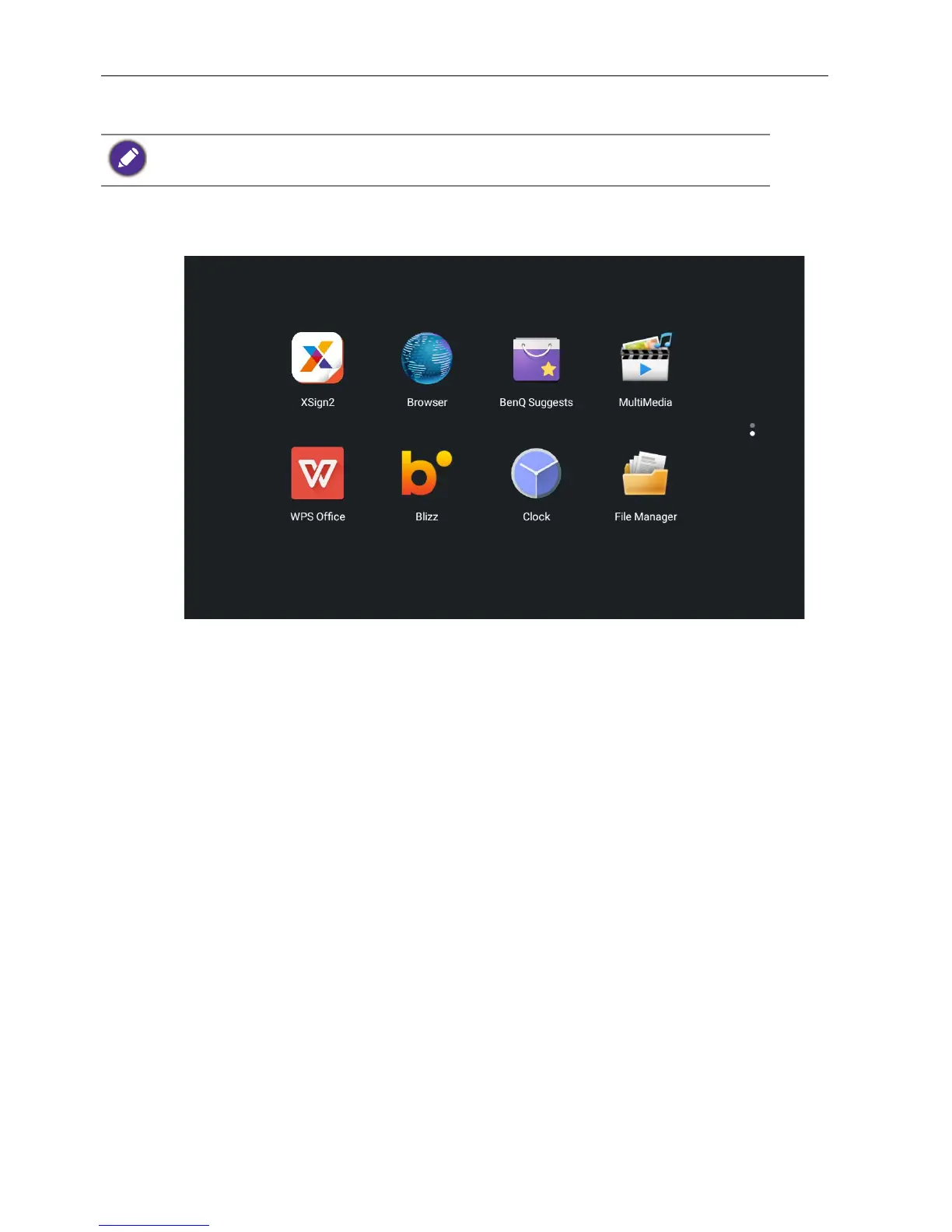
Main interface
The display launches the Android main interface by default.
To navigate the Android main interface, press
MENU on the remote control to enter the
OSD menu to select an input.
Note that this is a closed Android OS. Download and use of unauthorized apps on this system
are not available.



 To Next Page