Menu operations 33
Other input sources
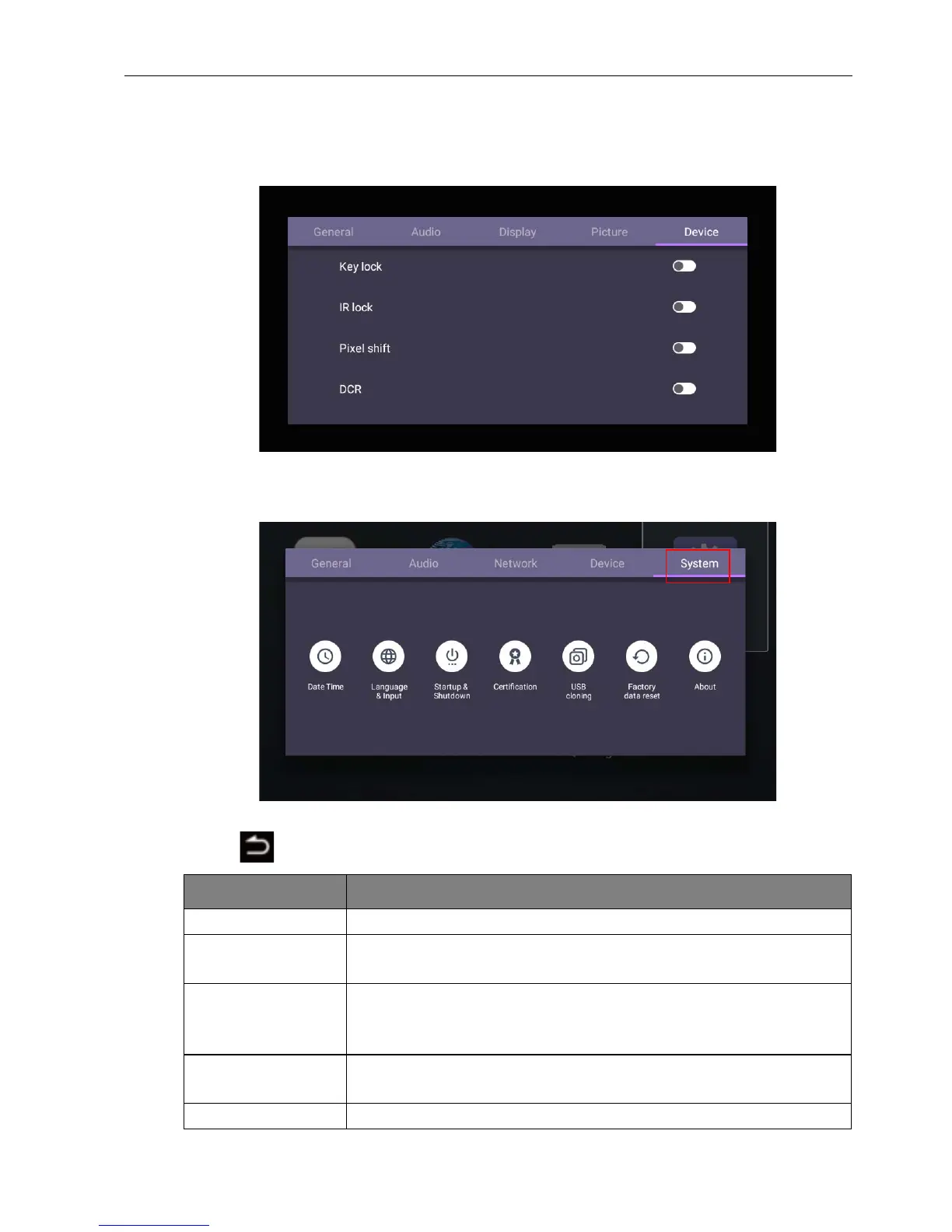
Leave the Android system and connect to other input sources like VGA or HDMI. Refer
to Advanced settings (Android system) on page 32 for more information about Key
lock, IR lock, Pixel shift, and DCR.
System settings
Go to System to enter the System menu.
• Press /// on the remote control and press OK to confirm.
• Press on the remote control to exit the menu.
Options Description
Date & time Select to set date, time, and their formats in Android.
Language &
input
Select to set Language, Keyboard & Input methods in
Android.
Startup &
Shutdown
Select to set Startup channel, Wake on LAN, and Power off
reminder. Refer to Startup & Shutdown on page 36 for more
information.
Factory data
reset
Select Factory data reset to erase all data from the display.
About Select to view system information in Android.



 To Next Page