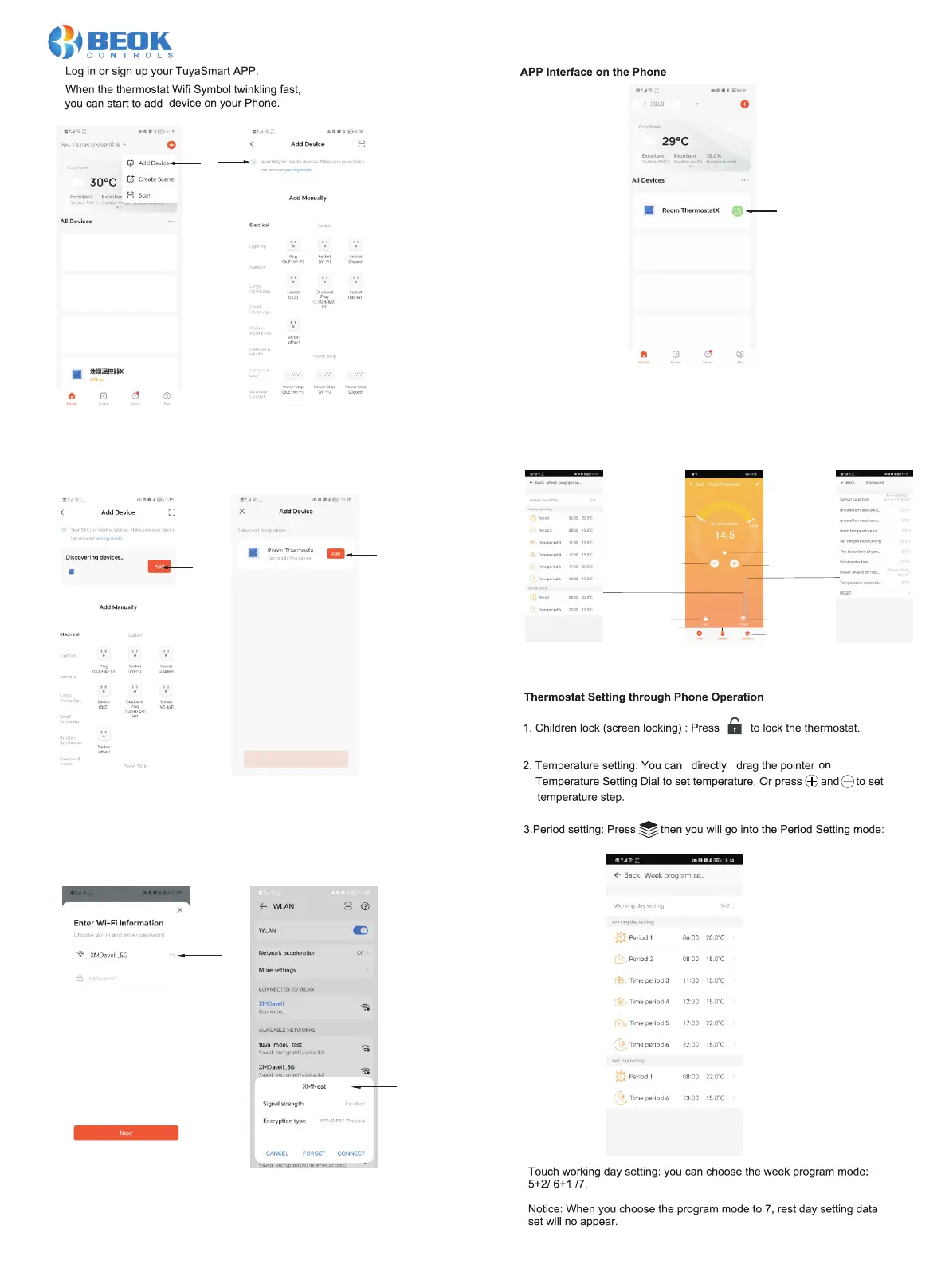
After clicking on the menu and selecting "Add Device",
the APP will automatically search for the thermostat.
Display on AAP:
The 'A Discovering devices' and' Done 'apps have now found
the devices through Bluetooth and connected them to the
thermostat.
Click on 'ADD’
If your phone's WIFI connection is on 5G frequency,
please switch to 2.4G frequency. Press Next
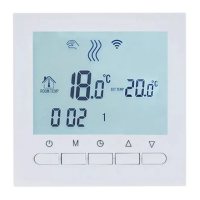
Curre nt te mperatur e
set tem per atu re
Fine- tun ing r educt ion
Keybo ard l ock
Manua l aut oma tic
Entry p has e pro gramm ing
Enter a dva nce d param ete rs
Fine- tun ing i ncrea se
Enter S ett ing s
Heati ng
Open the Home screen of mobile phone APP
thermostat
The overall device list of the mobile app has a shortcut key for turning on/off
the thermostat.





 To Next Page