Chapter 4. Operation
23
7-4. Track Edit
This function enables you to combine audio tracks from various CDs into a
single customize audio CD.
•
Copy Track: You can select and combine audio tracks from different
CDs in this section.
•
Close Disc: You have to perform this function after copy track to
make the CD playable on CD player.
•
Disc Info.: You can check the audio CD’s status of usage.
7-5. Eject All Disc
You can eject all discs including source and target discs at the same time by
this function.
7-6. Copy Counter
This function will record the result of duplication.
•
Show Count: You can check how many discs copy successful and failed.
•
Enable Counter: You can set the counter enable or disable to record the
copy result.
•
Clear Counter: You can delete the record by this function.
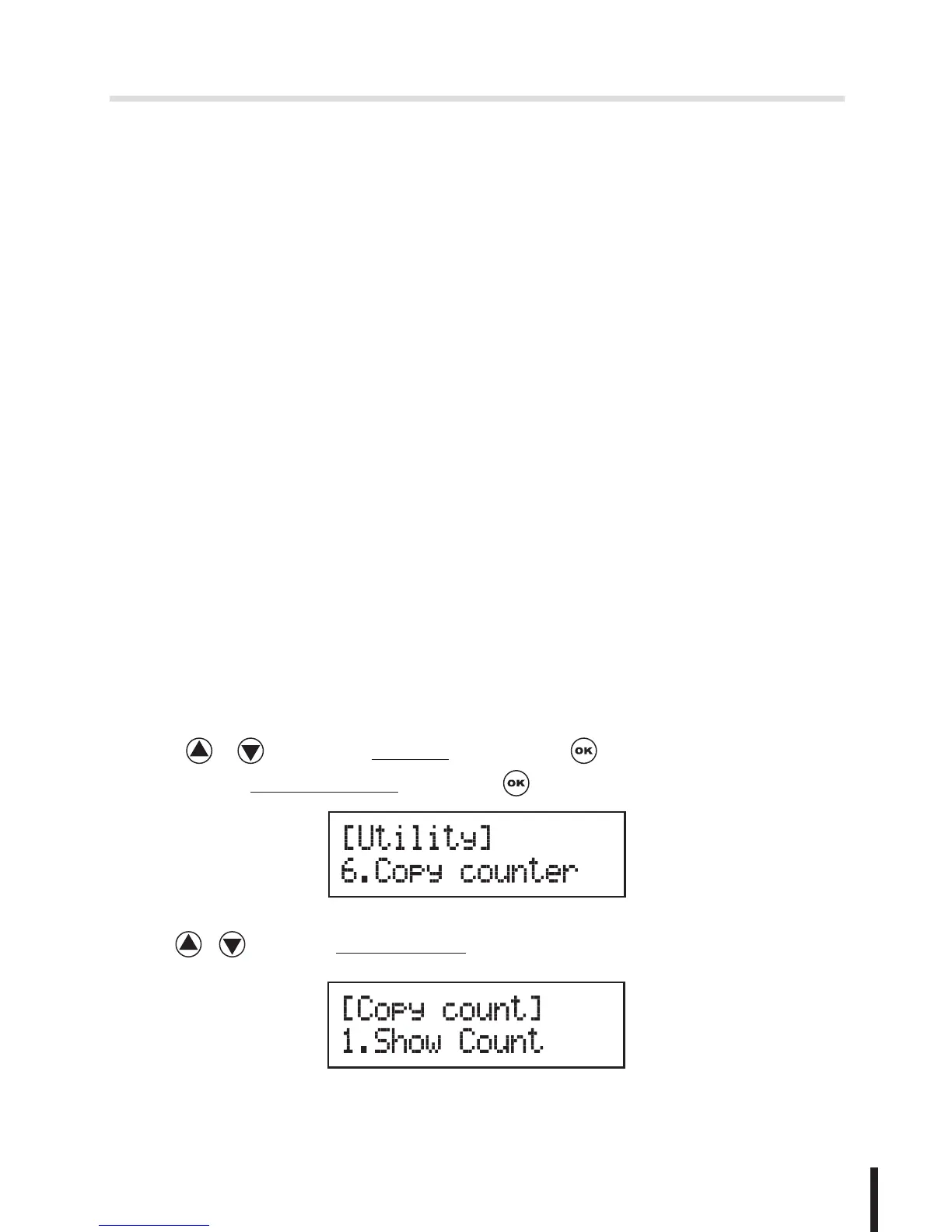
1. Use / to select 7.Utility and press to enter the sub menu.
Then,select 6.Copy Counter and press .
2. Use / to select 1.Show Count.


 To Next Page