Chapter 4. Operation
29
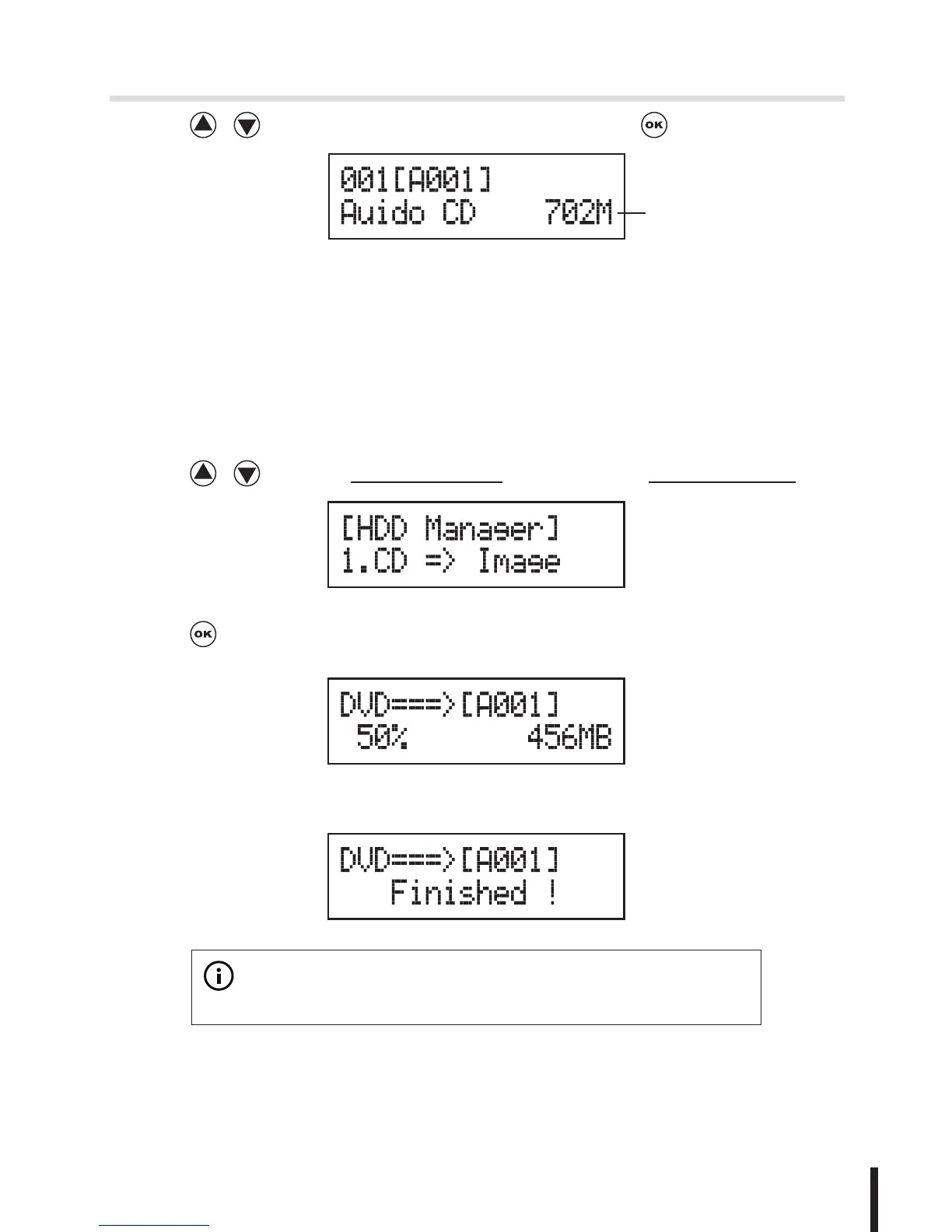
2. Press / to select the image you need and press to confirm.
Data size
9-2 Disc to Image
This function will load your source disc to the built-in HDD and save
the source as an image file.
1. Place the source disc to any one of the drives.
2. Press / to select 9.HDD Manager and sub menu 2.Disc to Image.
3. Press to start loading.
4. When loading has finished, the disc will be ejected automatically.
※
Note:


 To Next Page