Chapter 4. Operation
31
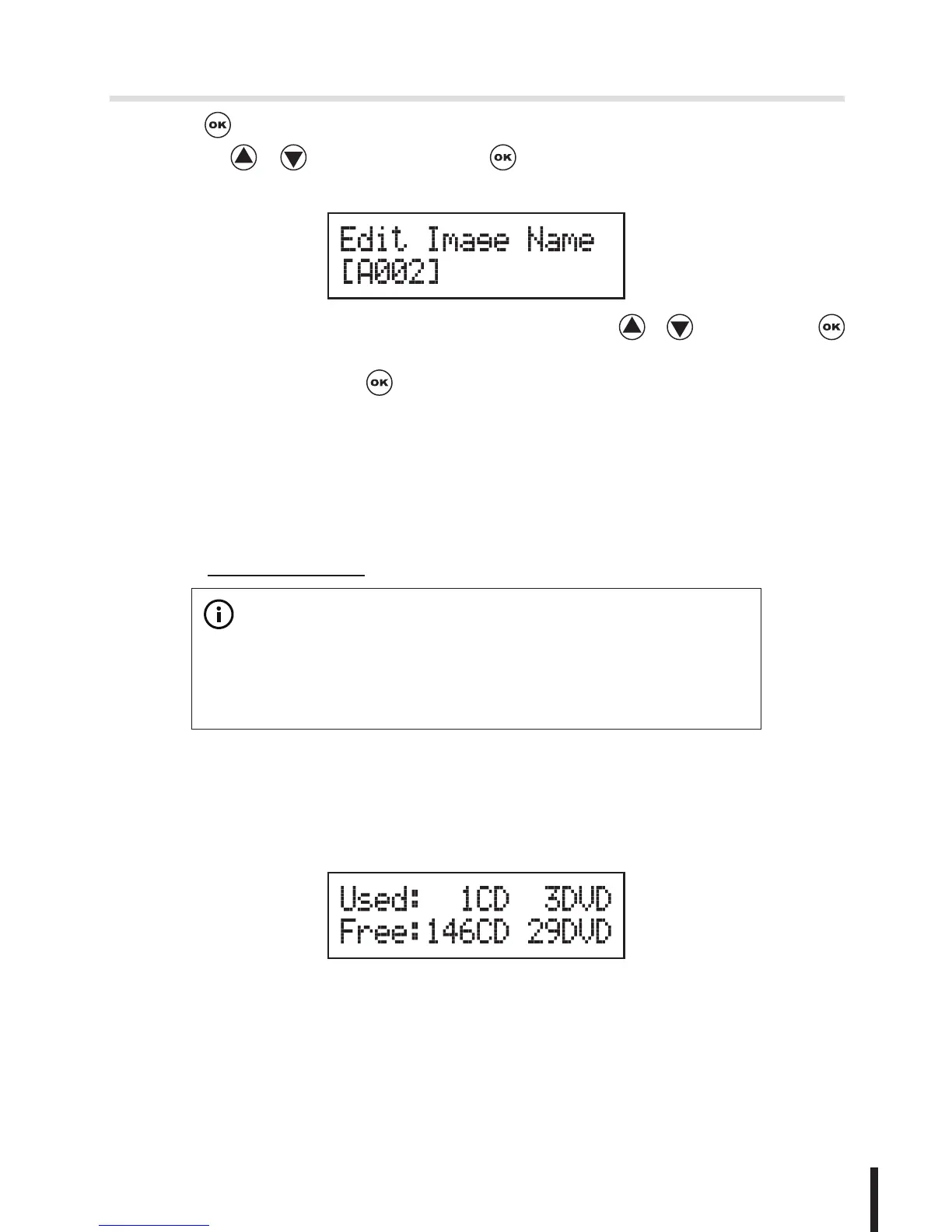
2. Press and select which image file you would like to rename by
pressing / , and then press to start edit a new name for the
selected file.
You can select characters or number by pressing / , and press
to the next space to edit. The maximum is 8 characters without blank space.
When it has done, press to confirm the new name.
9-6 Delete Image
You can delete image file from the built-in HDD, but the source image file is
unable to delete if the file is selected as source. Therefore, before you delete
an image file, please check if it is selected as a source and change a new one
source by 9.1 Select Image.
※
Note:
9-7 Show HDD Info.
You can check the information of the built-in HDD includes how many discs are
stored and the free space is available in the HDD.


 To Next Page