EasyManua.ls Logo

BestDuplicator BD18xxL Controller - 2. Disc-to-Disc Copy Guide

BestDuplicator BD18xxL Controller
48 pages
Print Icon
To Next Page IconTo Next Page
To Previous Page IconTo Previous Page
Loading...
Chapter 3. Quick Operation Guide
8
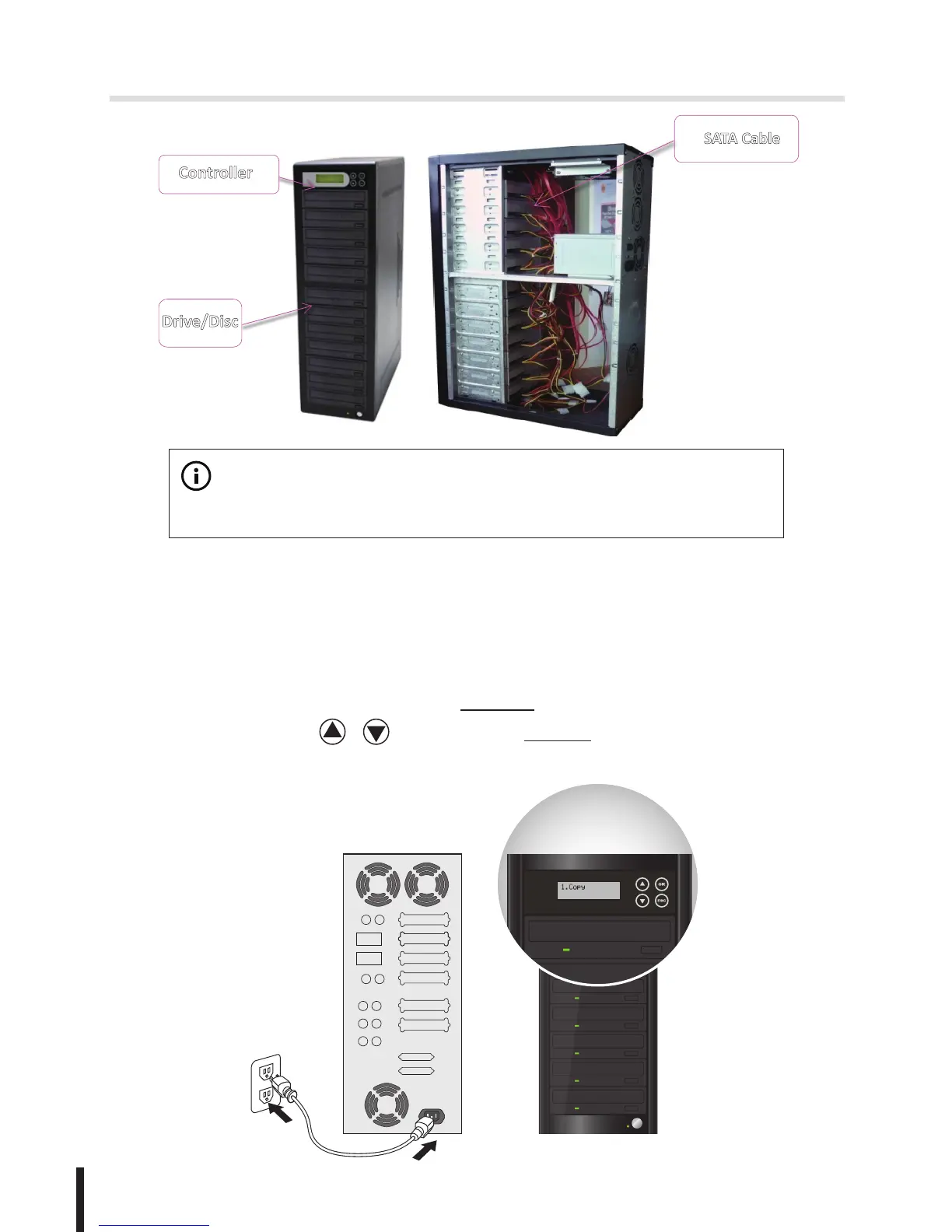
Example: BD1812L installed
Controller
Drive/Disc
SATA Cable
BestDuplicator
DVD/Blu-ray
Duplicator
User Guide
V1.0
Display LCD
Backward
Forward
ESC
OK
SATA ports
R
E
A
D
E
R
W
R
I
T
E
R
DVD/Blu-ray
Duplicator
User Guide
V1.0
Power buon
OK
ESC
Disk drive
Eject buon
LED
LCD
Forward
Backward
Source Drive
Reader
Drive 2
Drive 3
Drive 4
4
10
11
12
Drive 5
Drive 6
Drive 7
Drive 8
Drive 9
Drive 10
Drive 11
Drive 12
5
6
7
8
9
2
3
Reader
4
10
11
12
5
6
7
8
9
2
3
Note:
Wait over 5 seconds to power on after shutdown to prevent the abnormal
operation of the system.
2. Quick Guide
2-1. Quick Guide for Disc-to-Disc Copy
1. Connect power cord and power on.
The LCD screen will display 1.Copy once the machine is started;
otherwise, press / until you see 1.Copy .