Chapter 4. Operation
25
7-8. PRINT LS Label
This function will let you using the LightScribe technology to print your own
image on discs.
For the operation process, please refer to Appendix A: LightScribe Operation.
7-9. Verify Disc
This function is used to check if the disc is readable.
8. Setup
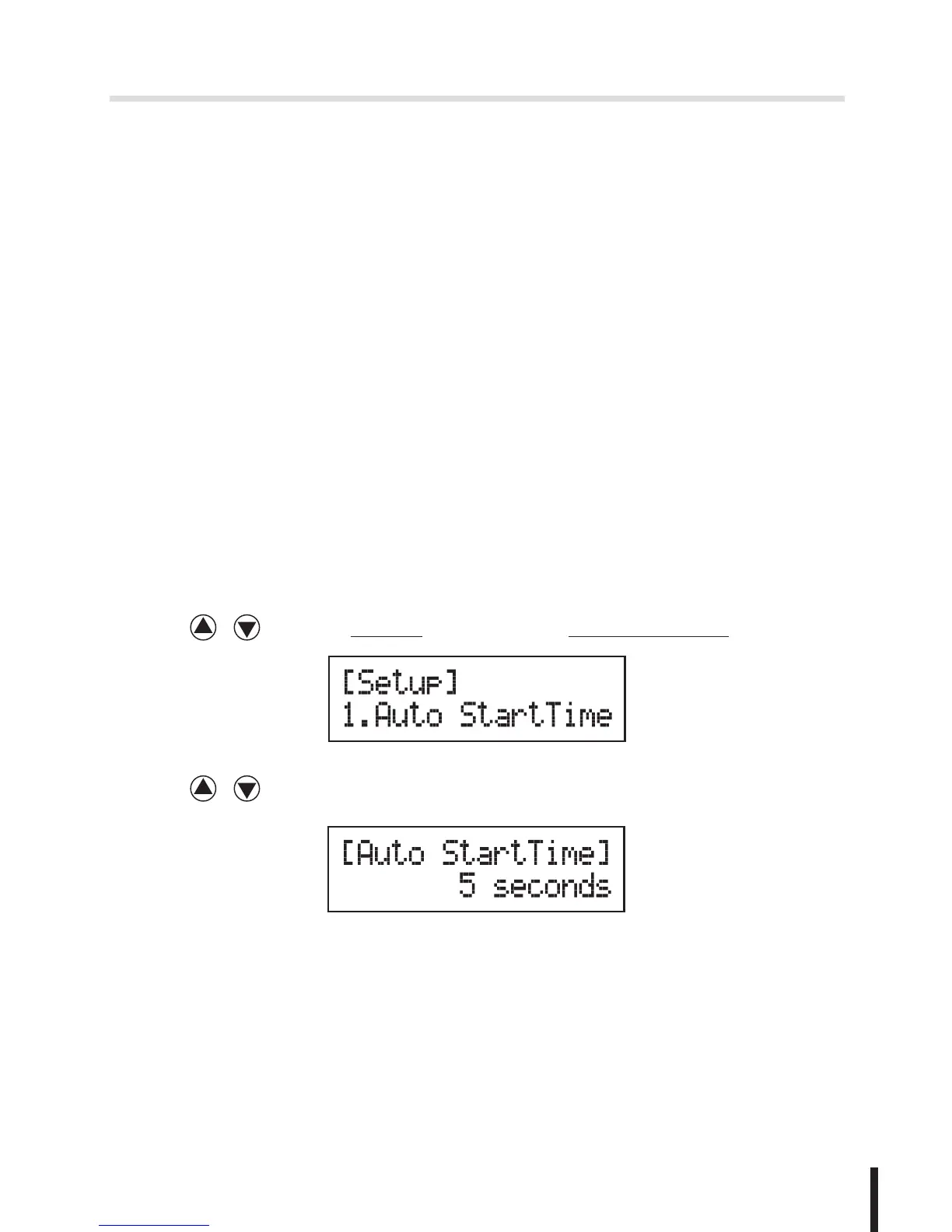
8-1. Auto Start Time
This setting will allow the system to do the Copy, Test, Compare and Copy&
Compare functions automatically in a few seconds once the source and blank
discs are placed in the trays and detected by the system. The default setting is
5 seconds. You can set a longer/shorter time from 1 to 99 seconds or set OFF
to disable this function and execute copy task by manual.
1. Press / to select 8.Setup and sub menu 1.Auto Start Time.
2. Press / to set the time.
8-2. Display Mode
You can select the prefered display mode in Copy, Test, Compare,
Copy&Compare.


 To Next Page