13
1
GENERAL INFORMATION
CONOSCENZA DEL VEICOLO
20.0 SETUP LIVELLO 1
(per costruttore e concessionario)
Permette di operare scelte e
inserimenti su tutti i campi e cioè:
• Selezione codice
o in alternativa:
• inserimento di
- sviluppo o diametro ruota,
- numero impulsi giro ruota,
• carico o modifica dei valori di
- ore al cambio olio,
- km al tagliando,
- unità di misura Km/h o Mph,
l’unità di misura impostata di de
fault per la velocità è km/h.
20.1 Esecuzione setup livello 1
• Con strumento spento premere
MODE e mantenerlo premuto.
• Accendere strumento tramite
chiave se prevista, avviare il veicolo
se privo di chiave.
(n.b. L’azione di MODE è attiva solo
con ruota ferma, il motore non è
influente)
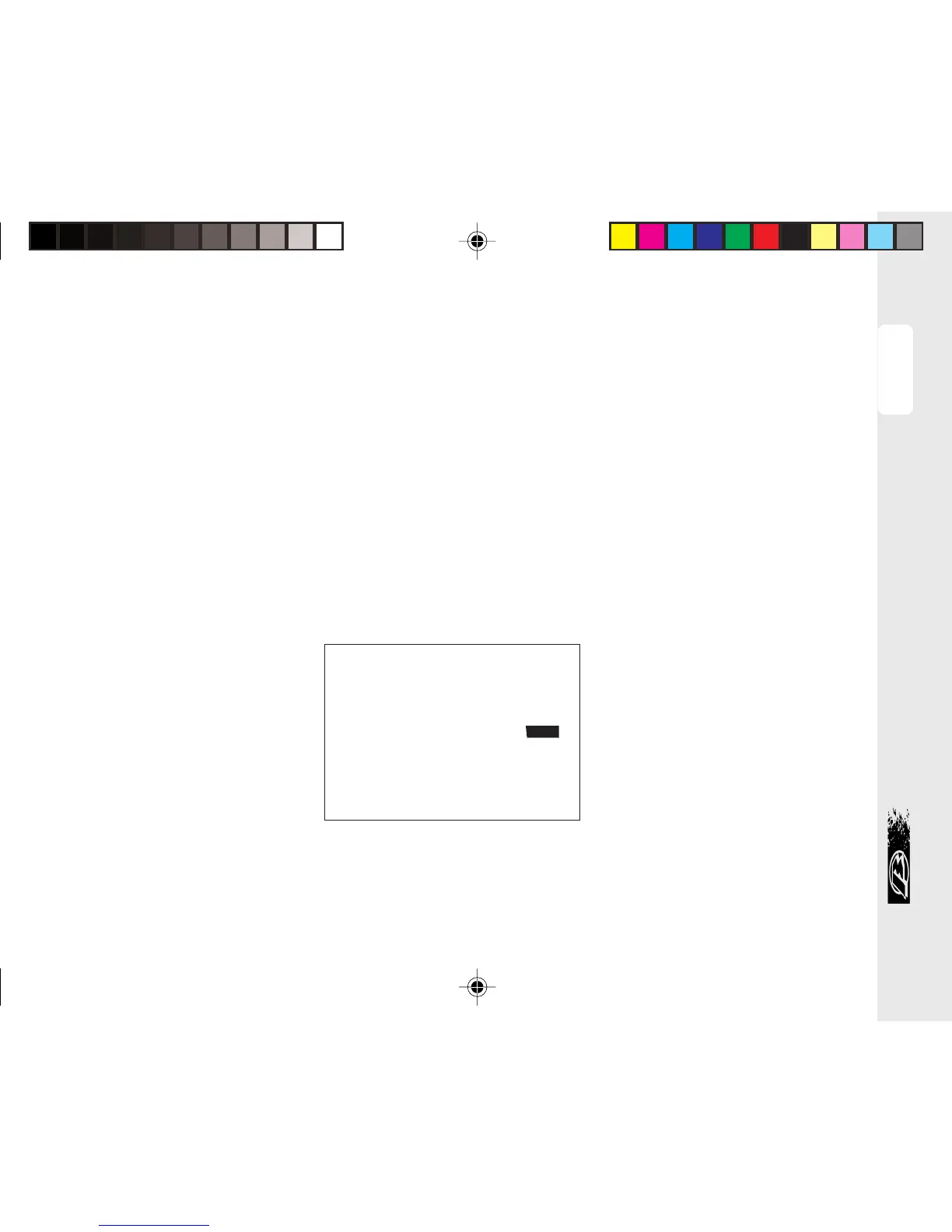
• Dopo circa 7” compare “_ “ sul
lato destro dell’LCD come da figura
1.
• Mantenendo MODE premuto, agire
su abbagliante accendendolo e
spegnendolo 5 volte.
Figura/Figure 1
20.0 LEVEL 1 SETUP
(for manufacturer and dealers)
It allows choices to be made and
values to be entered in all fields:
• Code selection
or, alternatively:
• setting of
- wheel circumference or
diameter
- number of pulses per wheel
revolution
• entering or altering the
- hours to oil change
- km to service
- speed unit, Km/h or Mph, the
default being Km/h
20.1 Performing level 1 setup
• With the instrument switched off,
press and hold down the MODE
button.
• Turn on the instrument using the
ignition key, if provided, otherwise
kick-start the engine.
NB: The MODE button is active only
when the wheel is stationary, inde-
pendently of whether the engine is
running.
• After approximately 7 seconds ‘_’
will be displayed on the right side of
the LCD display, as shown in Figure 1.


 To Next Page