BT-1 user manual
Page 36 of 70
28 112 n m
1C 70 n m
Hexadecimal:
1≤n≤255
[Description]
m
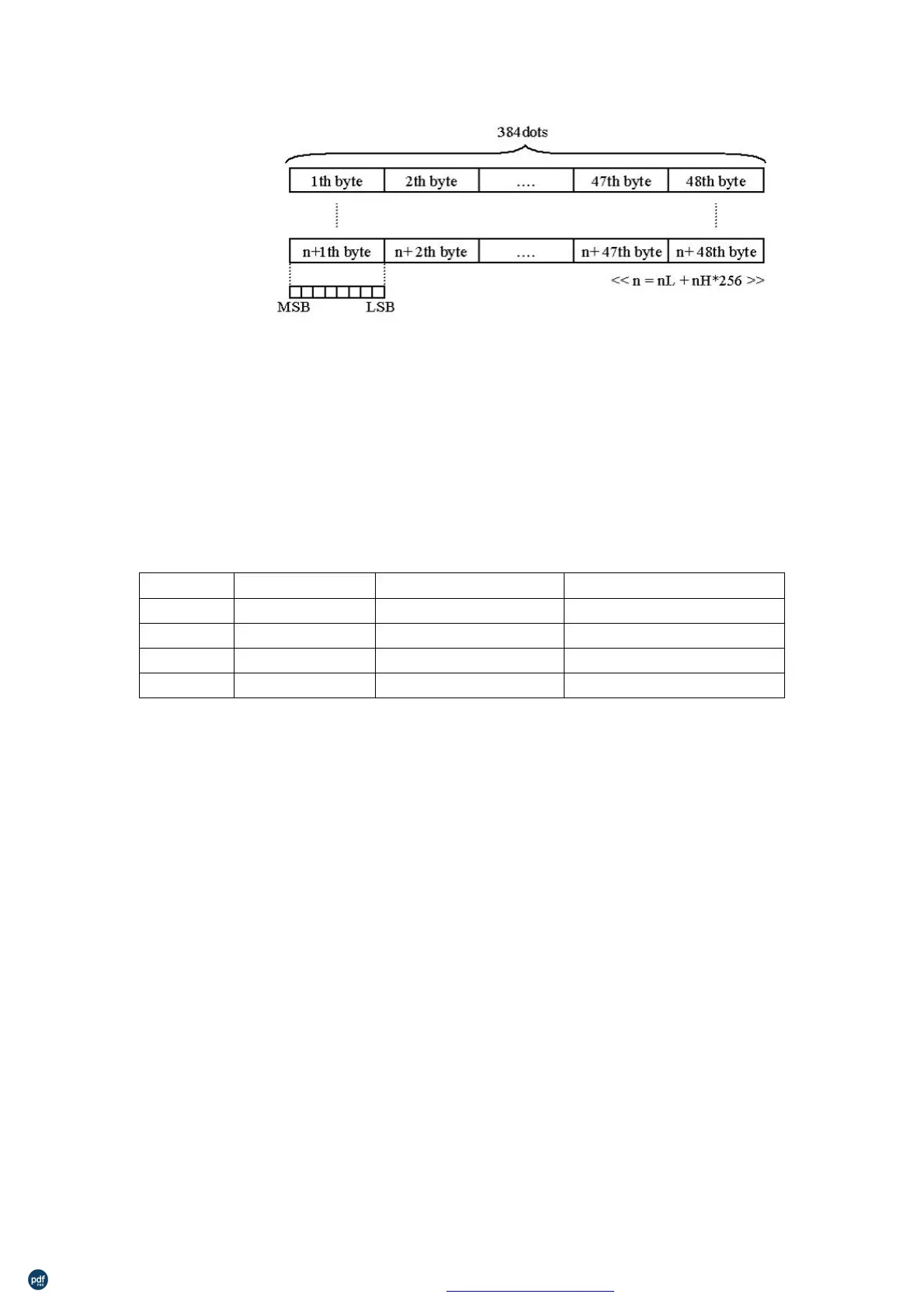
Prints NV bit image n using the m
203.2 dpi
0,48
1,49
2,50
3,51
203.2 dpi
101.6 dpi
203.2 dpi
101.6 dpi
Double-width
Double-height
Quadruple
n is the number of the NV bit image (defined using the
command).
λ
m specifies the bit image mode.
NV bit image is a bit image defined in non-volatile memory by
and printed by FS p.
λ
λ
This command is not effective when the specified NV bit image has
not been defined.
In standard mode, this command is effective only when there is no
data in the print buffer.
This command is not affected by print modes (emphasized,
underline, character size, white/black reverse printing, or 90° rotated
characters, etc.), except upside-down printing mode.
If the downloaded bit-image to be printed exceeds one line, the
excess data is not printed.
λ
This command feeds dots (for the height n of the NV bit image) in
normal and double-width modes and (for the height n×2 of the NV bit
image) in doubleheight and quadruple modes, regardless of the line
spacing specified by ESC 2 or ESC 3.
After printing the bit image, this command sets the print position to
the beginning of the line and processes the data that follows as
利用 pdfFactory Pro 测试版本创建的PDF文档 www.pdffactory.com



 To Next Page