16
You can change the language by pressing
[AUDIO] key of the remote controller.
- SUBTITLE LANG
Selectonelanguagethatyouarefamiliarwith
to display DVD subtitles.
If the DVD disc has the subtitle file in the
sel ect ed la ngu age , the s ub t it le wi ll be
displayed in the selected language.
If the DVD disc does not contain the subtitle
leintheselectedlanguage,thesubtitlewillbe
displayed in the default language.
- MENU LANG
Selectonelanguagethatyouarefamiliarwith
to display DVD menu.
Note:
If the DVD disc has the selected language,
theDVDMENU/TITLEwillbedisplayedinthe
selected language.
If the DVD disc does not contain the selected
language, the DVD MENU/TITLE will be
displayed in the default language.
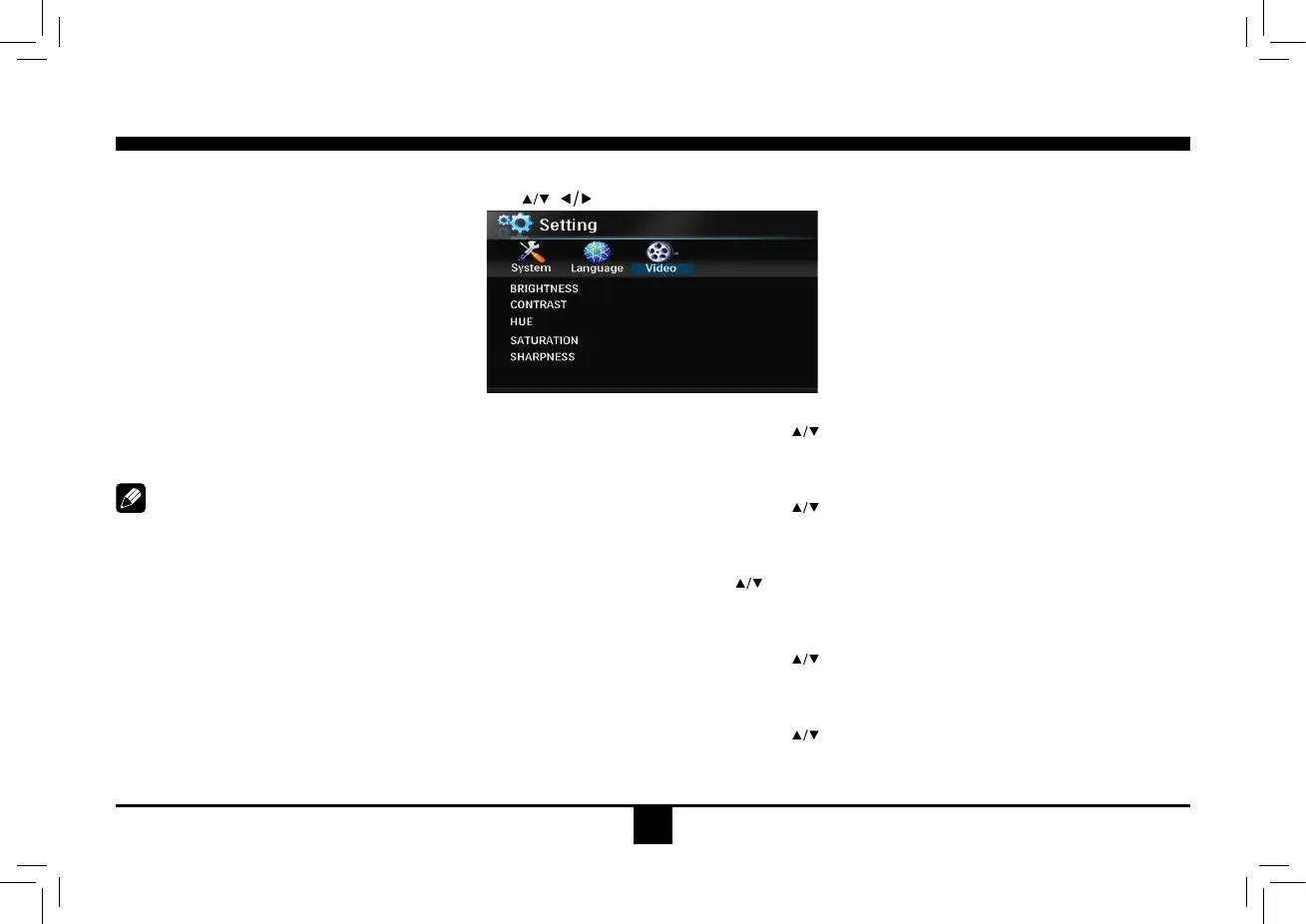
DVD Video Setup
Use , to select and
ENTER
toconrm.
- BRIGHTNESS
Setthebrightnessofthevideooutputwith
from 0 to 12.
- CONTRAST
Setthe contrastofthe videooutput with
from 0 to 12.
- HUE
Setthehueofthevideooutputwith
from -6
to+6.
- SATURATION
Setthesaturationofthevideooutputwith
from 0 to 12.
- SHARPNESS
Setthesharpnessofthevideooutputwith
from 0 to 8.
DVD Setup


 To Next Page