6
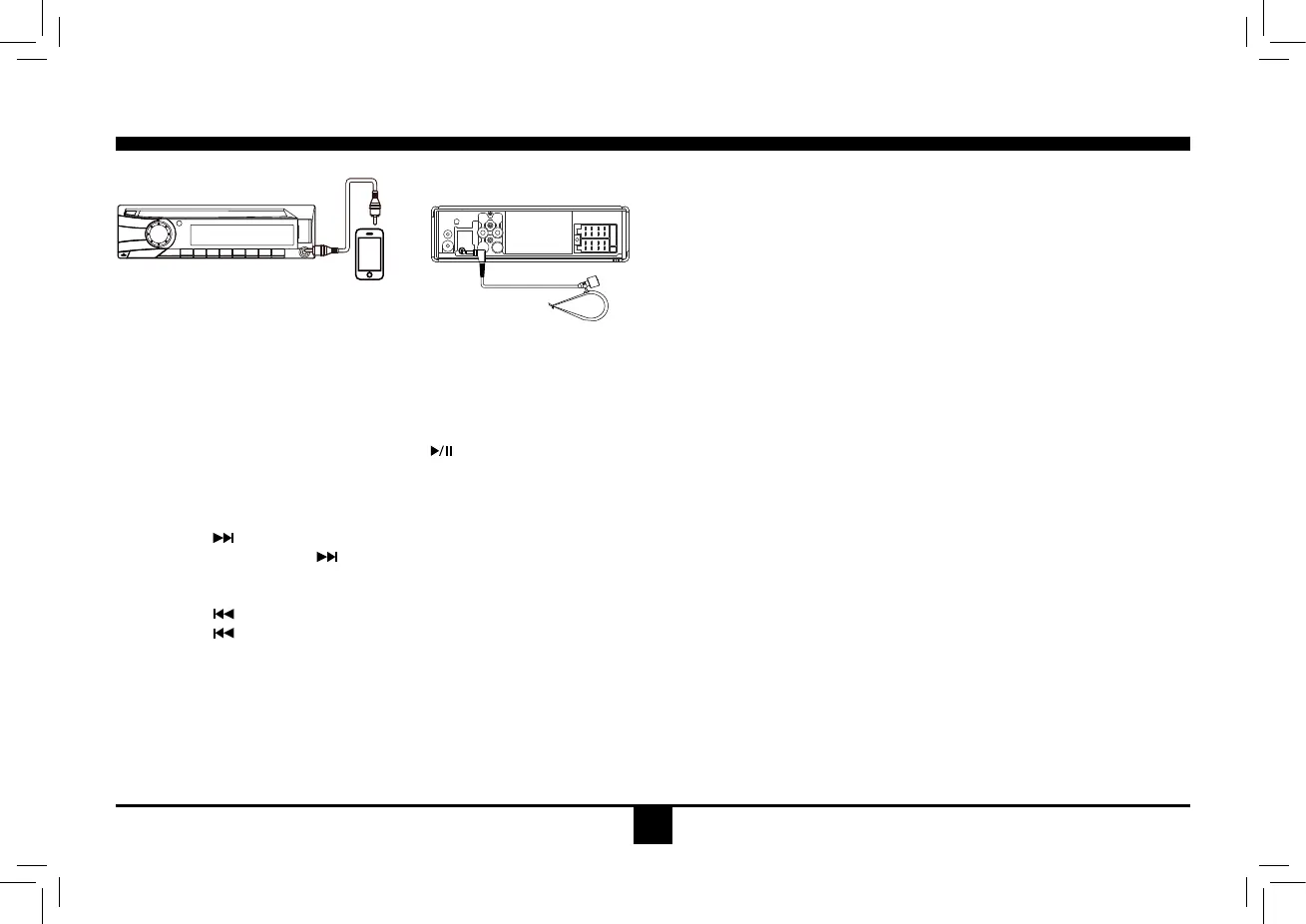
iPhone Operation
Accessing iPhone mode
Press the SRCbuttononthefrontpanelorremotecontroltoswitchtotheI-MODE source.
Audio
Pausing play
Press the [ 1 ] button on the front panel or the [ ] button on the remote control to pause play.
Selecting a track
Track-up
1. Press the [
] button to move to the beginning of the next track.
2. Each time you press the [
] button, the track advances to the beginning of the next track.
Track-down
1. Press the [
] button to move back to the beginning of the current track.
2. Press the [
] button twice to move back to the beginning of the previous track.
Receive
After iPhone connected, if there is a call incoming, Press [ 1 ] button to receive. Press [ 1 ] button again to hang up.
SIRI
( only for iPhone 4S and higher version )
1. Press the knob to turn on the SIRI function.
2. Press the [ 1 ] button to turn off the SIRI function.



 To Next Page