- 12 -
9 Using Codoor
Access
1. Enter any of the programmed codes (without pressing ) and without
touching the door handle. At each key press, an audible signal is sounded
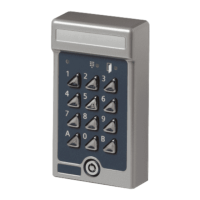
(if the buzzer is enabled) and the red LED on the keypad flashes once.
2. A click sound confirms that the code has been correctly entered.
3. The door must be opened within 4 seconds.
Leaving the premises
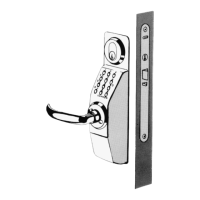
Codoor’s mechanical locking device only affects the outside
door handle. The door can always be opened from the inside as
usual.
Automatic resetting
Codoor has two separate resetting systems to return the lock to
the locked position after a code has been entered.
- Mechanical: the lock is reset each time the door handle is
used during access.
- Electronically: the lock is reset if the handle is not used
within 4 seconds of a code being entered.
This provides security against unauthorised access, since
Codoor can never be left in the unlocked position. However, it is
important to remember that Codoor should not be left in the
deactivated mode (see section Deactivation function).
Access blocking
To thwart attempts to obtain an access code by trial and error,
Codoor incorporates a blocking function to disable the unit after
16 false key presses (four successive incorrect 4-digit codes).
The unit remains blocked until 2 correct codes are entered
successively. This means that further instructions to users are
not required.


 To Next Page