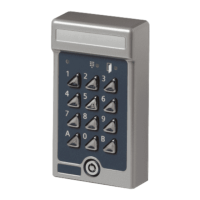
6 Setting codes
With Codoor 3500 you can program up to 9 different codes
(codes 01-09). Follow these steps:
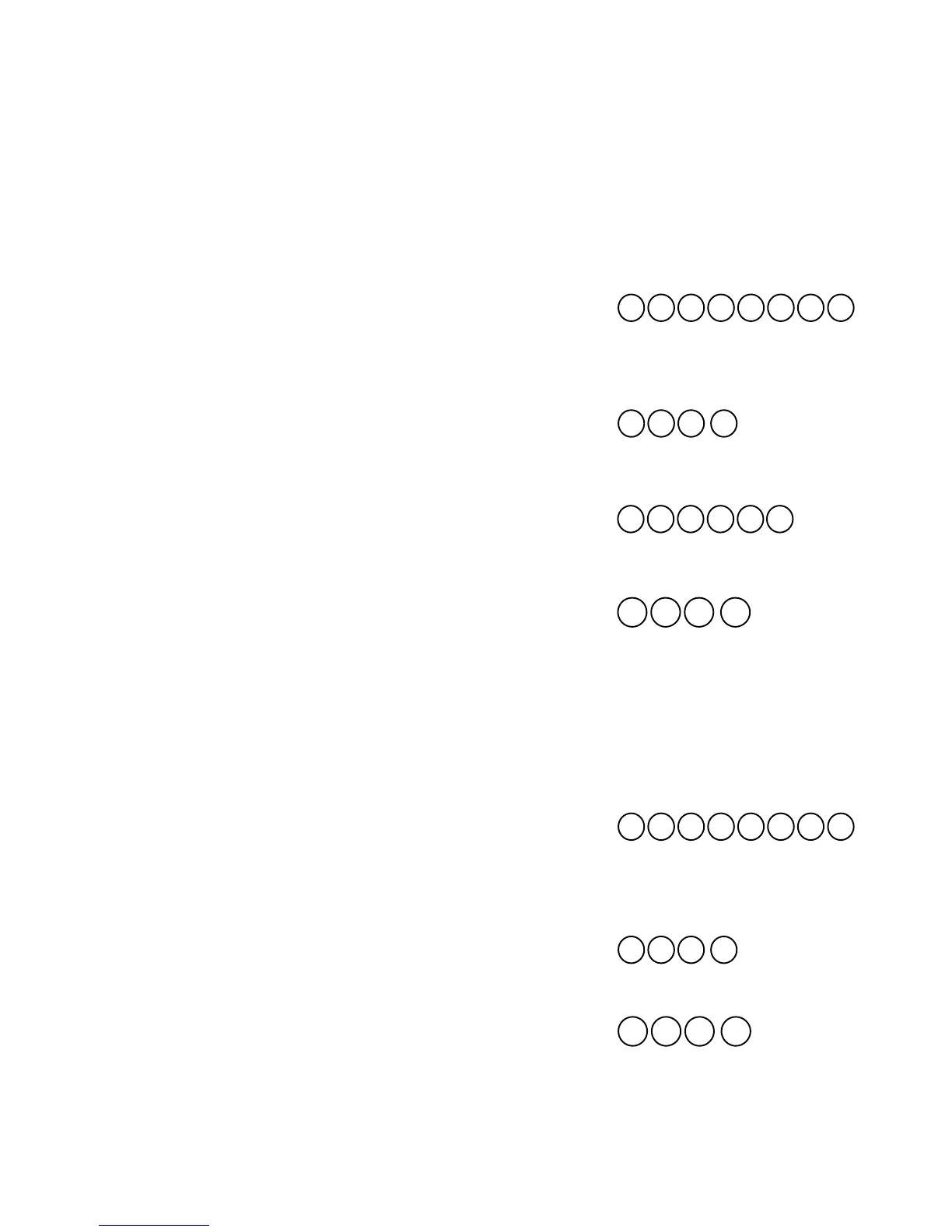
1. Press then enter the 6-digit programming
code. Finish by pressing .
2. The red LED will flash slowly, accompanied by
simultaneous sounding of the buzzer.
3. Press then enter the code number (01-09) you
want to program. Finish by pressing . The red
LED will flash faster.
4. Press then enter the desired 4-digit code.
Finish by pressing . The green LED will come
on for 2 seconds. To enter any additional codes,
repeat steps 3 and 4.
5. Exit programming mode by entering 00 .
The buzzer sounds a rising tone to confirm.
Note! The unit automatically switches out of programming mode into
operating mode if no key is pressed within 10 seconds. Programming must be
done while the red LED flashes and the buzzer sounds.
Delete code
1. Press then enter the 6-digit programming
code. Finish by pressing .
2. The red LED will flash slowly, accompanied by
simultaneous sounding of the buzzer.
3. Press #, then enter the code (01 - 09) you wish to
delete. Finish by pressing #. The green LED will
come on.
4. If you wish to delete more than one code, repeat
step 3 for each code.
5. Exit programming mode by entering 00 .
The buzzer sounds a rising tone to confirm.


 To Next Page