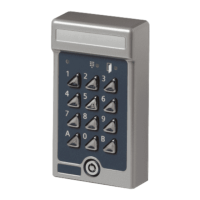
2 Setting the programming code
When Codoor is delivered, the memory is completely empty. The
first thing you have to do is to set a programming code, before you
fit Codoor to a door. To set the programming code for the first time,
connect the batteries and proceed as follows:
1. Press the reset button on the rear of Codoor and
hold it down as you press the # button for at least 2
seconds.
2. The red LED will flash quickly, accompanied by
simultaneous sounding of the buzzer.
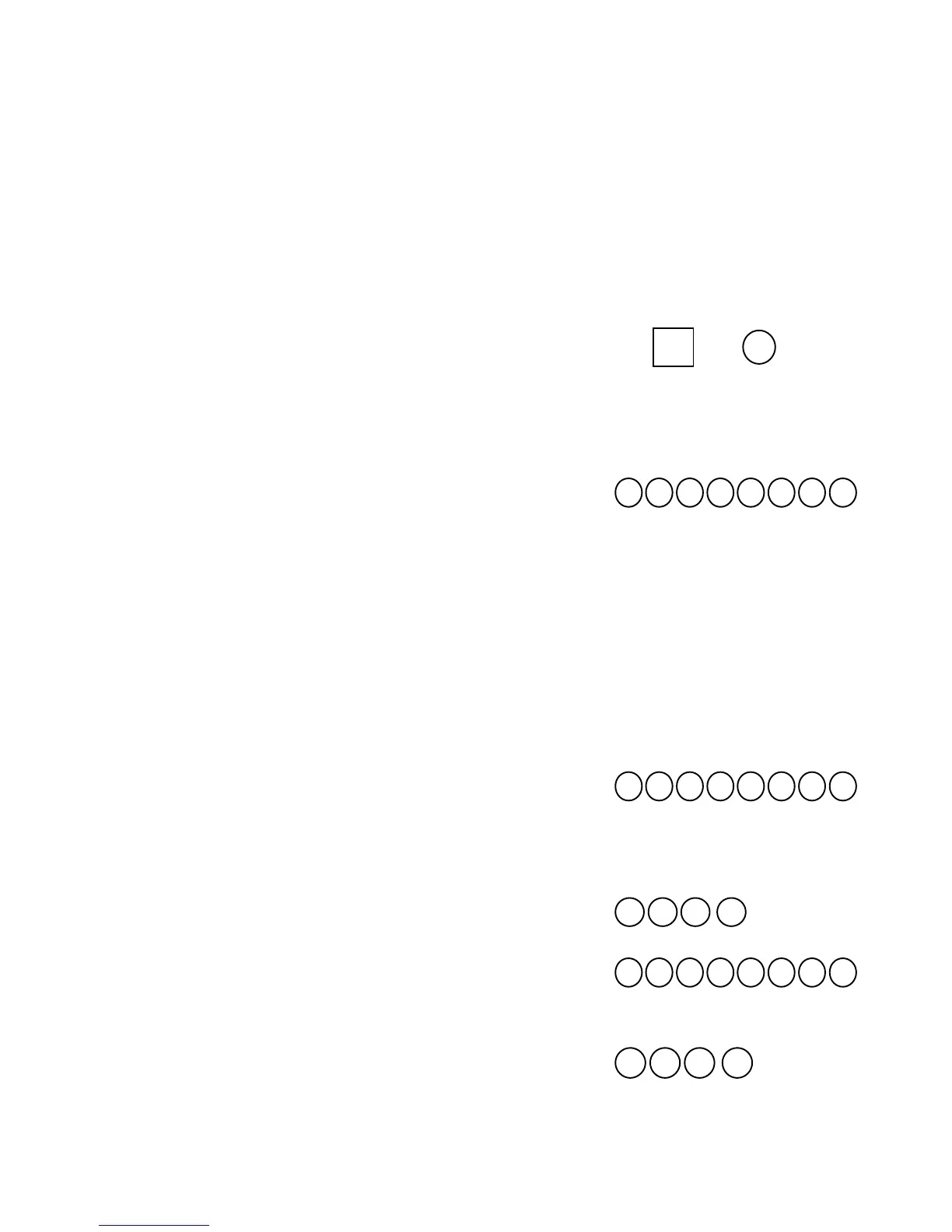
3. While buzzer sound - press , then enter the
desired 6-digit programming code. Finish by
pressing .
4. The green LED is lit for 2 seconds. A rising tone
from the buzzer confirms that the programming code
has been set.
Note! Programming must be done while the red LED flashes and the buzzer
sounds.
How to change an existing programming code:
1. Press , then enter the existing programming
code (6 digits). Finish by pressing .
2. The red LED will flash slowly, accompanied by
simultaneous sounding of the buzzer.
3. Enter 99 . The red LED will flash quickly.
4. Press then enter the new programming code
(6 digits). Finish by pressing . The green
LED is lit for 2 seconds.
5. Finish programming by entering 00 . As
a confirmation, a rising tone sounds from the
buzzer.
R+


 To Next Page