42
10. Parameter
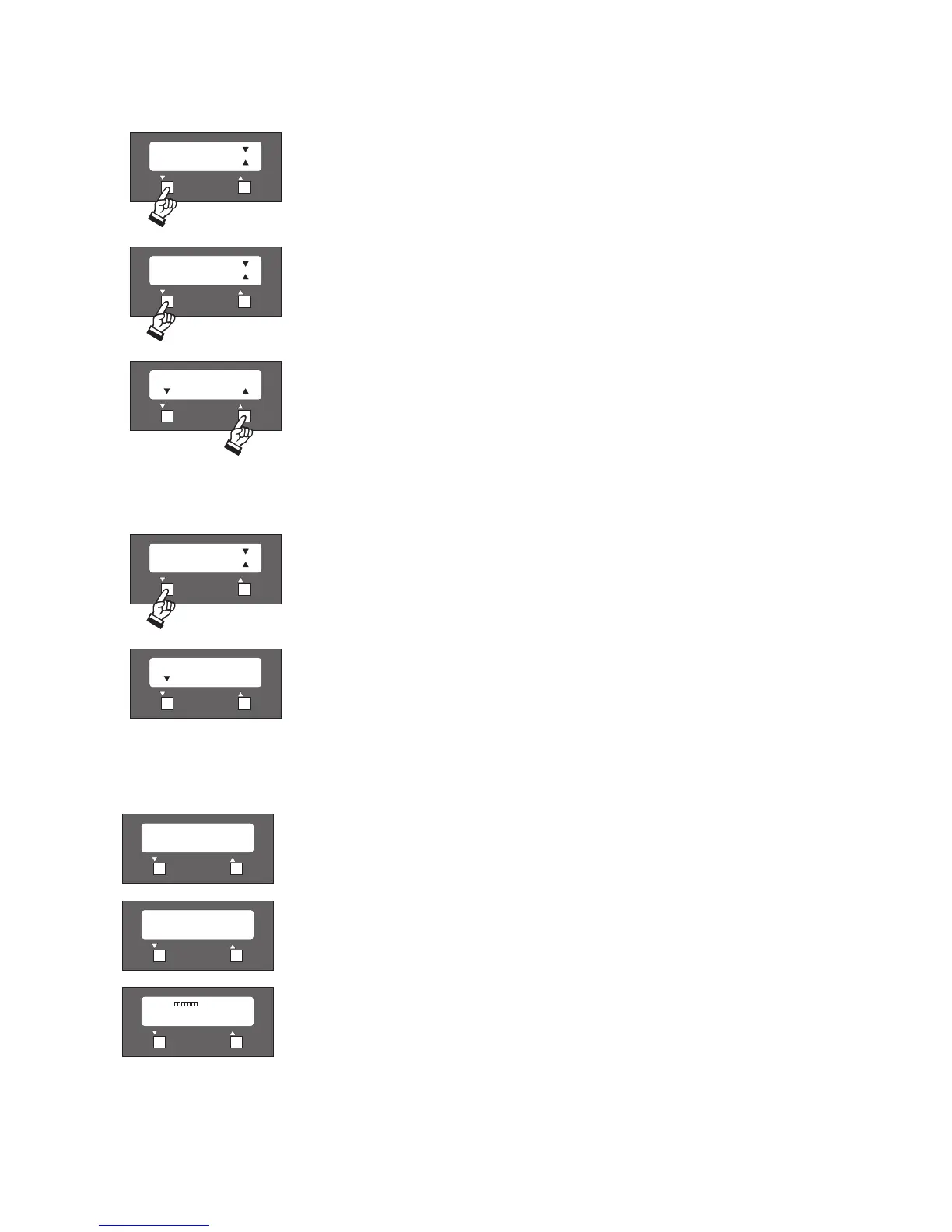
In this menu treble and bass of the microphone units is adjusted.
Pressing the right button (5) you can choose between the adjustment of treble and bass. Pressing
the left button (4) you enter the chosen menu item.
Treble or bass can be adjusted between +12 dB and -12 dB.
11. Parameter
Important:
The menu items “Insert” and “Telephone” have no function!
Saving
As soon as all parameters have been entered, you must press both buttons (4) and (5)
simultaneously for saving. The system shows a saving message and carries out a system check
automatically. At last the default screen will appear.












 To Next Page