Fir eps
8/14 beyerdynamic SPACE Personal Speakerphone
FIRST STEPS
Removing from packaging and oring
► When not in use and for transpo, ore the beyerdy-
namic SPACE Personal Speakerphone and accessories
in the carrying case.
This provides the be protection and prevents damage.
Securing your Personal Speakerphone
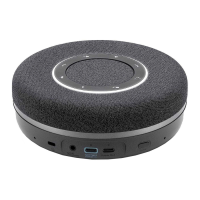
The Personal Speakerphone has a 1/4“ threaded hole in
the centre of its underside, which can be used to screw it
onto a tripod, for example.
Charging the battery
We recommend you use only the supplied USB cable to
charge the battery.
1. Use the cable supplied to connect the beyerdynamic
SPACE Personal Speakerphone to any andard-com-
pliant live USB-C socket (e.g. USB power adapter) via
the USB-C po. If necessary, use a USB adapter (see
„Scope of delivery“ on page7).
2. Remove the USB cable aer charging.
Remarks on the life of Li-ion batteries
• When fully charged, disconnect the USB cable from the
charging unit and the beyerdynamic SPACE Personal
Speakerphone.
• CAUTION! High temperatures, especially with a high
charge level, can cause irreversible damage.
• If the battery is not used or is ored for extended
periods of time, it is recommended to charge it to
approx. 50% and ore it at no more than 20°C.
• Switch o the battery-powered product aer use.
Displaying the battery charge level
► Briefly press the button once.
The charge level is displayed via the LED ring.
Using the product with a USB cable
connection
You can operate the beyerdynamic SPACE Personal
Speakerphone with a PC or laptop using a USB cable
connection.
1. Switch on the laptop/PC.
2. Connect the beyerdynamic SPACE Personal Speaker-
phone with the desired computer using the enclosed
USB cable and the USB po.
If necessary, use a USB adapter (USB-C to USB-A, see
„Scope of delivery“ on page7).
3. If the speakerphone has not come on automatically,
switch it on with the on/o switch.
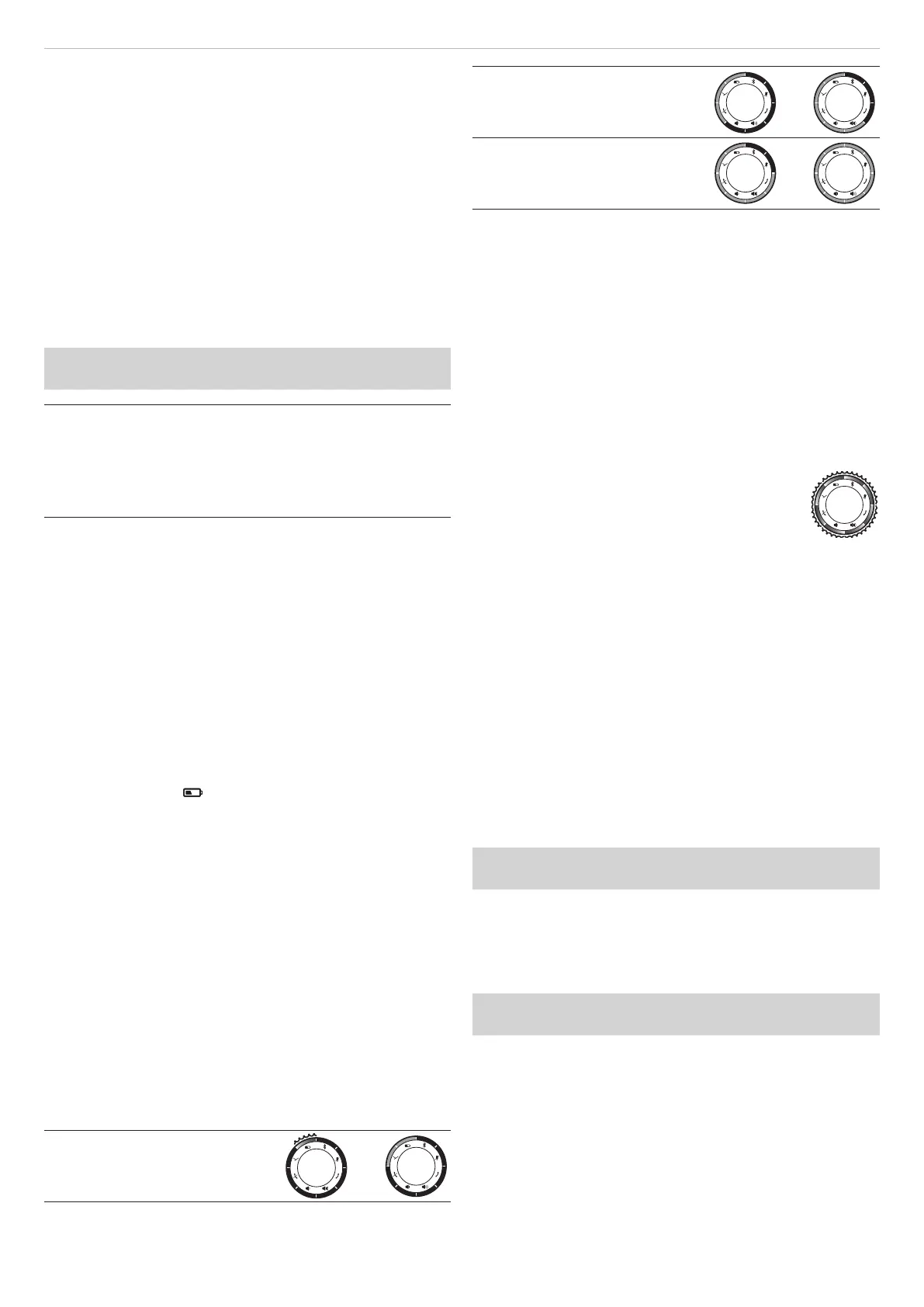
LED display of charge level:
Red*: Battery 0–25 % full
–
Yellow: Battery 25–62.5 % full
–
Green: Battery 62.5–100 % full
–
*) The LED flashes when the charge level is close to zero
Using the product with Bluetooth®
connection
You can operate the beyerdynamic SPACE Personal
Speakerphone via Bluetooth® with a smaphone or PC.
For this, the Bluetooth®function mu be active, and the
speakerphone mu be paired with the output device.
You can find inructions on how to operate the product
under „Operation“ on page9.
SOFTWARE UPDATE
Firmware updates are carried out via USB-HID
using the beyerdynamic Update Hub. The so-
ware for updating the product can be down-
loaded here:
https://byr.li/firmwareupdate
The device has a firmware update function
(DFU) via USB connection to a PC (Windows and
Mac OS).
During the update process, the LED ring flashes
magenta.
COMPATIBILITY WITH PLAYBACK
DEVICES
The beyerdynamic SPACE Personal Speakerphone is
compatible with Bluetooth® playback devices that
suppo the following profiles:
• A2DP (for audio transmission)
• HFP (for phone operation)
All associated functions are only available if they are
suppoed by the playback device.
SUPPORTED AUDIO CODECS
The beyerdynamic SPACE Personal Speakerphone
suppos the audio codec SBC.
Please note that only the Codecs available in the play-
back device can be used for audio transmission.
The playback device and the beyerdynamic SPACE
Personal Speakerphone device automatically select the
be mutually available Codec: In this case SBC.


 To Next Page
 Loading...