Operation
beyerdynamic SPACE Personal Speakerphone 9/14
OPERATION
Switching on and o
To switch on:
► Press the on/o button for 1 to 3 sec.
To switch o:
► Press the on/o button again for 1 to 3 sec.
Pairing with a device via Bluetooth®
Before you can use the beyerdynamic SPACE Personal
Speakerphone, you mu pair it with your mobile phone
or another Bluetooth®-enabled device. The connection
process may dier depending on the device.
► Please refer to the relevant operating inructions of
the device with which you wish to pair the Personal
Speakerphone.
To eablish a connection:
9 Ensure the beyerdynamic SPACE Personal Speaker-
phone is switched on.
1. Press and hold the button for 1 to 3 sec.
The Bluetooth® connection mode will sta.
The LED display flashes alternately blue and red.
2. Activate the Bluetooth® function on the playback
device and search for new devices if necessary.
3. In the Bluetooth® menu of the playback device, select
“SPACE” from the available devices and connect both
devices.
Aer a successful connection, the LED lights up blue.
Each time the device is switched on again, the devices
will connect as soon as they are within range of each
other.
Connecting with Google Fa Pair:
Android devices from Android 6.0+ enable a fa connec-
tion via Google Fa Pair.
1. Sta the connection to your beyerdynamic SPACE
Personal Speakerphone as described above.
“beyerdynamic SPACE Personal Speakerphone” is
displayed on the connected device.
2. Select “beyerdynamic SPACE Personal Speakerphone”.
The two devices are connected.
If the Bluetooth® connection has been lo, the LED briefly
flashes blue every 2.5 sec.
Deleting the li of already connected devices:
► Press the
button for longer than 10sec.
The list of already connected Bluetooth®devices
(maximum eight) is deleted and a connection to the
active Bluetooth®device is established.
A double signal tone confirms success.
Bluetooth® connection with a USB
Bluetooth® adapter
A USB Bluetooth®-Adapter is required to enable a wire-
less Bluetooth® connection to a laptop or desktop PC
while ensuring compatibility and synchronisation of the
corresponding commands from related communication
plaorms such as Microso Teams. The andard laptop
and desktop PC Bluetooth®protocols do not suppo
these commands.
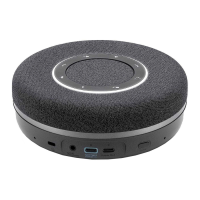
The USB Bluetooth® adapter (optionally available) has
a pairing button to be able to connect it to a beyerdy-
namic SPACE Personal Speakerphone. It can be ored
on the underside of the beyerdynamic SPACE Personal
Speakerphone.
For more information, please refer to the operating
inructions of your USB Bluetooth®adapter.
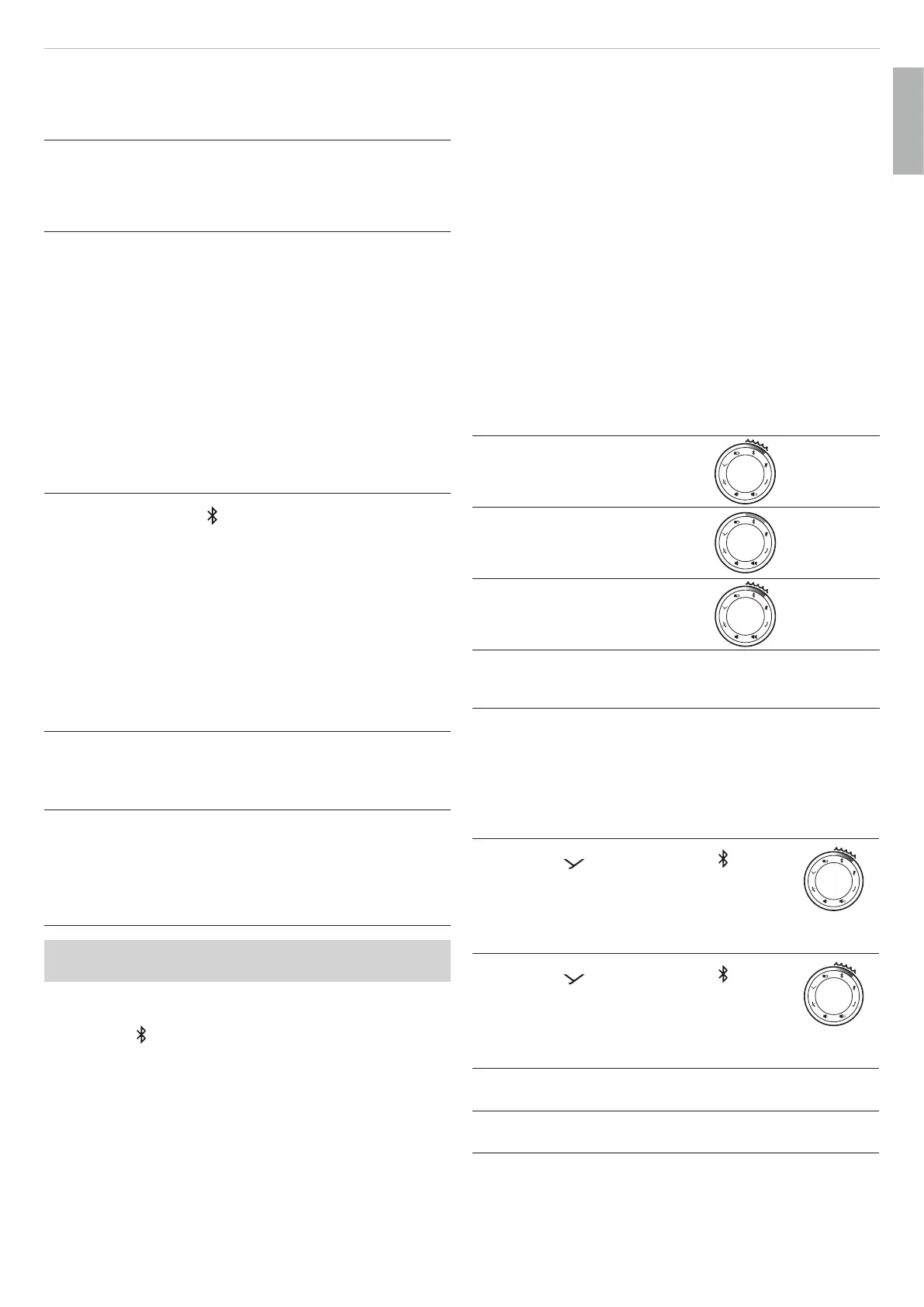
Connection displays
LED display of the connection atus:
Bluetooth®:
Pairing/recognition possible
Flashes blue
and red
alternately
Bluetooth®:
Connected
Steady blue
Bluetooth
®
:
Connectable / connection lo
Flashes blue
Connected to USB Entire LED
ring lights up
white
Connecting two speakerphones to form
a ereo pair (for music playback)
To set up a cascade
1. Press the button and the button
simultaneously for 1 to 3sec on the fir
SPACE device.
Flashes
red
2. Press the
button and the button
simultaneously for 1 to 3sec on the second
SPACE device.
Flashes
red
The two SPACE devices connect via True
Wireless.
When the two devices are successfully
paired, you will hear “cascade successful”
English


 To Next Page
 Loading...