User Manual for USB Phone with LCD
- 12 - Version 2.0.0.2 2006-07-11
The Call Functions
Make a VoIP call
① Use on your phone to scroll up/down and select the contact.
② Press
to make the call.
Note:
Or you can use Speed-dial number to make calls.
① Activate a VoIP application.
② Dial the Speed-dial number and press (“Dial/Answer”) on the
phone keypad to make the call.
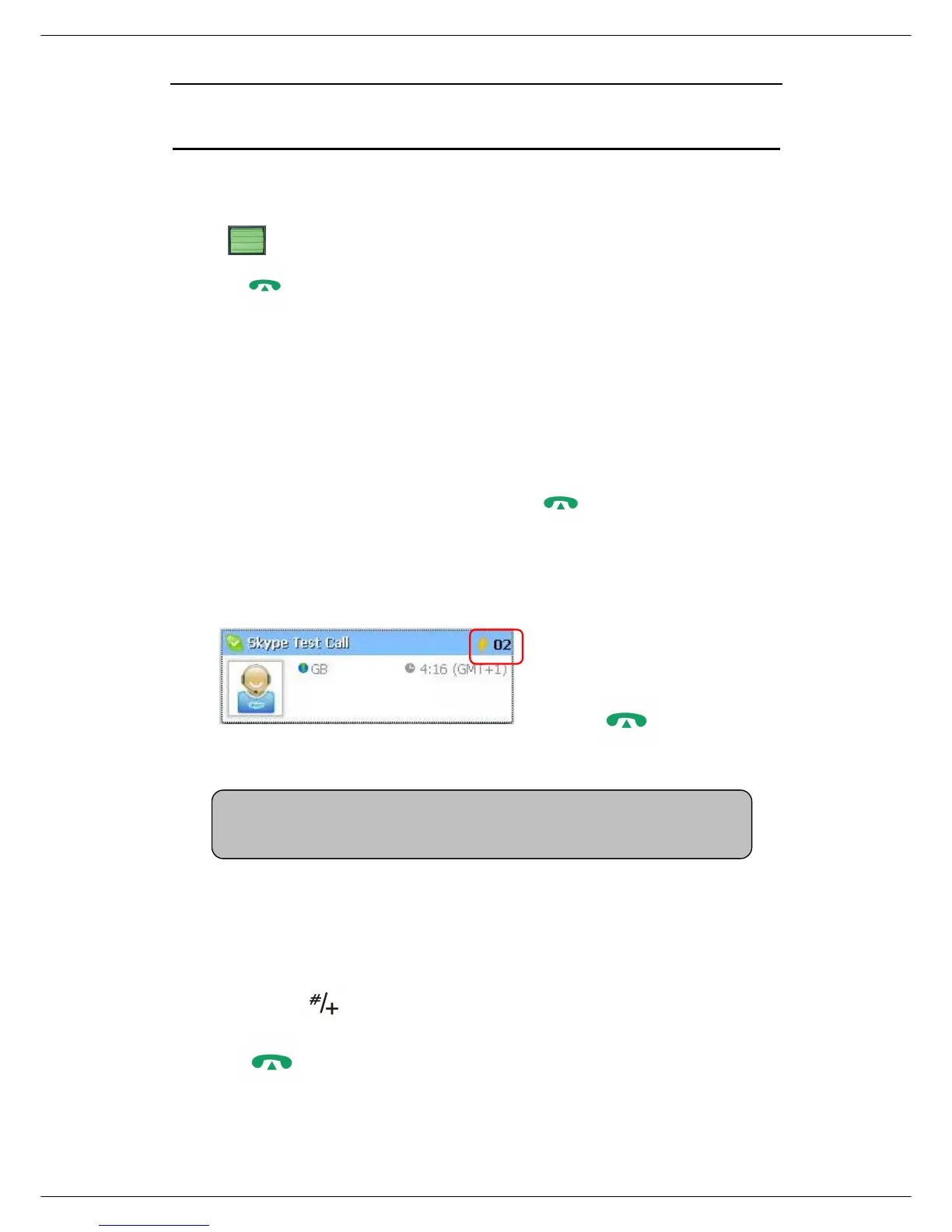
Example:
Supposed you want to make
calls to this Skype contact.
Please dial:
“02” +
Make a SkypeOut call
① Directly press (“#/+”) + “country code” + “city code” + “phone number”.
② Press
to make the call.
Note:



 To Next Page