User Manual for USB Phone with LCD
- 13 - Version 2.0.0.2 2006-07-11
Examples:
(Here we use the country code "1" for calling USA): +1 555 1234567
If you dial a wrong number, please press
C
(“Clear”) to clear it.
If you input a wrong number, please press to clear it.
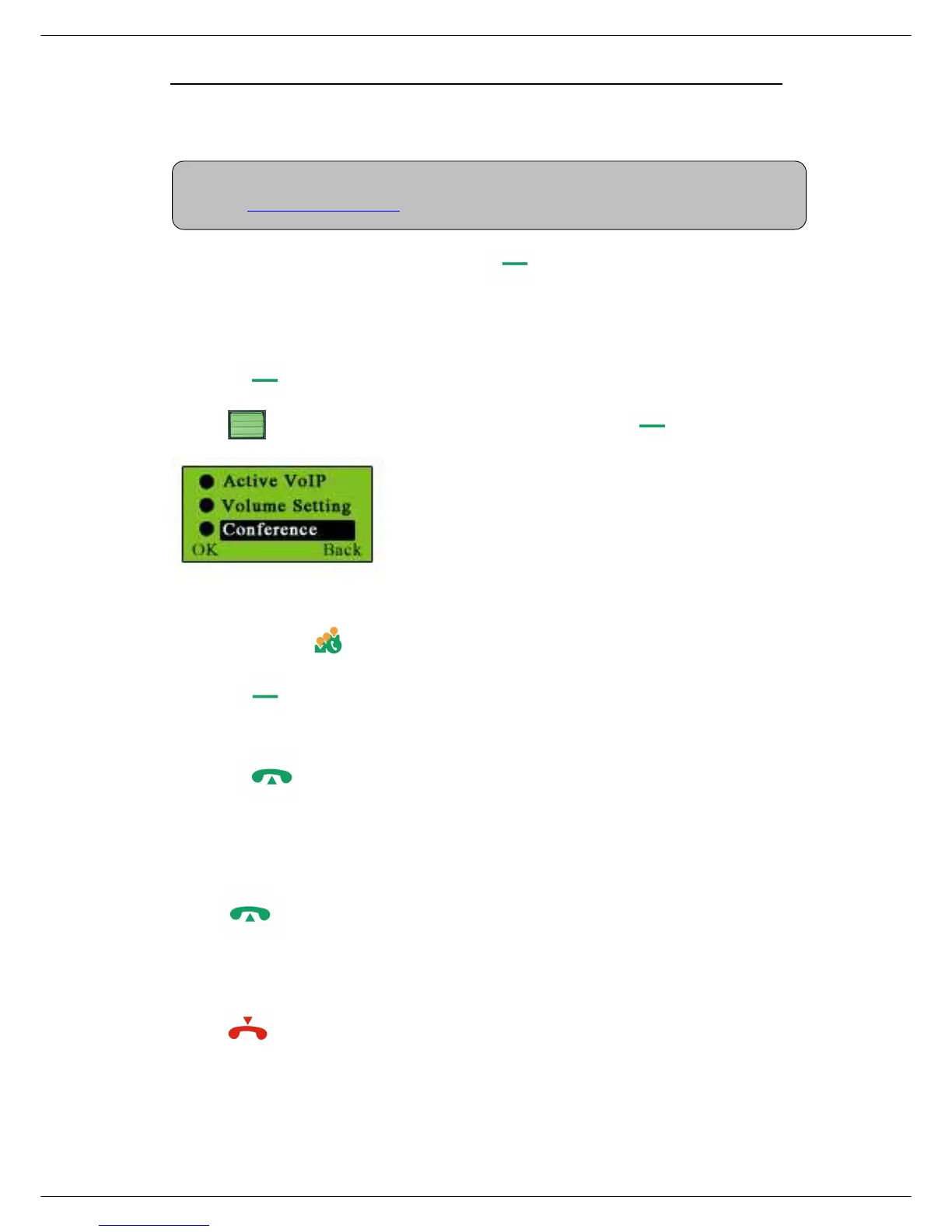
Start a VoIP Conference
① Press on standby mode
② Use to select the “Conference” function, and press (OK).
or you can press directly instead of above action
③ Press (OK) before the selected conference members from your online
contact list.
④ Press to start the conference
Receive a VoIP call
Press to receive calls.
End a call
Press to end a call.
Note: For more detailed usages of making a SkypeOut call, please visit Skype’



 To Next Page