User Manual for USB Phone with LCD
- 15 - Version 2.0.0.2 2006-07-11
Receive Voice Mail
Press to receive the voice mail
Adjust Volume for Speaker
Press or to adjust the volume for speaker during a call. You can see the volume
status icon in the LCD screen on your phone
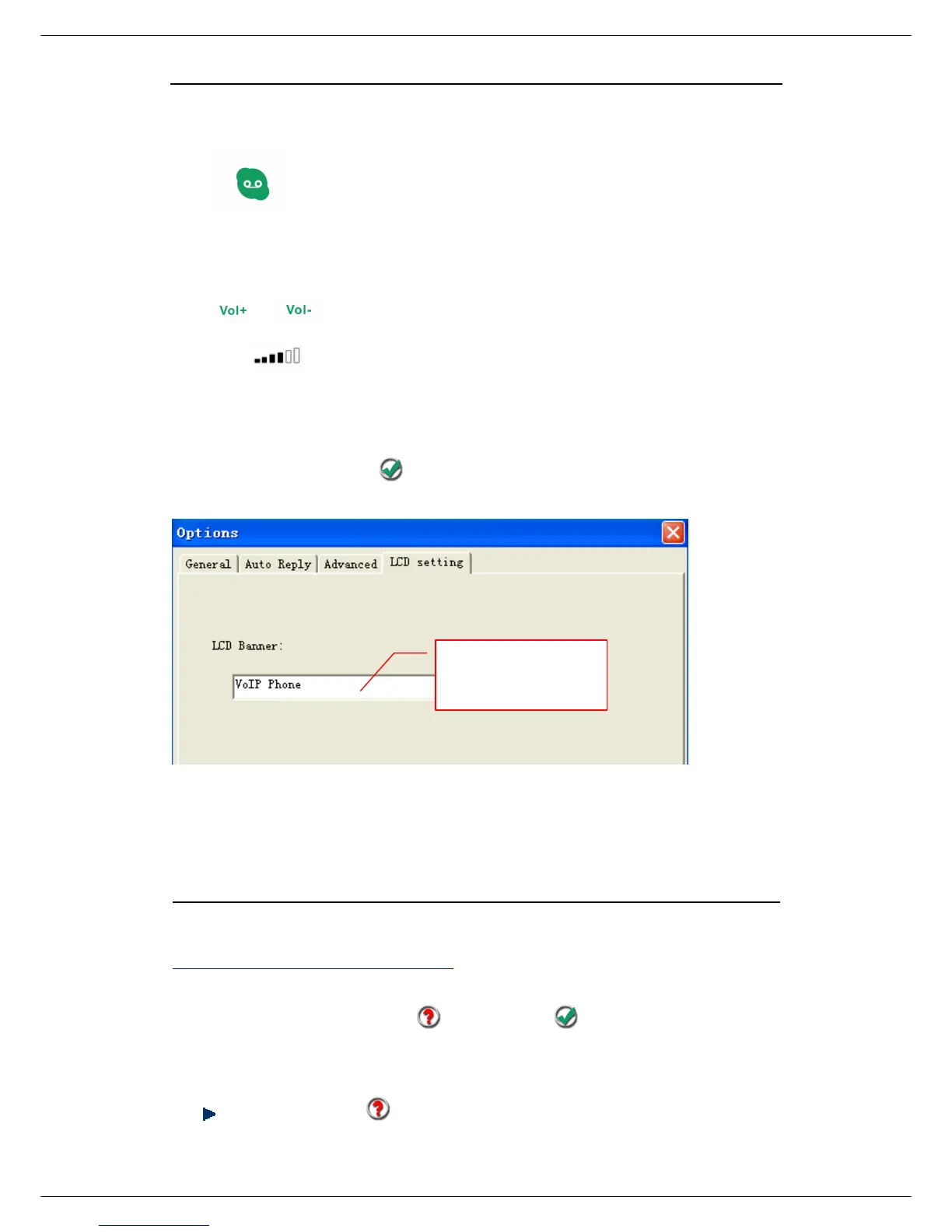
Set LCD Display
Please right click the tray icon
,
and choose “Options…”
Trouble Shooting
For latest information about the Trouble Shooting and the FAQ, please visit
http://www.skyu2m.com/support.htm
Q1: Why did I see the icon rather than in the taskbar? What’s
wrong with the driver software?
If you see the icon ,



 To Next Page