02. Getting Started
Getting Started
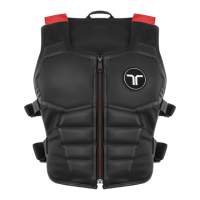
For safety reasons, TactSuit is shipped in sleep mode.
Before using it for the first time, make sure to wake up your TactSuit.
Wake Up and Turn On
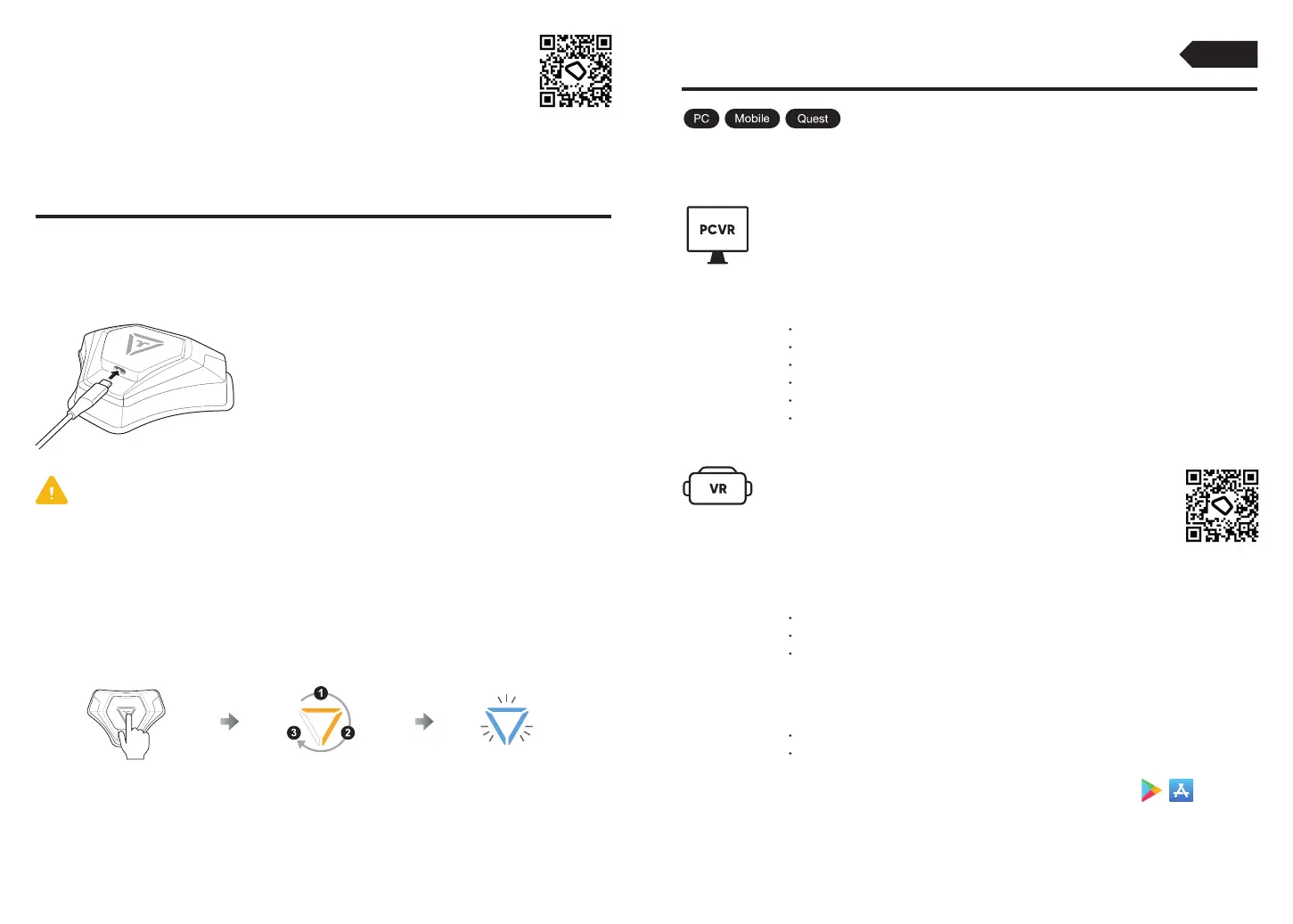
To wake up TactSuit,
please plug the charger into TactSuit.
Wake Up TactSuit
Be sure to use an authorized AC adapter and included charging cable to charge the product. Use of an
unauthorized device or accessory may result in personal injury, may cause damage of the product or
your property, and may void your warranty.
[FR] Assurez-vous d'utiliser un adaptateur secteur agréé et le câble de charge inclus pour charger
le produit. L'utilisation d'un appareil ou d'un accessoire non autorisé peut entraîner des blessures
corporelles, endommager le produit ou votre propriété et annuler votre garantie.
Press the Power Button to turn on your TactSuit and enter the Bluetooth Pairing Mode.
Turn On
Press Turn on
(Lights will turn on in 3 stages)
Pairing Mode
(Blinking Blue)
8
Features
Device Pair / Unpair
Device Configuration
Feedback Test
Explore Natively Supported Content
Audio-to-Haptic Function On/Off
Activity Information
Features
Paired Device Information
Feedback Test
Demo Content
For more features, download the mobile bHaptics Player app
on your phone.
Explore the natively supported content list
Select an Audio-to-Haptic profile for Wired Audio-to-Haptic
Quest Store
(App Lab)
Download bHaptics Player from
https://www.bhaptics.com/software/player
PCVR
Download bHaptics Player from
the Meta Quest Store (App Lab)
Standalone VR
(Meta Quest Headsets)
9
bHaptics Player is an essential software to connect and use your TactSuit.
Download bHaptics Player
Essential
bHaptics Player App



 To Next Page