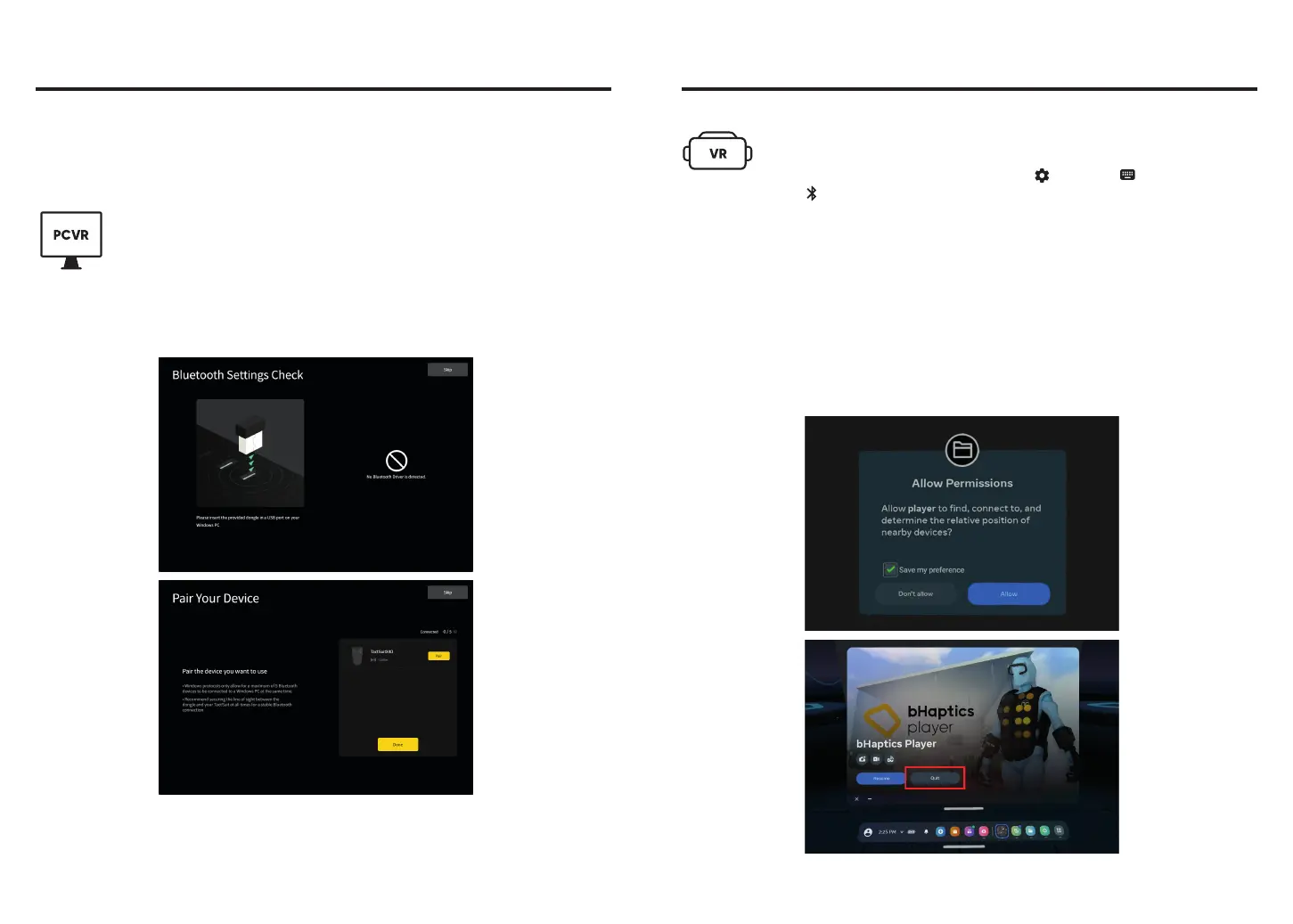
1. Insert the provided Bluetooth dongle to your PC.
2. Download and install bHaptics Player.
(https://www.bhaptics.com/software/player)
3. Run bHaptics Player and follow the instructions to pair your TactSuit
and complete setup.
PCVR
10
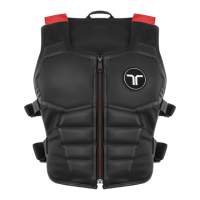
Pair TactSuit with your PC or Meta Quest to enjoy your content with haptic feedback.
After setting up your TactSuit with your PC or Meta Quest, it will automatically connect
the next time you use it.
Set Up and Pair
1. On your Quest headset, navigate to Settings > Devices >
Bluetooth.
3. Download bHaptics Player on your Quest headset
and allow the app permission for Nearby Devices.
2. Select Bluetooth Pairing > Pair > Pair new device
and pair your TactSuit.
4. After setting up the permissions, exit bHaptics Player and go back to
the Quest lobby before opening a natively supported game.
Standalone VR (Meta Quest Headsets)
11
*
This is a necessary step only when using TactSuit with the headset for
the first time. If the "Nearby Devices" Permission is not granted,
native support games may not function properly.



 To Next Page