MANUAL OPERATION
Version: 1.0 (21-09-2005) 37
• To switch the unit to the pause mode, press the = key for
3 seconds.
• To exit the pause mode, press the = key briefly.
When the unit is in pause mode, the controller LED will be lit
and the display will be blank.
4.2 Regulating the fan speed
v
• To set the fan speed, press the | key:
-Low X
-MediumY
-High Z
- AUTO w
In the AUTO mode, the fan speed is automatically set by the
Comfort Circle controller.
4.3 Regulating the temperature
22U
• To set the desired room temperature, press + or -.
The unit will try to reach the desired temperature. The fan of
units with simple control switches off when the desired tem
-
perature is reached. The fan of units with modulating control
either keeps on rotating at low speed, with the discharge tem
-
perature being lowered, or it switches off, depending on set-
tings.
$
If the $ symbol appears in the display when you press the +
or
- key, you cannot regulate the room temperature. The
unit is set such that it has a fixed discharge temperature.
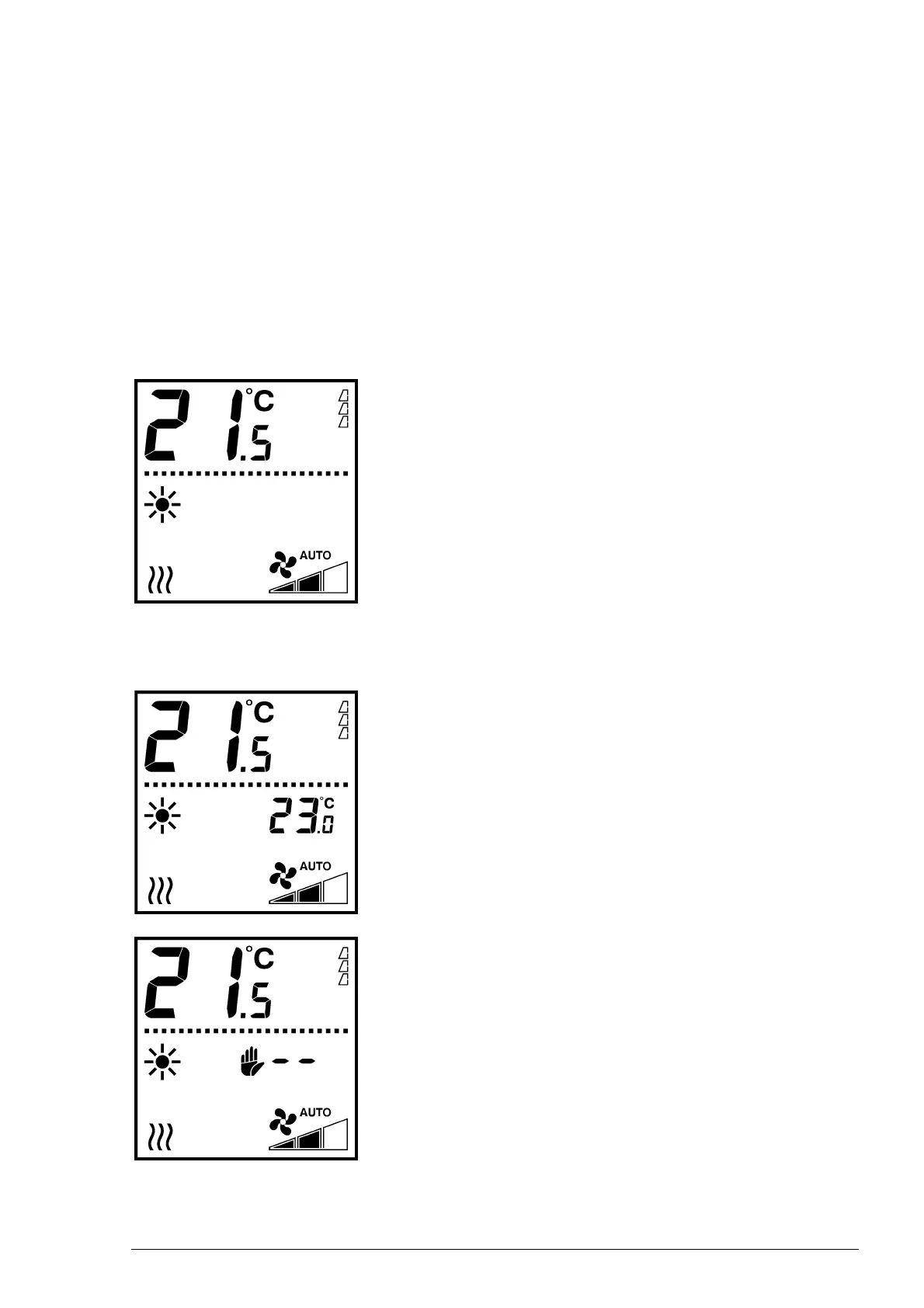
The large digits indicate the current room temperature.
The smaller digits indicate the (desired) room temperature
setting.



 To Next Page