MANUAL INSTALLATION
Version: 1.0 (22-09-2005) 25
2.14 Connecting the ventilation module VM-CC (accessory CC-V)
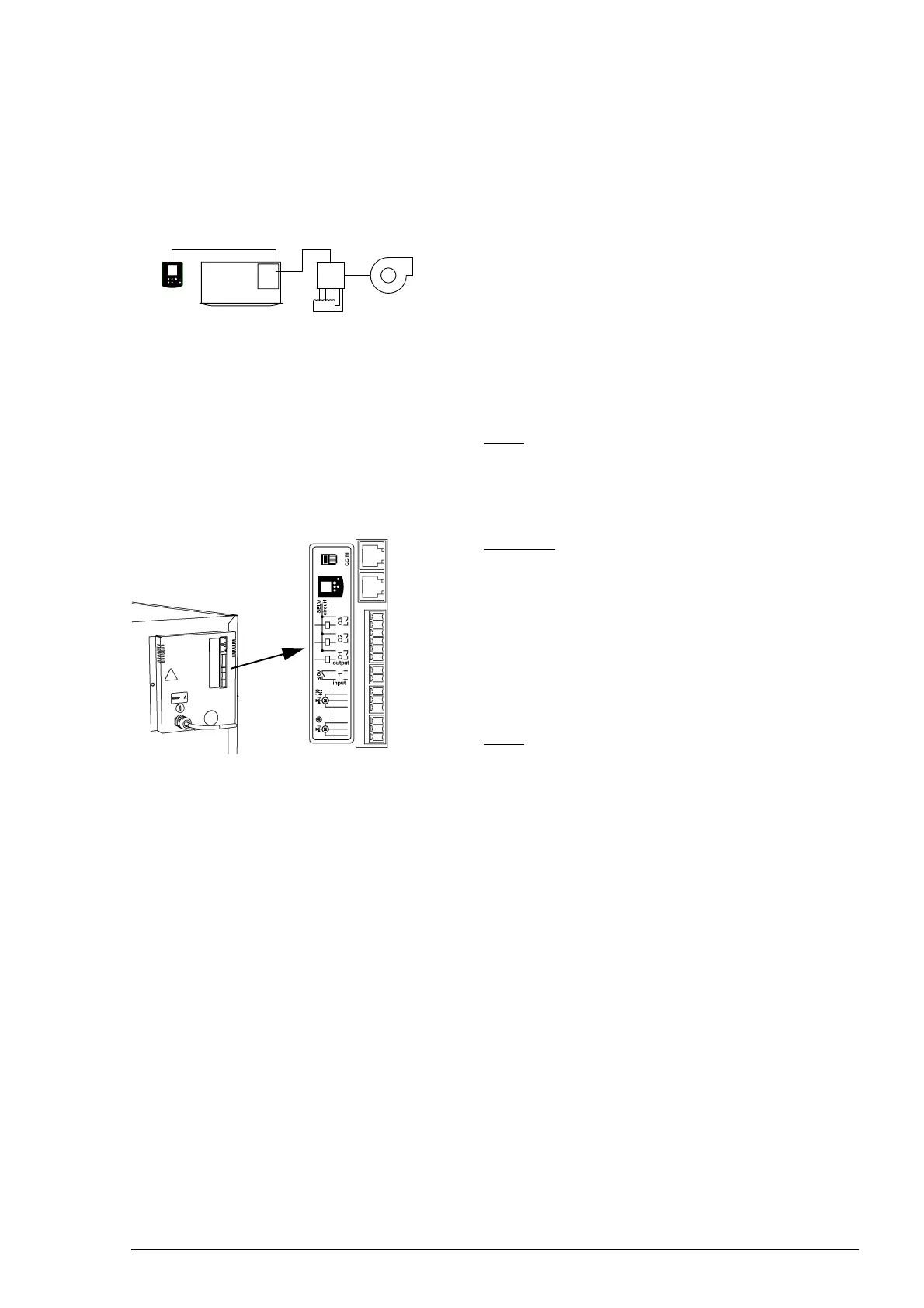
The ventilation module VM-CC 1 allows the Comfort Circle
to control a connected tapped transformer
2 and extractor
fan
3. The extractor fan automatically follows the fan convec-
tor’s three ventilation settings. In this way, the air volume that
the extractor fan removes from the room can be geared to
the volume that the Comfort Circle supplies to the room.
It is also possible to control an extraction fan with a 0-10VDC
signal (see section
2.15.5).
Note:
n The extractor fan and the corresponding tapped trans-
former are not included in the ventilation module deliv-
ered.
Caution:
c Do not connect any ventilation module other than the
VM-CC to the CC V.
1. Install the ventilation module according to the supplied
manual.
2. Connect the ventilation module to the Comfort Circle:
connect the control cables to 1 or 2.
Note:
n If multiple units are connected to one single controller, it
does not matter to which unit the ventilation module is
connected.
2.15 Connecting external controls to unit (optional)
2.15.1 External control details
The unit has a number of in- and outputs to which external
controls can be connected:
• one input in the controller;
• one input in the unit;
• three outputs in the unit;
• 0-10VDC input in the unit;
• 0-10VDC output in the unit.
1
2
3
1
2



 To Next Page