MANUAL TIMER
Version: 1.0 (21-09-2005) 41
5 . . Timer
The Comfort Circle comes standard with a week timer. The
timer allows you to switch the unit on/off each day of the
week. The switching moments can be set at 30-minute inter
-
vals.
Note:
n If you wish to control the switching on and off more pre-
cisely, you can use an external timer, which is to be sepa-
rately connected to the controller.
Note:
n The controller has a battery, so that the time will keep on
running when there is a power outage. The battery has a
minimum life of 10 years. When its life has lapsed, the day
and time will have to be entered again after a power out
-
age.
5.1 Setting the current time
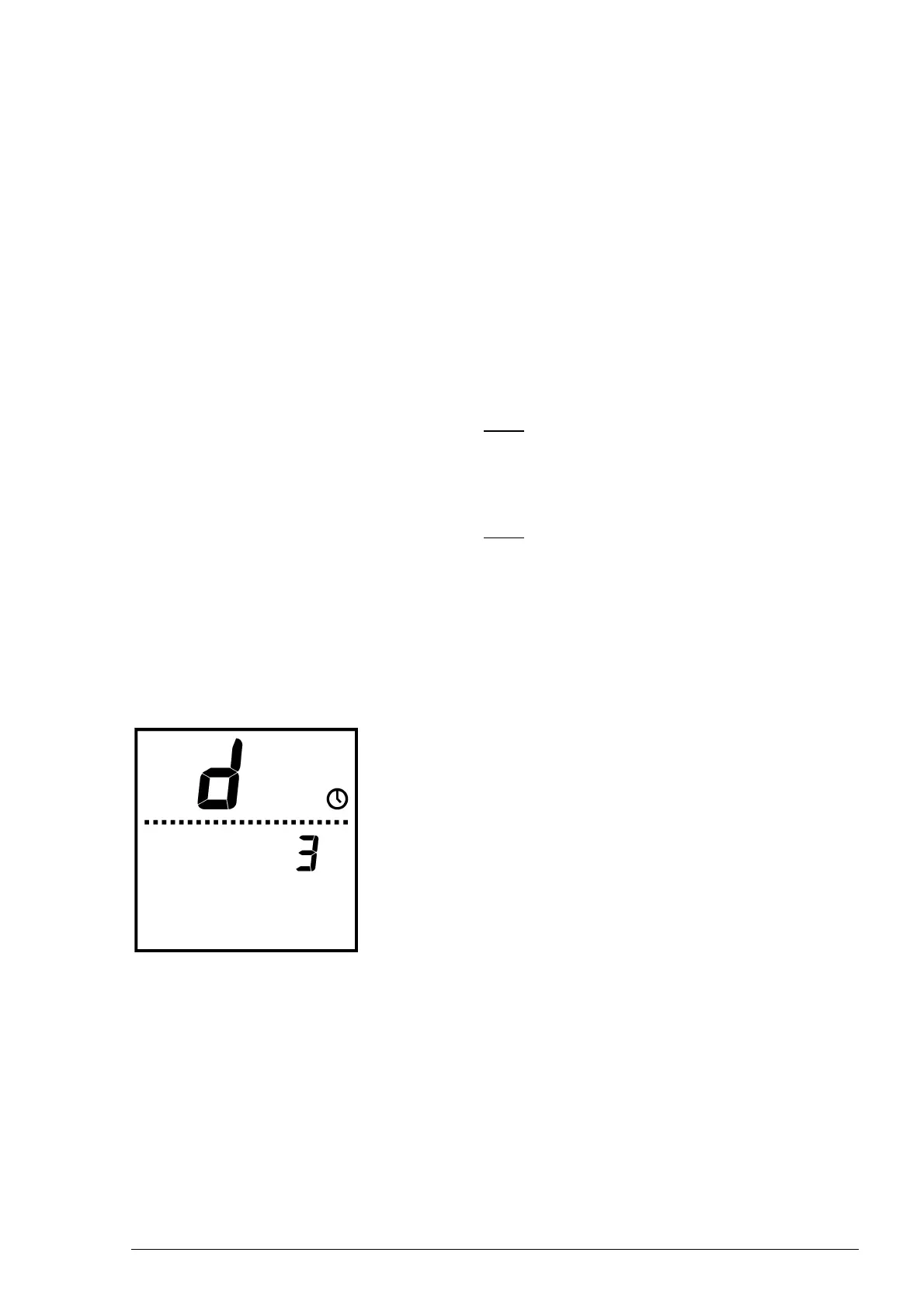
1. Press the ? key briefly, and the display will show a “d”
and the
@ symbol.
2. Set the day using + and -, and close using the ? key
(Monday =
d1 ... Sunday = d7).
3. Set the hour h using + and -, and close using the
? key.
4. Set the minutes m using + and -, and close using the
? key.
5. Store the day and time by holding the ? key down for
five seconds. The display will return to the normal user
mode.
To exit the menu without storing the settings, briefly press
the
= key.



 To Next Page