MANUAL FAULTS
Version: 1.0 (22-09-2005) 47
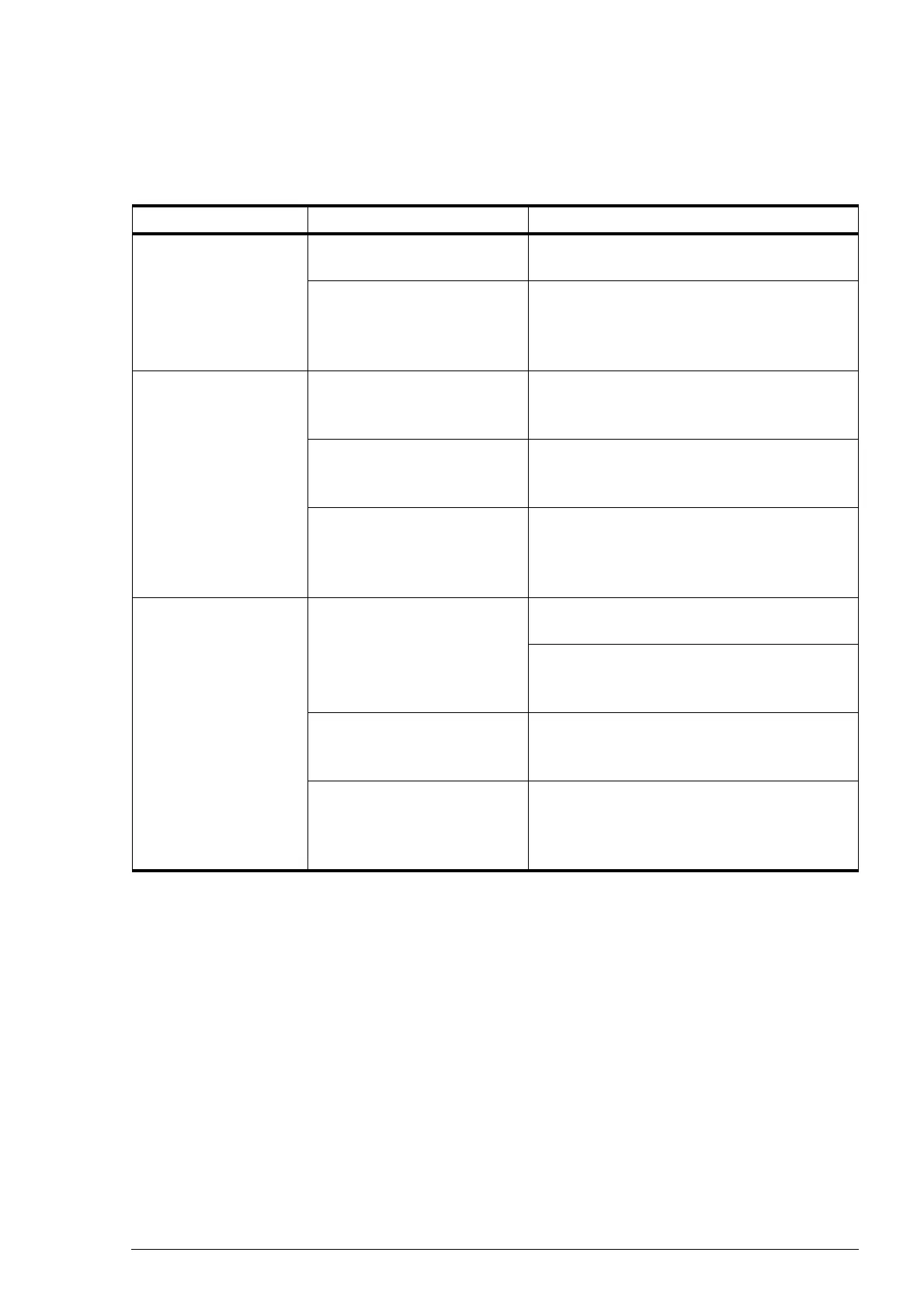
Table 7-1 Correcting simple faults
PROBLEM LIKELY CAUSE WHAT TO DO
The unit does not
work, and the control
-
ler display is blank.
If the LED is lit: the unit is in
pause mode.
Exit the pause mode by pressing the = key.
If the LED is not lit: no power
is supplied to the controller.
Check the mains power supply:
• plug in power point;
•isolation switch;
• unit live.
One or more keys do
not work.
If the display only shows the
room temperature: the unit is
switched off.
Switch the unit on using the = key.
If the lock symbol is displayed:
the keys of the controller are
locked.
To unlock the keys, press +, - and ?
simultaneously.
If the display shows the clock
symbol or the arrows symbol:
the unit is controlled by an
external control.
This is not a fault. Operation is limited by the
input signal from the external control.
One or more units do
not work.
If the display shows more
symbols:
For CC S: This is normal – the room tempera-
ture has been reached, and the fan switches off.
For CC M in AUTO mode: the room tempera-
ture has become too high (when heating) or
too low (when cooling).
If you have a 6-key controller,
and the
J symbol is dis-
played:
Press the \ key to switch on the ventilation
units – the
M symbol appears in the display.
If the display shows the clock
symbol or the arrows symbol:
the unit is controlled by an
external control.
This is not a fault. Operation is limited by the
input signal from the external control.



 To Next Page