Setting function
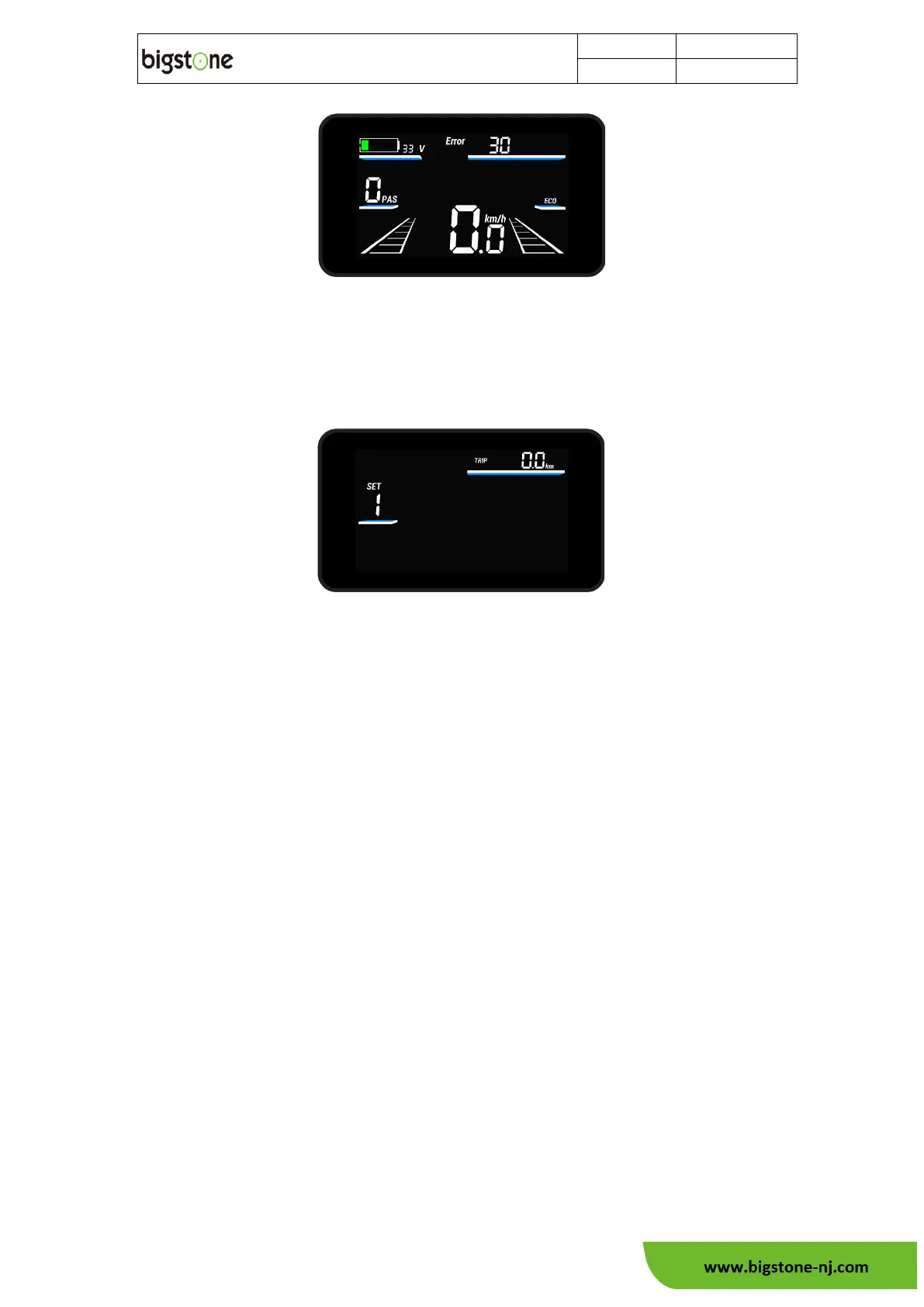
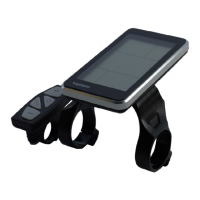
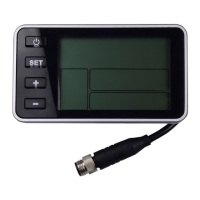
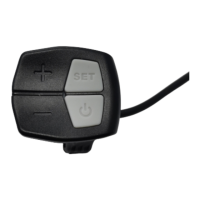
In the basic function screen, press and hold the “SET” button for 2 seconds to
enter the setting screen.
Press the "SET" key to select the settings in the order of each setting item.
SET1: Trip clear.
SET2: set maximum speed
SET3: wheel diameter setting
SET4: Unit setting
SET5: system voltage setting
SET6: Brightness setting
Note: In setting screen and without operation more than 60 seconds, and the D400
automatically returns to the basic function screen.
See Part 7 for Basis settings



 To Next Page