15
4. Enter the Username and Password. The default username and password are both “binary”.
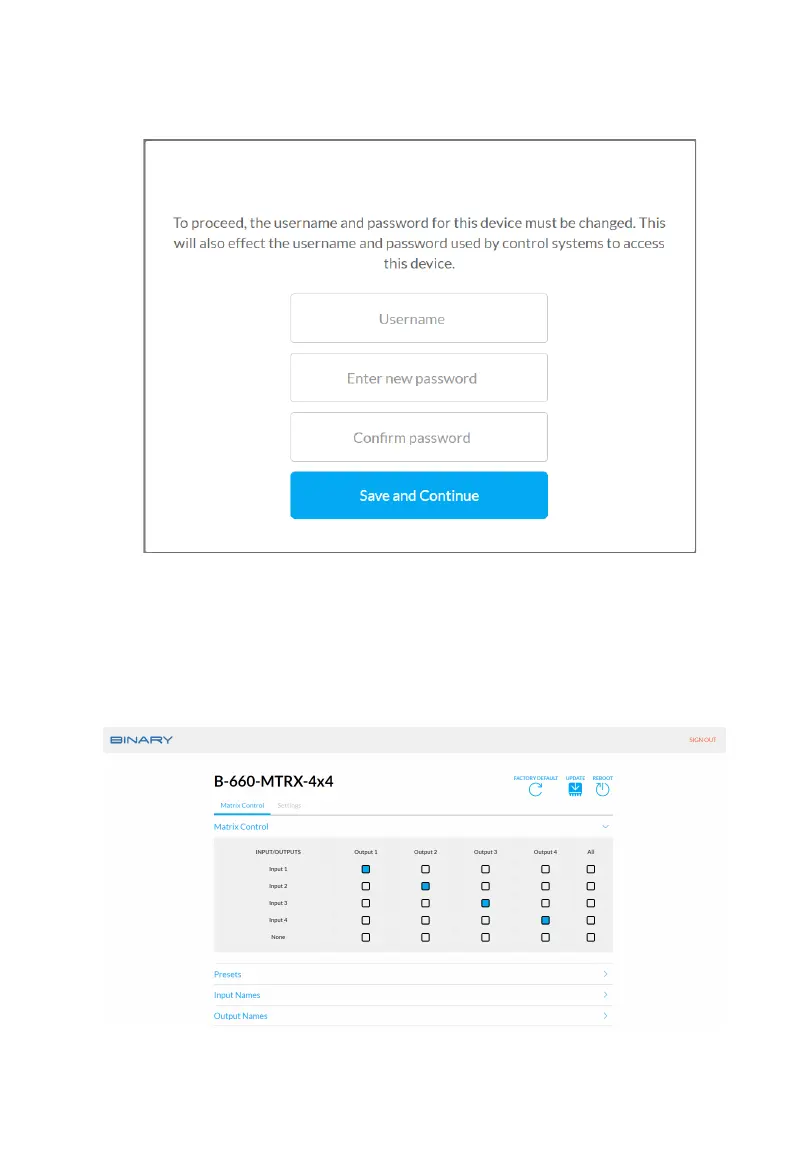
Then click “Login”. Upon rst login the following page will be pop up and require you to
change the default username and password.
Note:
• The new username and password must be dierent from the default used to access the
Web UI inially.
• The new username and password must be alphanumeric and between 4 to 16 characters in
length.
• Be sure to record the new username and password for accessing the Web UI later.



 To Next Page