Need help?
Do you have a question about the Binary B-660-MTRX-4X4 and is the answer not in the manual?
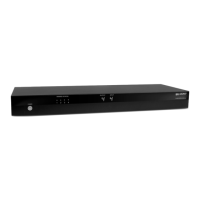
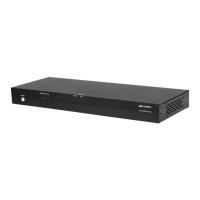
Details the indicators, IR sensor, status LED, and power switch on the front of the matrix.
Describes the rear panel ports including AC power, HDMI inputs/outputs, network, and RS-232.
Provides step-by-step instructions for mounting the matrix in a standard 19-inch equipment rack.
Explains how to connect HDMI sources, displays, audio devices, and control systems to the matrix.
Guides users on connecting to the local network and accessing the device's Web UI via a browser.
Details the initial login process and the requirement to change the default username and password.
Covers signing out, factory resets, and firmware updates within the Web UI.
Details how to update the device's Web UI and MCU firmware through the interface.
Explains how to initiate a device reboot using the Web UI and the expected process.
Manages input/output routing and saving/loading switch settings via the Web UI.
Allows renaming of inputs and outputs for better identification within the Web UI.
Guides on configuring EDID settings to match display requirements for each output.
Explains how to manage Consumer Electronics Control (CEC) for connected displays via the Web UI.
Details setting up DHCP or static IP addresses for network connectivity and control.
Covers changing the Web UI login username and password for security.
Displays the current MCU and Web UI firmware versions installed on the device.
Lists the recommended maximum transmission distances for HDMI cables based on resolution and cable type.
 General
| Brand | Binary |
|---|---|
| Model | B-660-MTRX-4X4 |
| Category | Matrix Switcher |
| Language | English |


 To Next Page