16
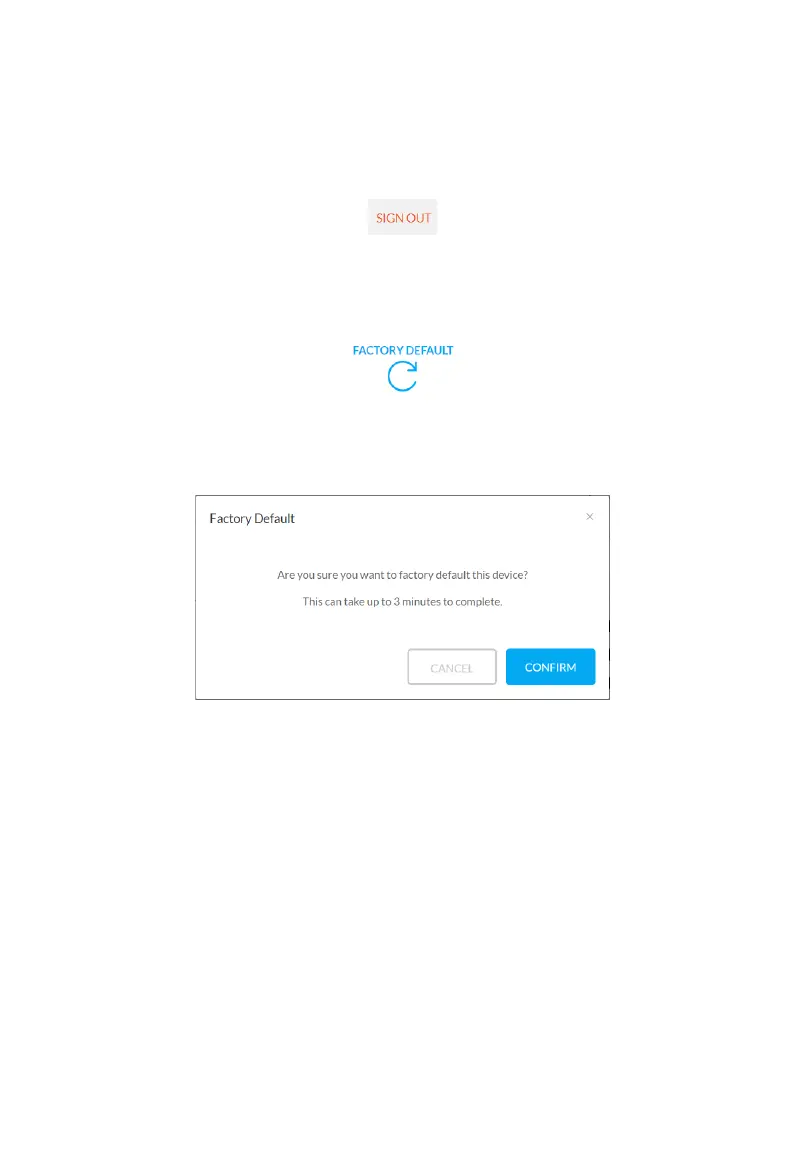
The web UI page includes the following submenus: SIGN OUT, FACTORY DEFAULT, UPDATE
and REBOOT on the up-right corner, Matrix Control and Sengs in the main page.
Click the icon to return to the login page.
Aer clicking the Factory Default Icon the following window will appear, click “CONFIRM” to
reboot the device.



 To Next Page