06
Helpline No. UK/Northern Ireland
Web Support
http://www.binatoneonline.com/
08453459677
0818762092
Channel scan searches for active signals in an
for all 8 channels, 38 CTCSS codes and
a.
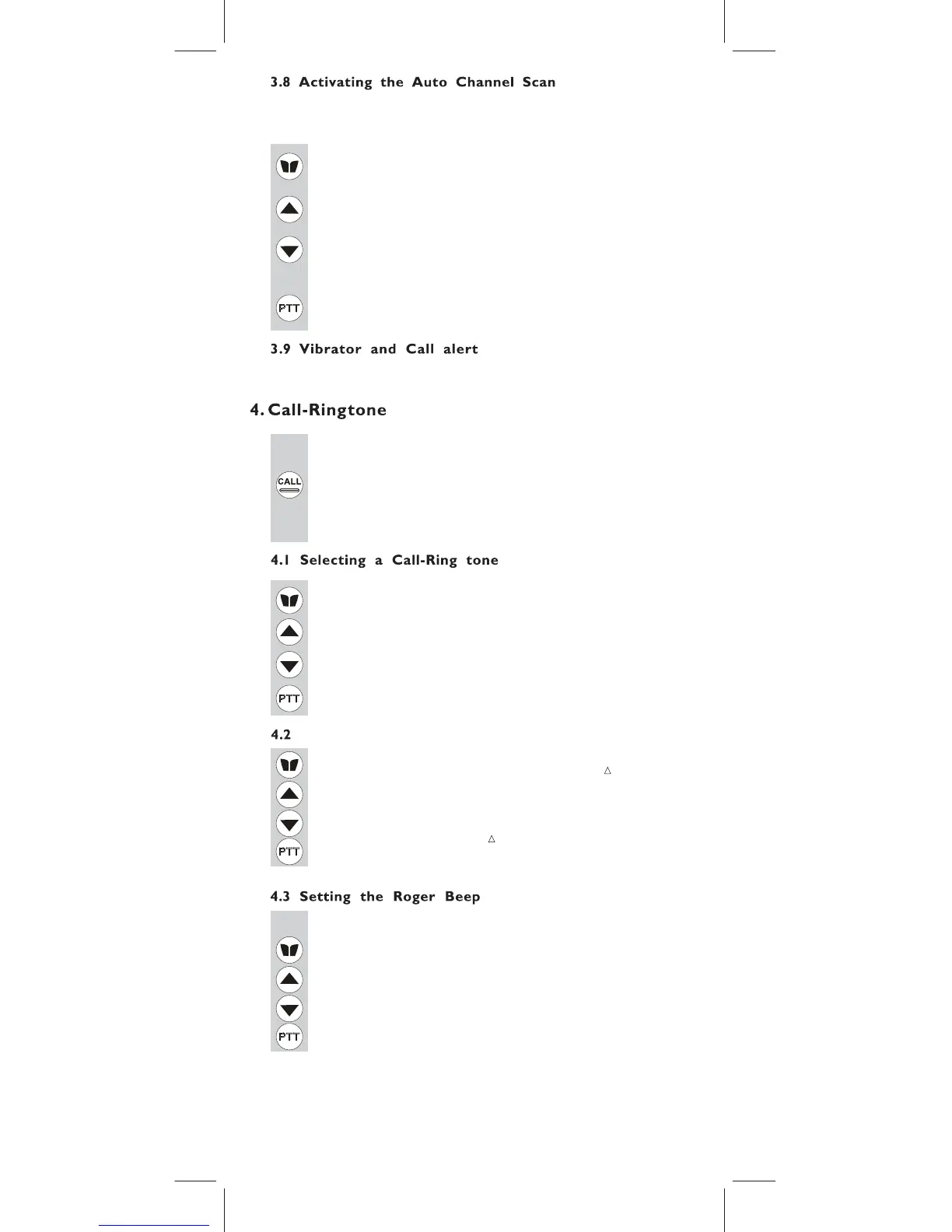
Press the MENU button 5 times, the “SCAN” icon
will display on the LCD Screen.
c. Press the MENU button six times, the CTCSS flashes on
the LCD screen. Press the UP or DOWN button to begin
scanning the CTCSS from 1-38.
d. Press the MENU button seven times, the DCS flashes on
the LCD screen. Press the UP or DOWN button to
begin scanning DCS code 1-83.
e.
Press the PTT button to confirm your setting.
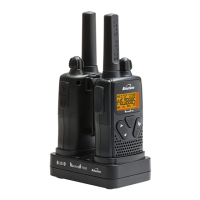
Your Action 1000 can alert you to an incoming signal by
call tone and vibration signal.
You can send a Call-ring tone to other PMR users to give an
alert that you want to communicate with them.
Press the CALL button
You will hear a ring tone for about two seconds; the“TX”
icon appears on the LCD Screen. Any other units within
the transmitting range and tuned to the same channel
and sub-channel (if applicable) will hear the Call-ring tone.
The Action 1000 is equipped with 15 different types of
a. Press the MENU button 8 times, the “C 01” icon will display
and flashes on the LCD Screen.
b. Press the UP or DOWN button to select the desired
Call-ring tone. The Call- Ring tone sound will be
played when changing from one tone to another.
c. Press the PTT button to confirm your setting.
Note: Vibrator and Call tone can be activated at the same.
The Roger Beep is a tone which is automatically transmitted
whenever the PTT button is released. This alerts the receiving
party to inform that you have intentionally ended the
transmission, and you are now in receive mode.
b. Press the UP or DOWN button to select the Roger beep
On/Off.
c. Press the PTT button to confirm your setting.
endless loop
all 83 DCS codes.
emitting an audible
Call-Ring tones.
Binatone Help Line - 0845 345 9677
b. Press the UP or DOWN button to
change the mode to
either;"1"- Call tone only " " or "3"- Vibrate only"(( ))".
c. Press the PTT button to confirm your setting.
a. Press the MENU button 9 times; “2” and " (( )) "flashes
on the LCD to indicate that both call tone and vibrate
functions are active.
b. Press the UP or DOWN button to begin scannin
channels. When an active signal is detected,
the channel scan pauses on the active channel.
Activating the Vibrate and Call-Ring tone modes
You can select from 3 options of Vibrate and call tone modes
a. Press the MENU button 10 times, the “ON” icon flashes
on the LCD Screen.



 To Next Page