07
Helpline No. UK/Northern Ireland
Web Support
http://www.binatoneonline.com/
08453459677
0818762092
b. Press the UP or DOWN button to select the Key tone
On/Off.
c. Press the PTT button to confirm your setting.
6.1 KeyLock
6. AuxiliaryFeatures
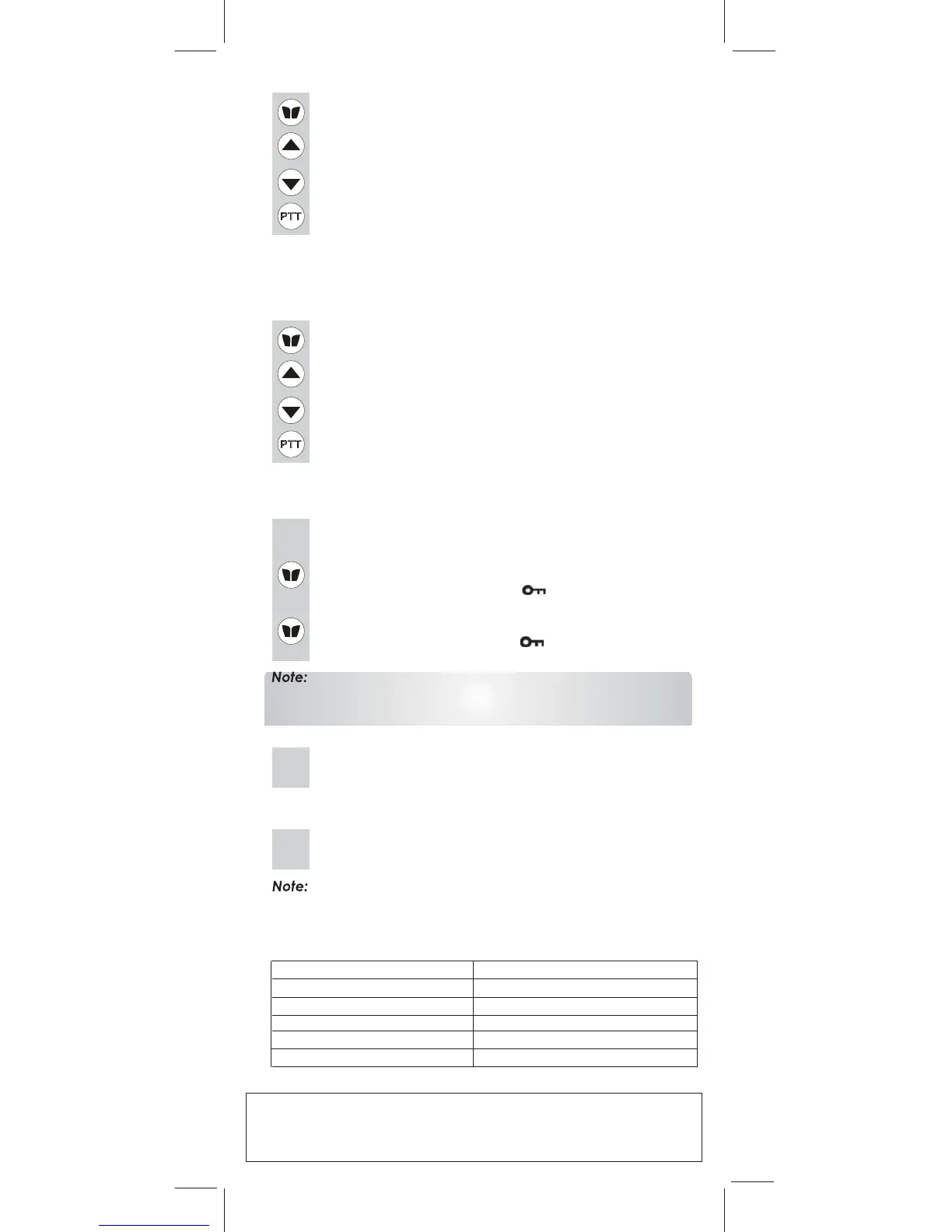
MENU button until key lock “ ”icon appears on
the LCD Screen.
b. To deactivate the key Lock feature, press and hold the
MENU button until key lock “ ” icon disappears
form
the
LCD Screen
.
The PTT, and CALL buttons will remain functional even if the
Key
Lock
feature
is activated.
6.2 LCD Screen Back Light
5. Setting the Dual Watch Mode
another (dual watch) channel. If the unit detects a signal on either
channel, it will stop and receive the signal.
b. Press the UP or DOWN button to select the Dual Watch
channel (1-8, except the current channel).
c. Pre
ss the MENU button to change the CTCSS code.
d. Press the UP or DOWN button to select the desired
CTCSS code (1-38)
e. Press the MENU button to change the DCS code.
f. Press the PTT button to confirm your setting.
Your Action 1000 is capable of monitoring two channels, the current and
7. Specifications
Channel 8Channels
CTCSS Sub-channel 38 for each Channel
Output Power (TX) 0.5 W
Ran
g
e
U
p
to 10 Kms.
83 for each Channel
Digital Code channal
Channels Available
968
Channels
Main
Combinations
There are 38 CTCSS sub codes and 83 DCS codes available.
1RWH
Therefore,you can have:
6.3 Headset
Jack
1. Combination of 8 mains channel and 38 CTCSS sub codes – 304 combinations.
2. Combination of 8 mains channel
and 83 DCS sub codes – 664 combinations.
The Key Lock feature allows the user to disable the UP,
DOWN and MENU buttons so that the Action 1000
settings can not be changed accidentally.
a. To activate the Key Lock feature, press and hold the
a. Press the MENU button 11 times, the “ON” icon flashes
on the LCD Screen.
4.4 Setting the Key Tone On or Off
This feature allows the Action 1000 to emit a confirmation
tone after pressing each button.
a. Press the MENU button 12 times , the “ DCM” icon will
be displayed while “ OFF ” flashes on the LCD Screen.
Every time a button is pressed (except PTT and
CALL button), the LCD Screen back light will illuminate
for 5 seconds.
The Action 1000 is equipped with an auxiliary headset
jack located at the opposite side of the PTT button.
It requires a headset with a 2.5mm, 3-pole jack
connector,which is not supplied with your Action 1000.



 To Next Page