16
Binatone Help Line - 0845 345 9677Binatone Help Line - 0845 345 9677
Binatone Help Line - 0845 345 9677Binatone Help Line - 0845 345 9677
Binatone Help Line - 0845 345 9677
Calls are charged at Local Call rate.
Phonebook continue...
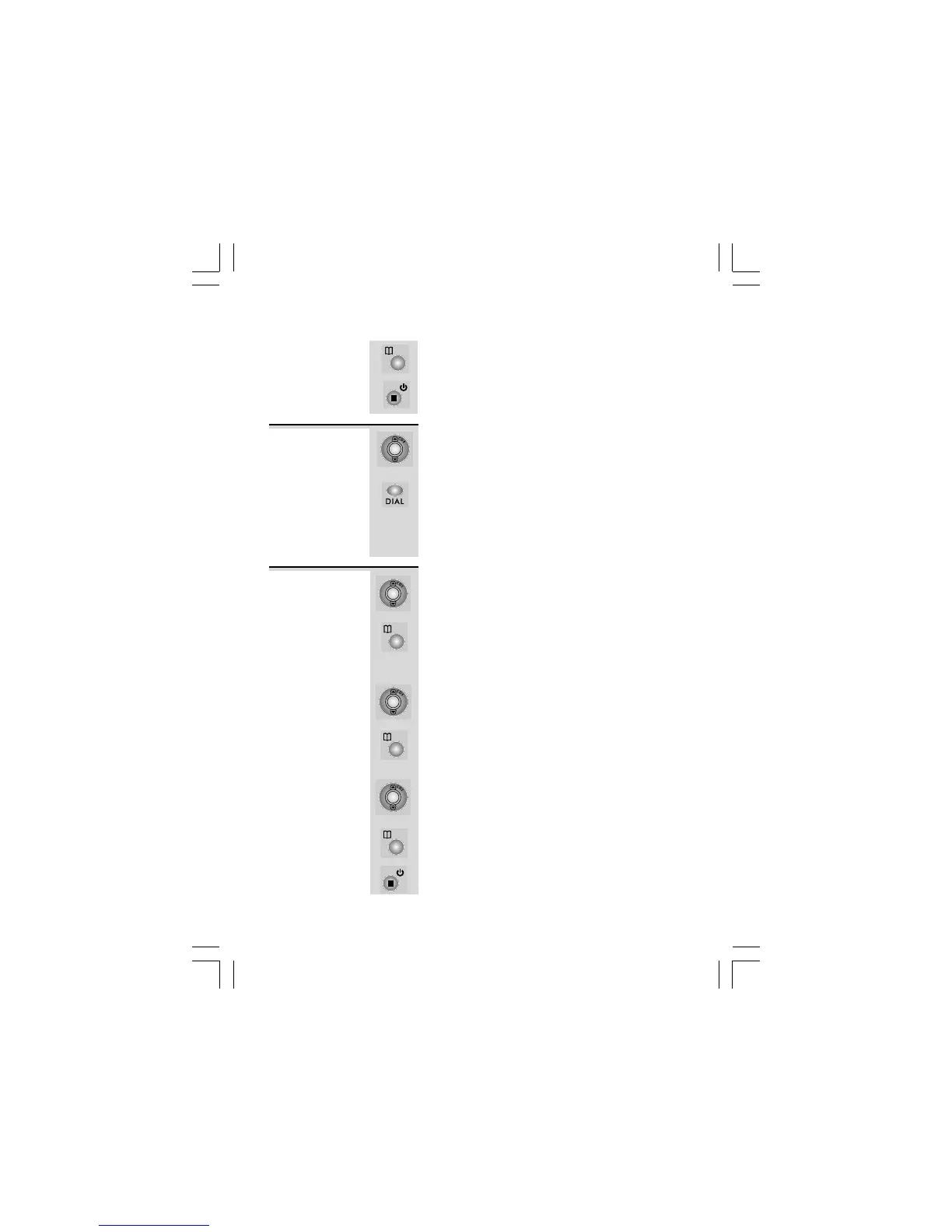
7 Press PHONEBOOK button to confirm.
8 Press EXIT button repeatedly to return to
standby mode or wait until the program times
out.
1 When viewing the Phonebook records, press
UP or DOWN button to find the record you
wish to call.
2 Press DIAL button. The phone automatically
dials the displayed record.
Ö The SpeakEasy 6 dials the number using
the speakerphone mode. Lift the Handset
anytime to talk privately and to turn the
speakerphone mode off.
To make a
call from the
Phonebook
1 When viewing the Phonebook records, press
UP or DOWN button to find the record you
wish to edit.
2 When the record is displayed, press
PHONEBOOK button.
Ö The display shows the cursor blinking on the
first digit of the telephone number.
3 Press UP or DOWN button to move the cursor
to the digit you wish to change then input the
new one or press DELETE button to delete.
4 Press PHONEBOOK button to confirm.
Ö The display shows the cursor blinking on the
first character of the name.
5 Press UP or DOWN button to move the cursor
to the character you wish to change then input
the new one or press DELETE button to delete.
6 Press PHONEBOOK button to save the edited
record.
7 Press EXIT button repeatedly to return to standby
mode or wait until the program times out.
To edit a
stored
number
and/or name













 To Next Page