BD-S / BD-S-UL, ED-S / ED-S-UL, FD-S / FD-S-UL (E1) 05/2019 page 17/59
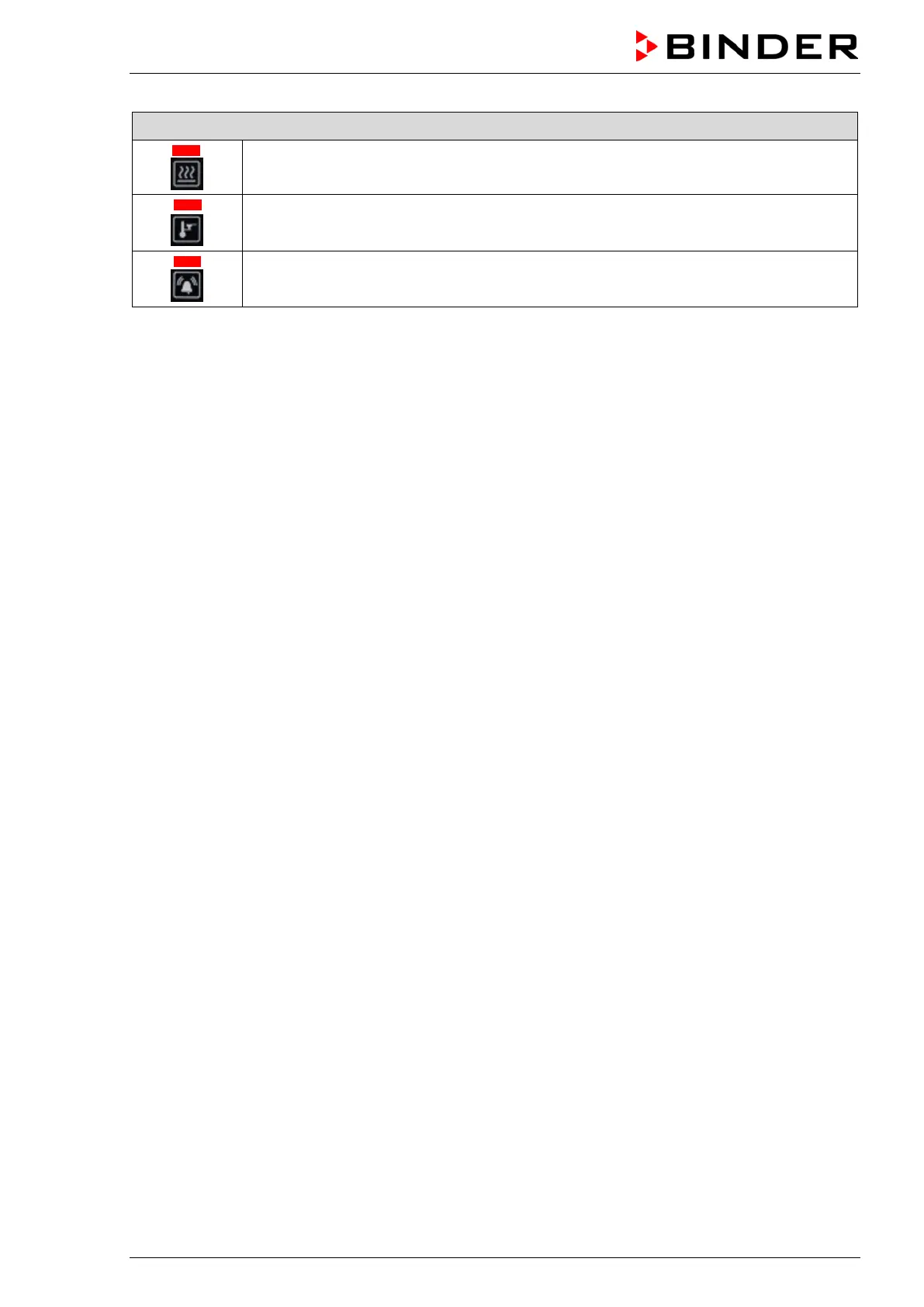
Status-LEDs for information about chamber conditions
Heating active
Safety controller active
Collective alarm
Return to Normal display:
If no entry is made for 120 seconds, the controller returns from each menu to normal display.
To directly return from each menu to normal display, keep pressed down the confirmation button and
press the arrow-up button, if appropriate, several times. Each time you press the arrow-up button the
controller goes back one level.
5.1 Menu structure overview
Normal display
• Temperature set-point entry directly via the confirmation button (chap. 7).
Quick access
Access from Normal display via the arrow buttons:
• Setting the safety controller value (chap. 9.2.1)
• Setting the timer run-time for timer function “Delayed Off” (chap. 10.2.1)
“Setup” menu
The menu is password protected (“S.Loc”). Enter password “10” and select the submenu.
• Setting the temperature unit (chap. 8.1)
“Advanced configuration” menu
The menu is password protected (“A.Loc”). Enter password “20” and select the submenu.
• Setting the ramp gradient (chap. 11.2)



 To Next Page