Display of the performance features set up
s When the sys tem te le pho ne is at rest, ad di tio nal in for ma ti on on
the functions that are set up / per for man ce functions are dis play -
ed in the »In fo« li ne of the dis play. Ex am ple: »-t-S-r-«.
For furt her in for ma ti on on the functions set, press the »In fo«
softkey .
29.05.07 07:21
Info-D-S-q-
Tel. drctry
Idle
VIP
Caller list
If se ve ral functions are set, press the ar row keys to see the va ri ous
set tings.
ªªªªªªªªªªªªªªªªªªªªªªªªªª
Inhibit/Menu access:
Guard for modification
¬¬¬¬¬¬¬¬¬¬¬¬¬¬¬¬¬¬¬¬¬¬
Additional display information
When the te le pho ne is at rest, ad di tio nal in for ma ti on on the functions that are set up is dis play ed in the top line of the
display.
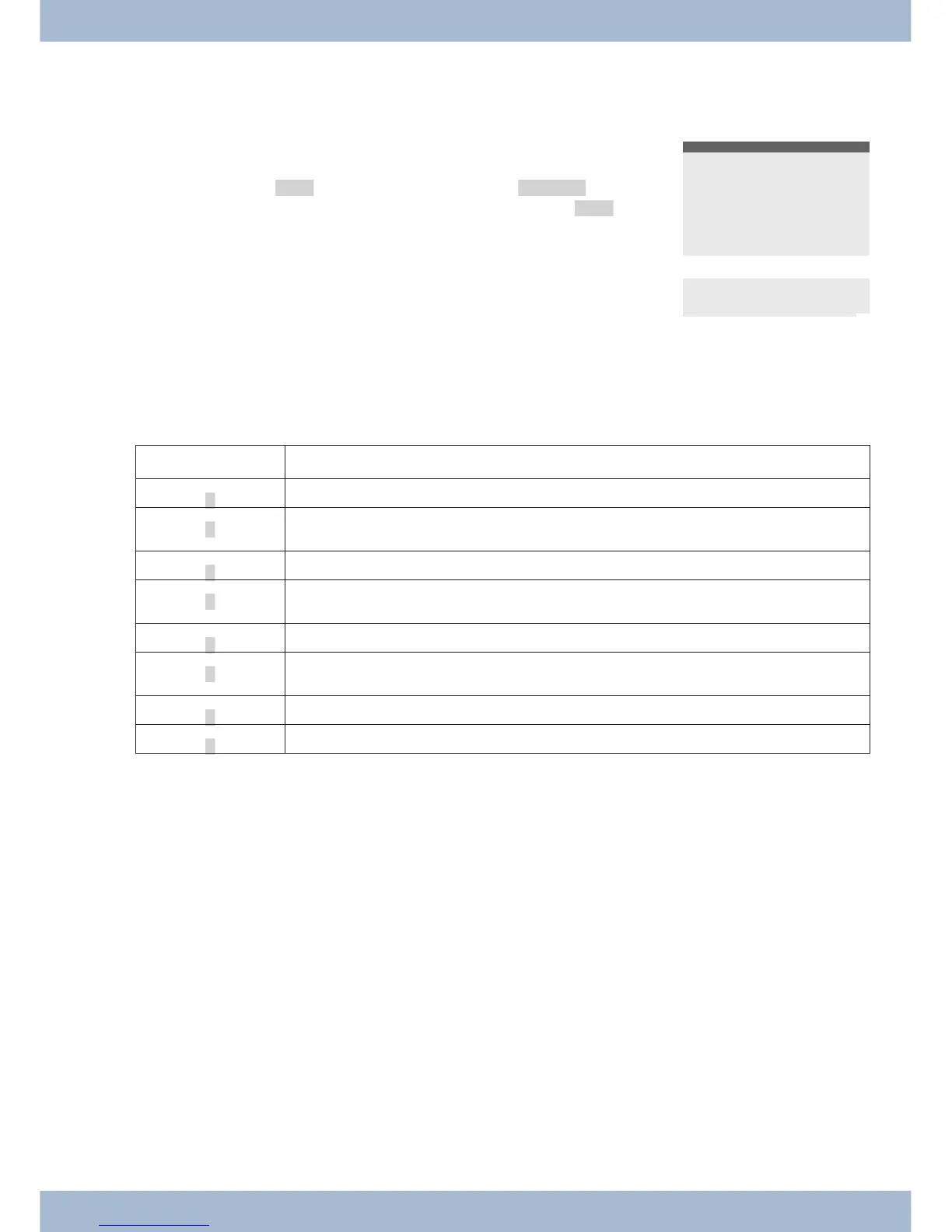
Dis play Functi on set up
»D«
Ac ti ve ap point ment set.
»I«
Di al con trol or call fil ter ac ti vat ed,
Ac cess to sys tem te le pho ne me nus protected
»q«
»Do not dis turb« functi on (on ly at ten ti on to ne) set.
»Q«
»Do not dis turb« functi on (com ple te) set.
(All call to nes are de ac ti vat ed)
»U«
Call for war ding set up.
»i«
In for ma ti on about pro gram med functi on keys
E.g.: An noun ce ment per mit ted / not per mit ted.
»I«
In for ma ti on about mes sa ges (MWI) e.g. on your T-Net box
»%«
Ans we ring ma chi ne, time con trol, call for war ding or re mo te ope ra ti on (op tio nal mo du le) on.
Setting the display language Sys tem te le pho ne set tings
19



 To Next Page