Configure filter number
You can set up a new fil ter num ber or use a num ber al rea dy in the sys tem te le pho ne (re di al ling, pho ne book, VIP or
speed dial memory).
A new fil ter num ber is en te red in the fol lo wing ex am ple.
Start as fol lows:
a
M s > s s O s
Set ting Call fil ter New
Fil ter num ber
se lect
New
t
O
En ter the fil ter num ber. Ex am ple: »012345«.
Con firm your en tries with O.
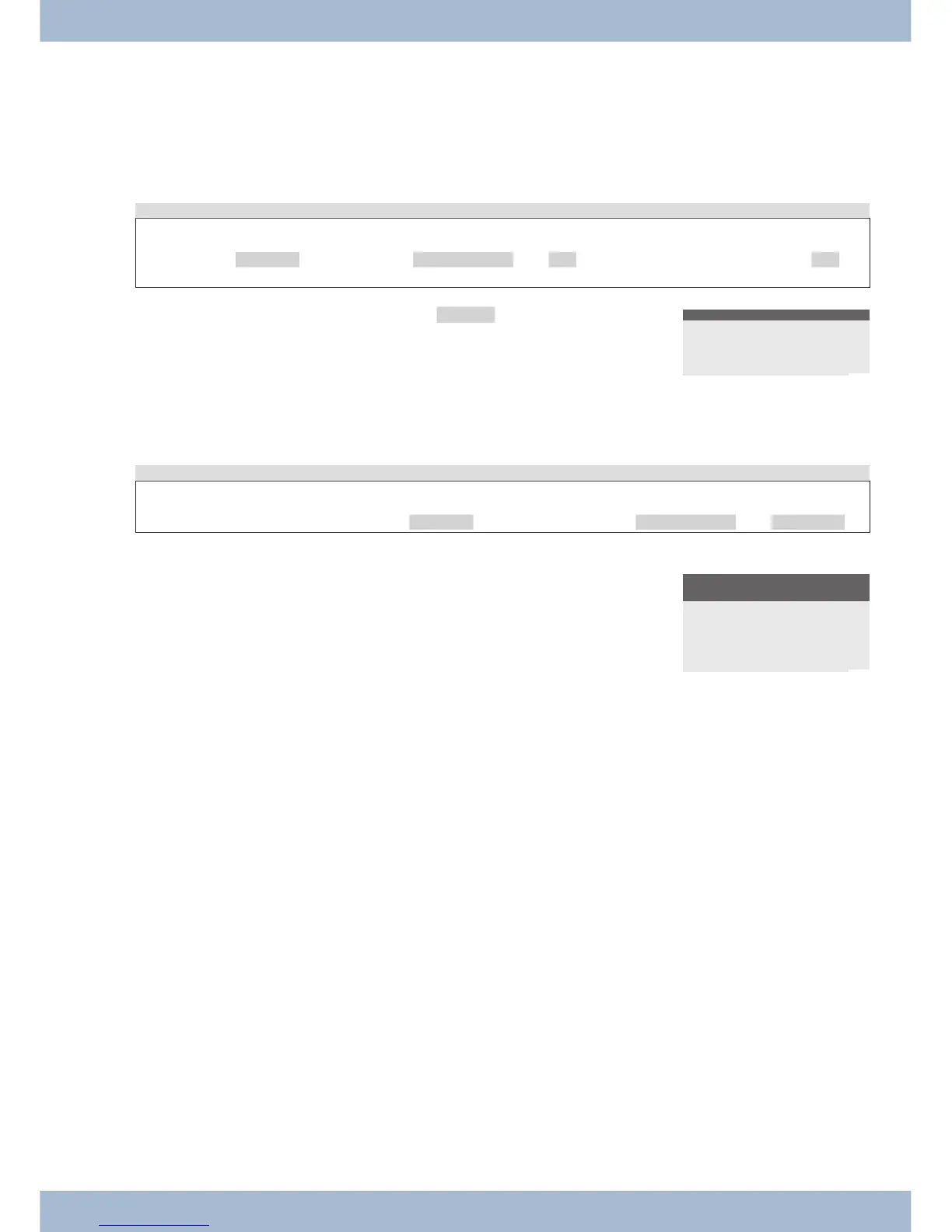
Enter filter no.
>012345_
¬¬¬¬¬¬¬¬¬¬¬¬¬¬¬¬¬¬¬¬¬
Set up call fil ter ope ra ting mode
Start as fol lows:
a
M s > s s
Set ting Call fil ter In co ming
The cross next to a soft key in di ca tes which set ting is cur rent ly ac ti vat ed.
s To set the call fil ter to the de si red ope ra ting mo de, press the cor -
re spon ding soft key.
Filter incoming
calls ?
All calls
No
forward
reject
¬¬¬¬¬¬¬¬¬¬¬¬¬¬¬¬¬¬¬¬¬
settings Con fi gu ring and set ting the sys tem te le pho ne
77



 To Next Page